
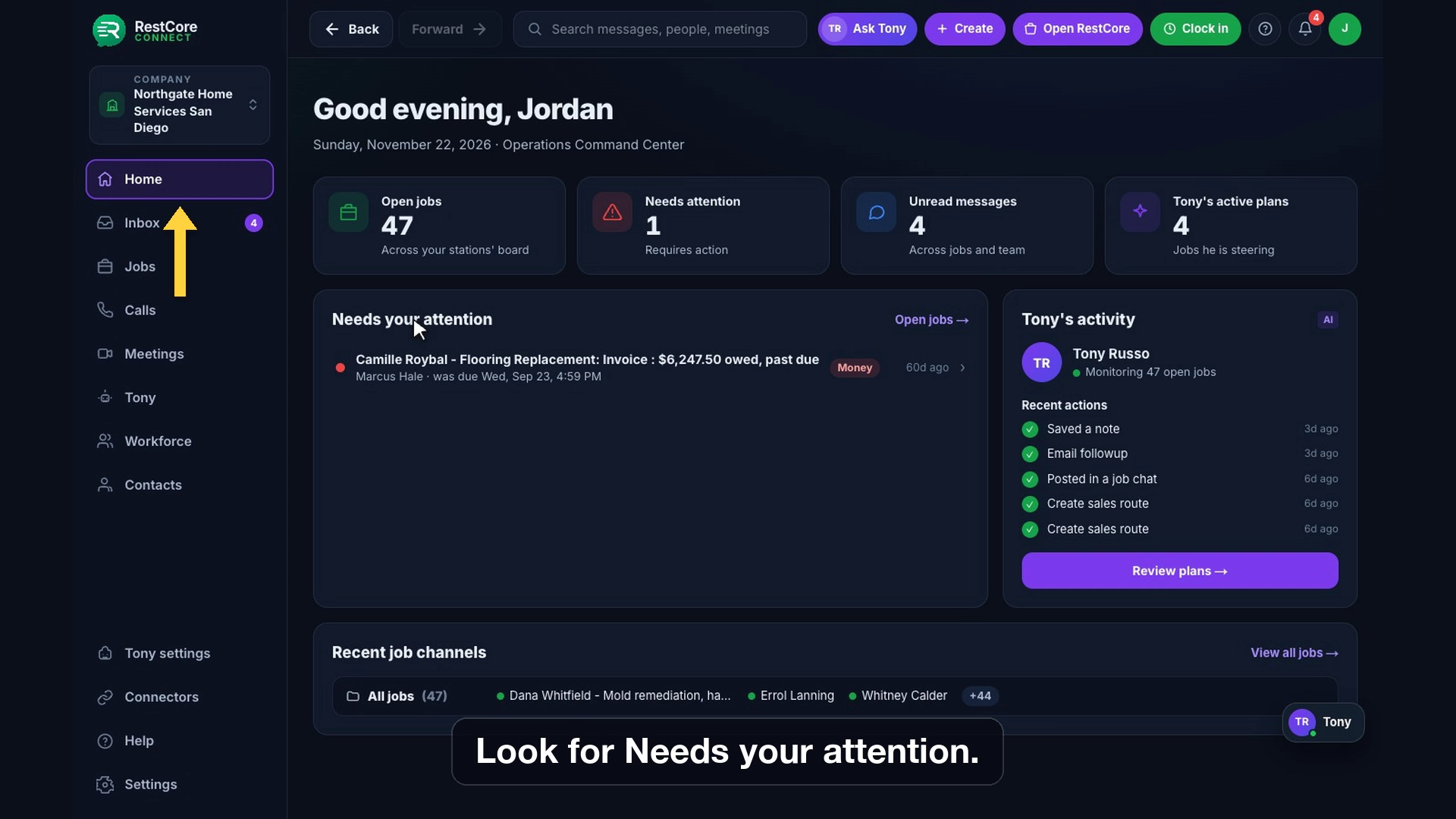
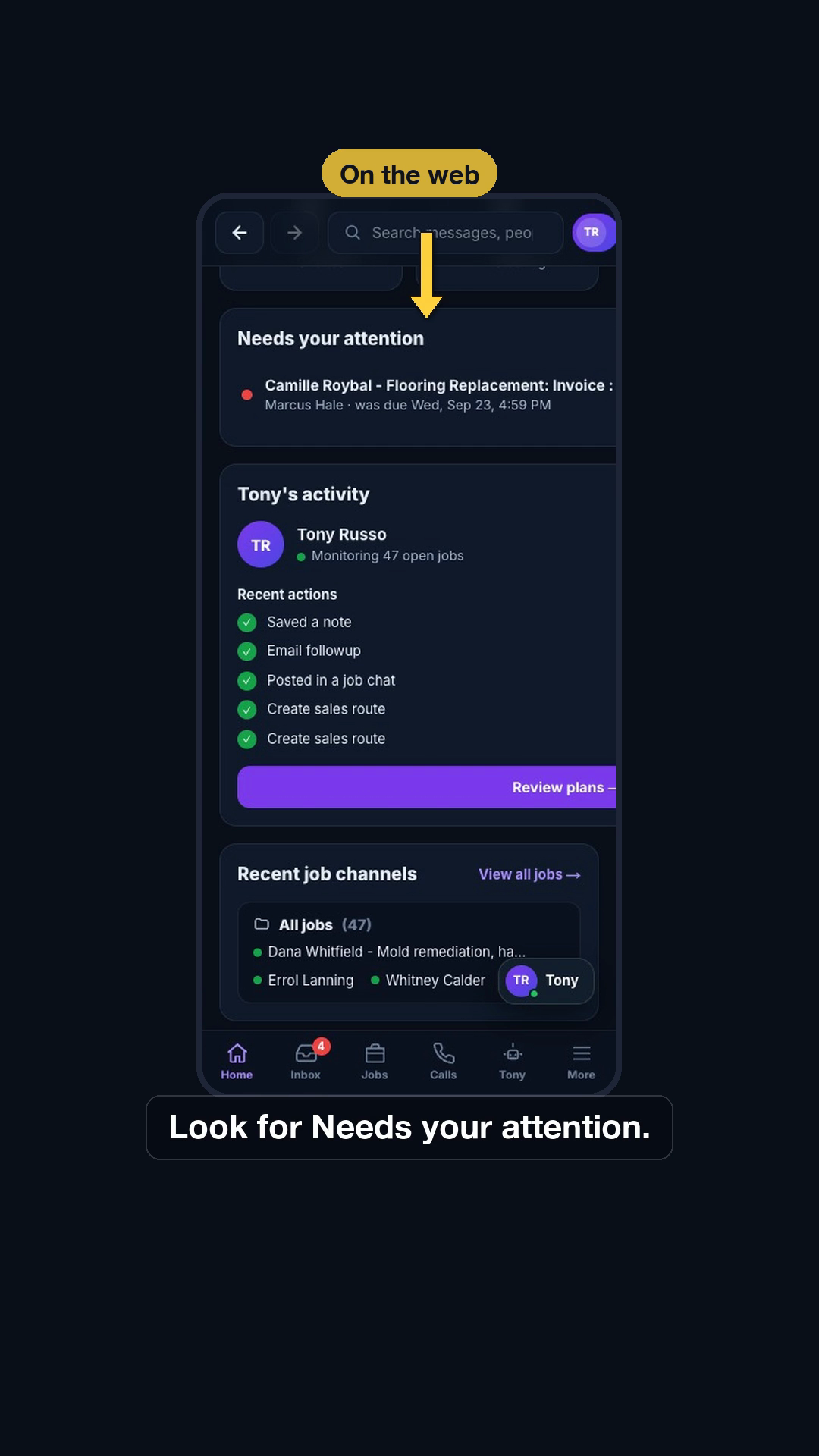
Help Center › Getting Started
Invite a teammate
A 30-second how-to with the steps and screenshots below.
In this guide
- 1Open Settings, then Team.
- 2Enter your teammate’s email.
- 3Choose the access they need.
- 4Check the details, then send the invite.
- 5Check that the invitation is pending.
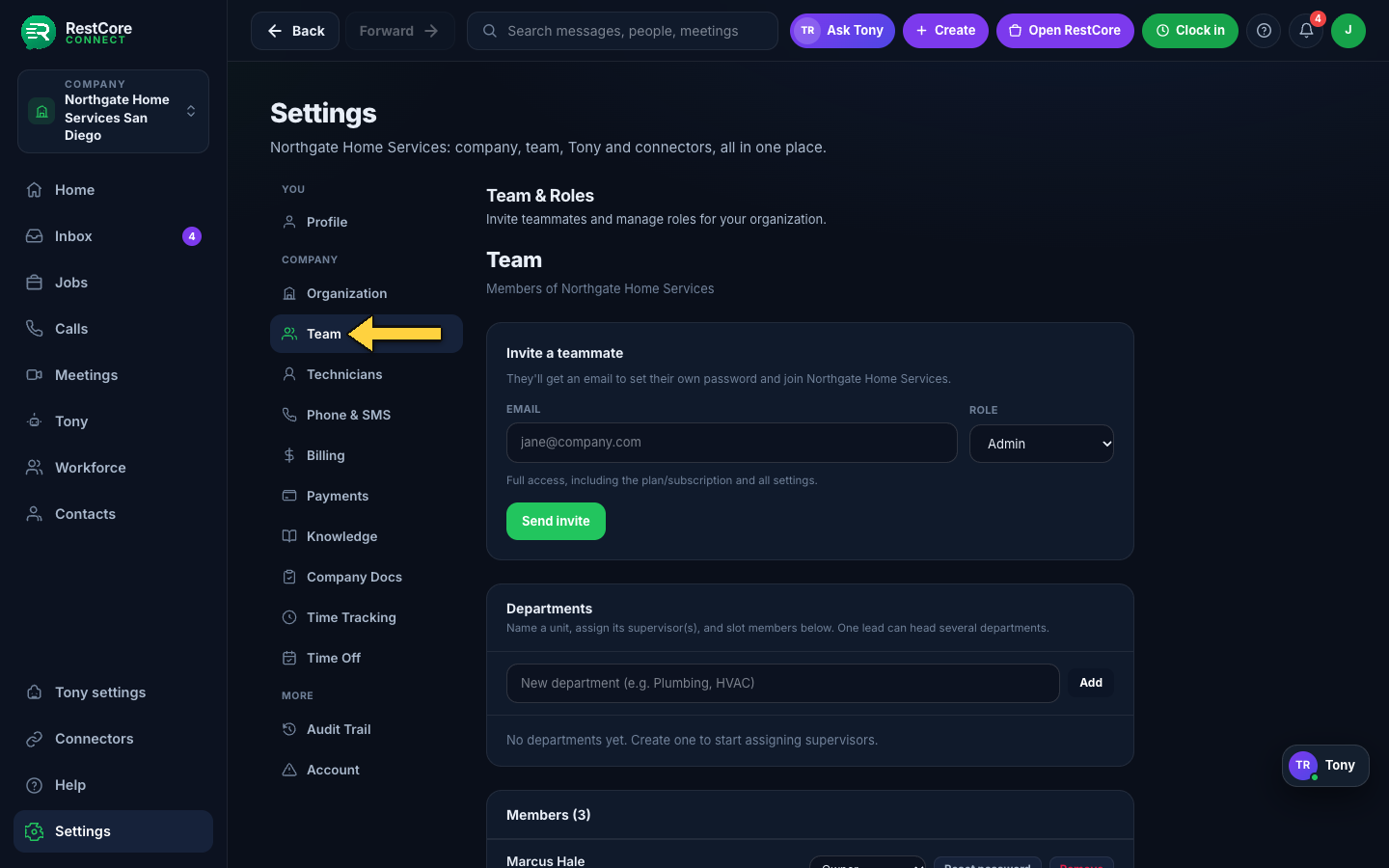
1Open Settings, then Team
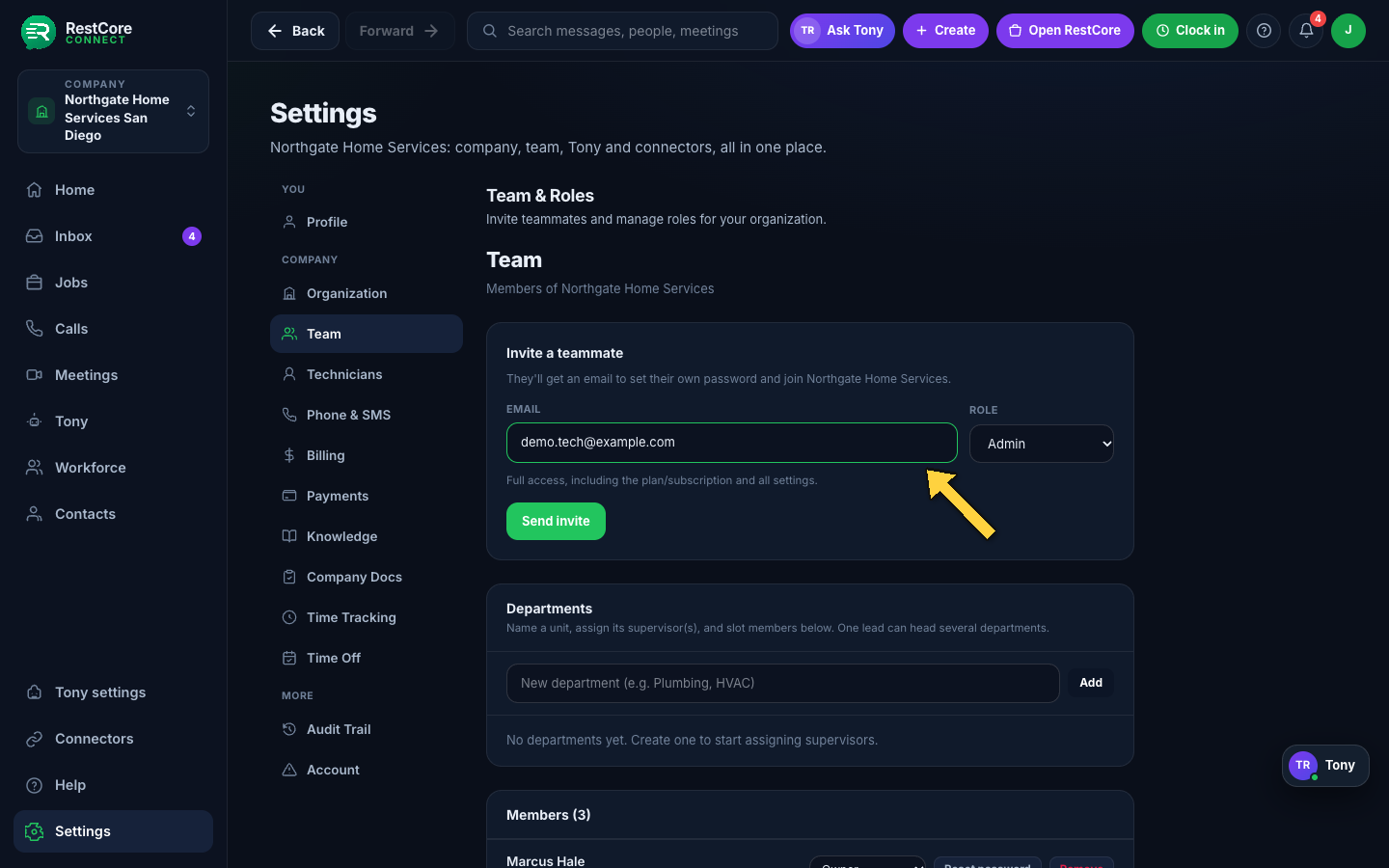
2Enter your teammate’s email
3Choose the access they need
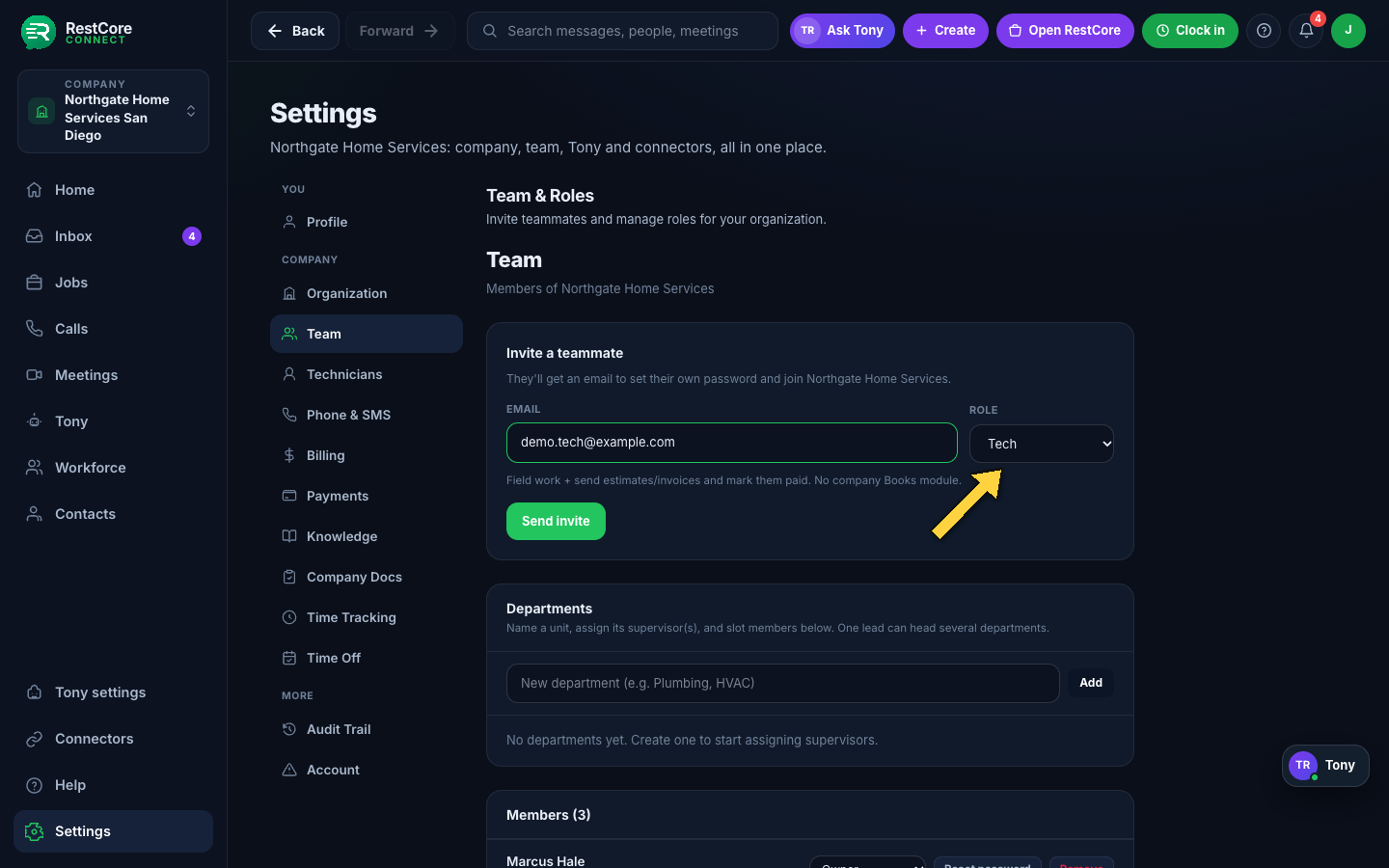
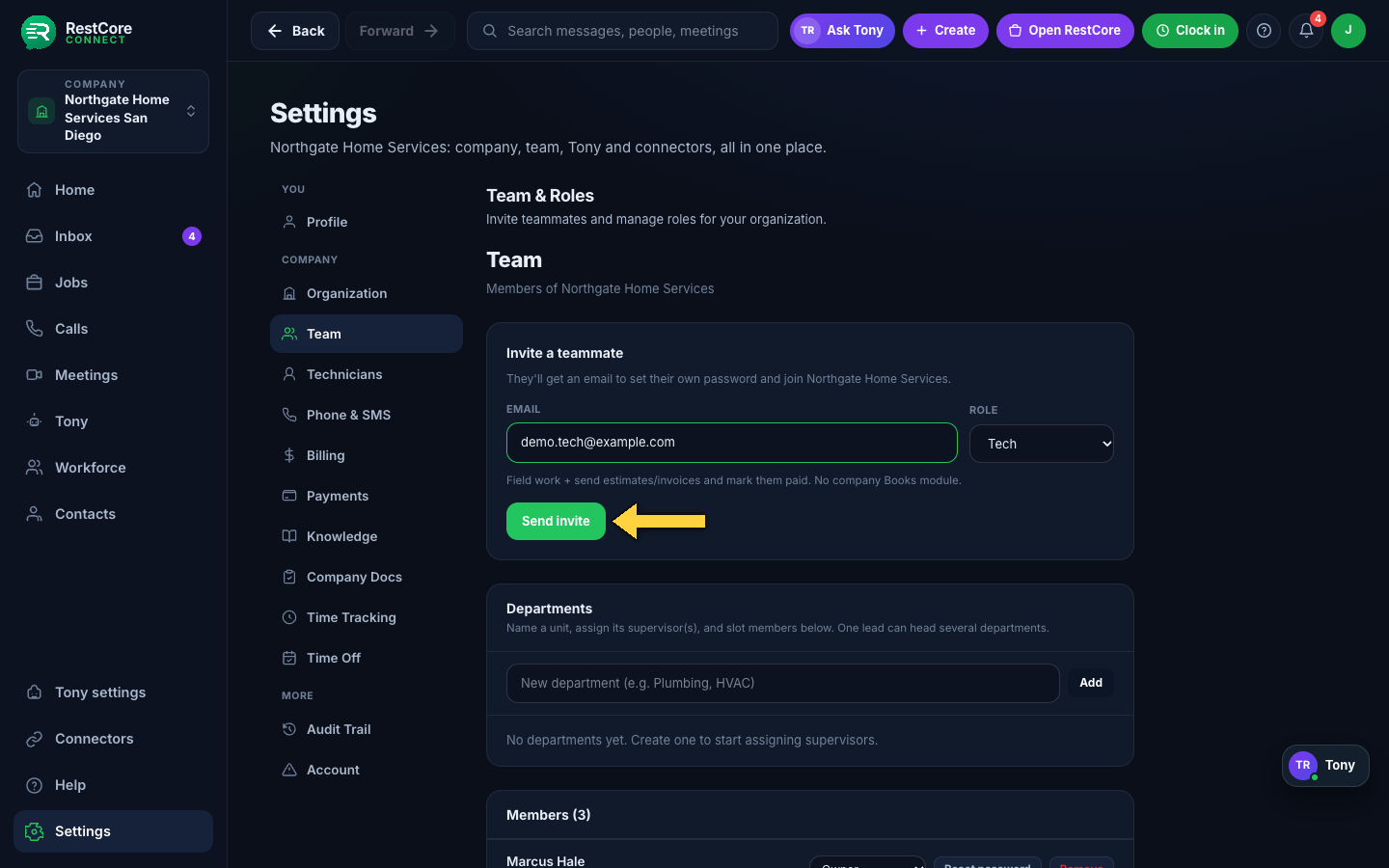
4Check the details, then send the invite
5Check that the invitation is pending
Was this helpful?