
Help Center › Jobs & Projects
Find and open a job
A 30-second how-to with the steps and screenshots below.
In this guide
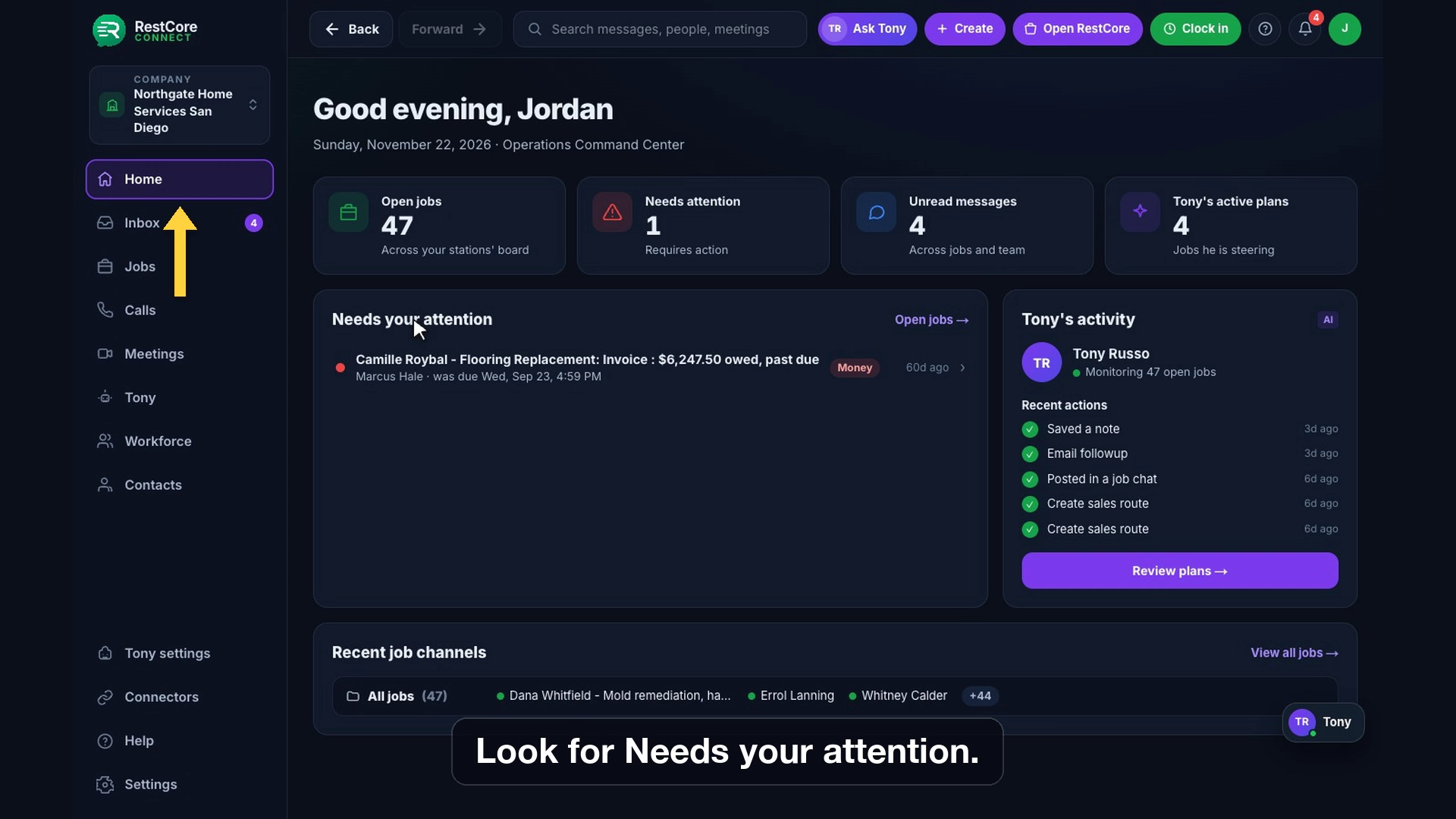
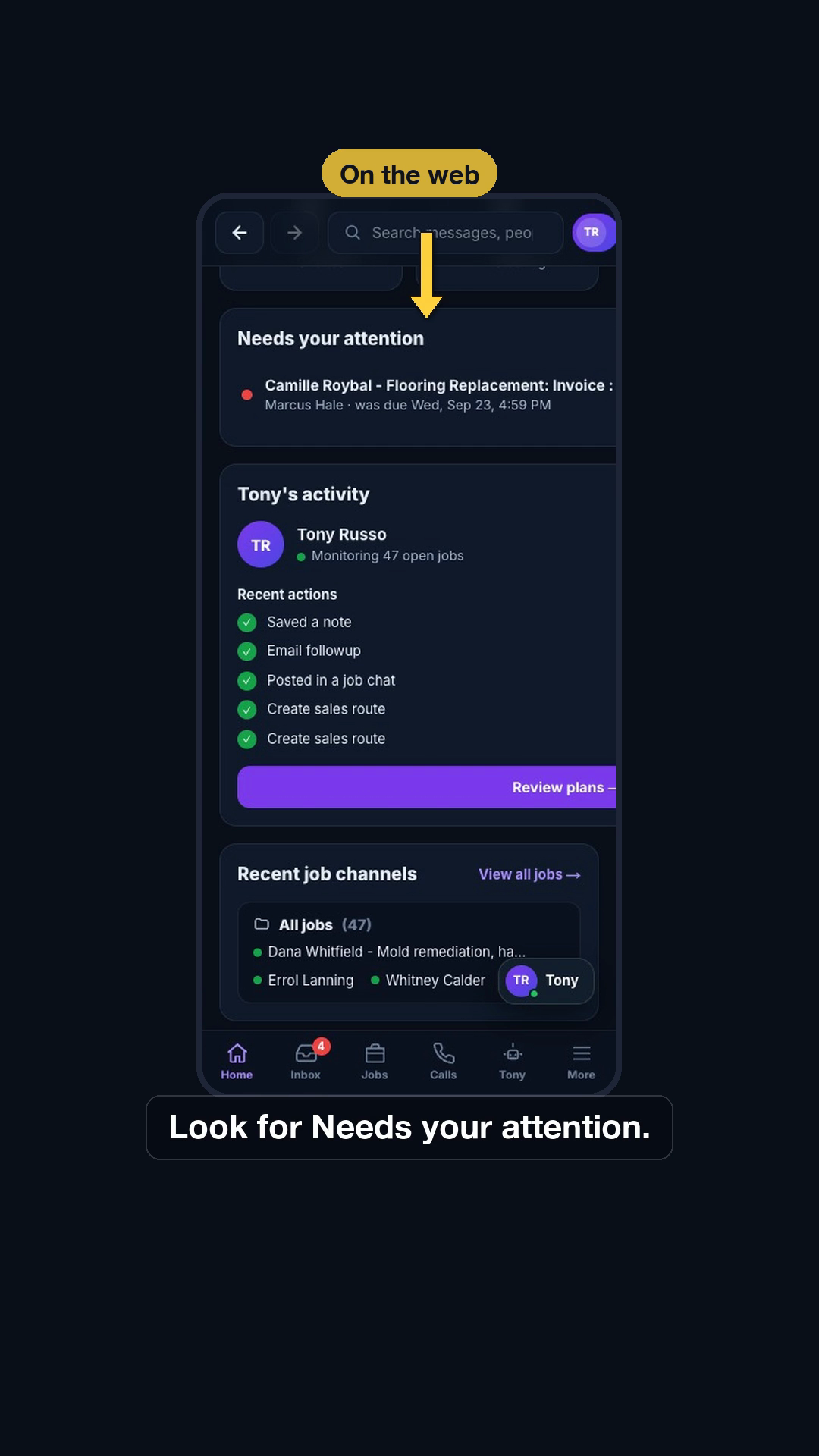
- 1Open Jobs to find the work.
- 2Search using the job or customer details.
- 3Choose the matching job.
- 4Check the job details before you continue.
- 5Return to Jobs to choose another job.
1Open Jobs to find the work
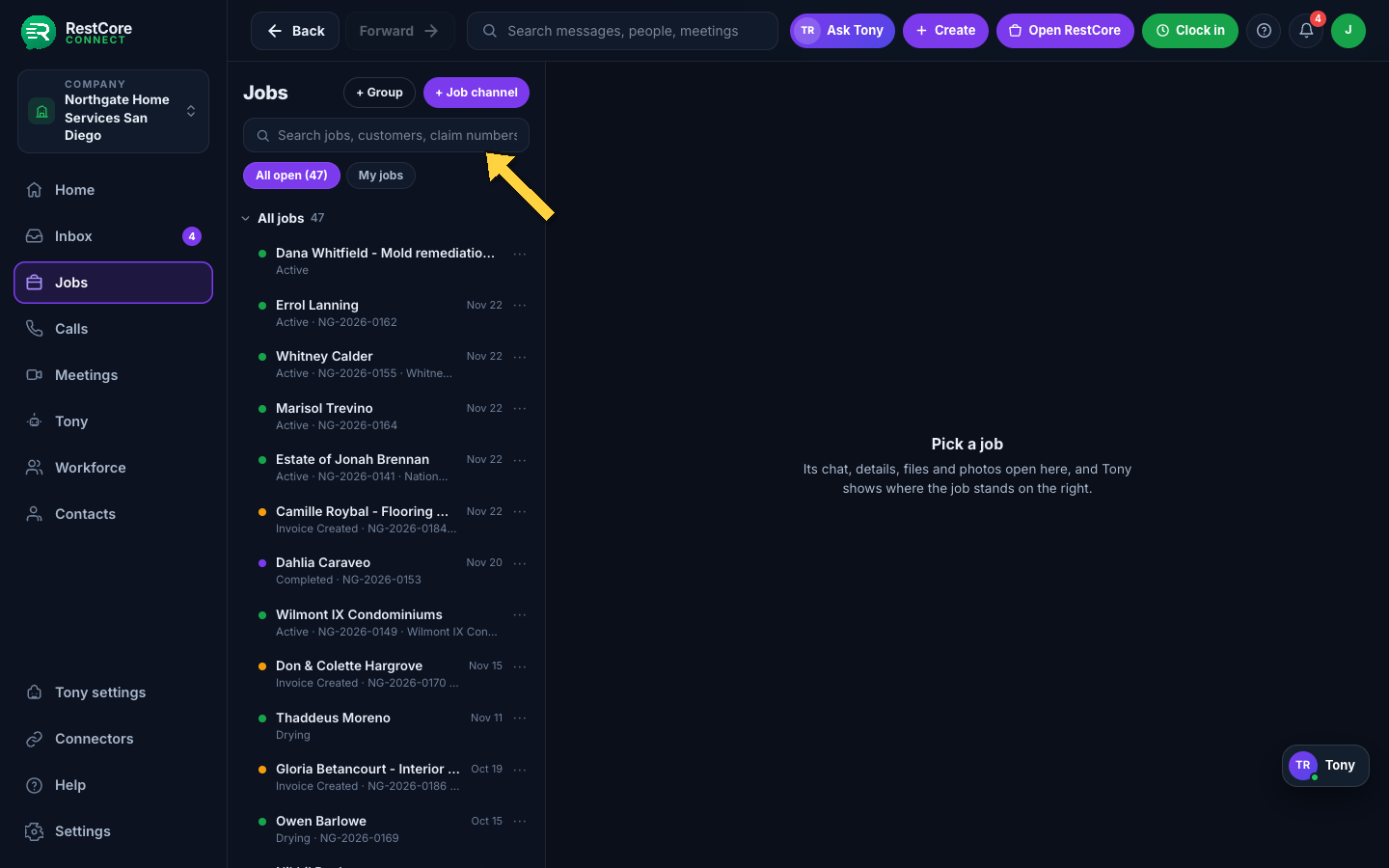
2Search using the job or customer details
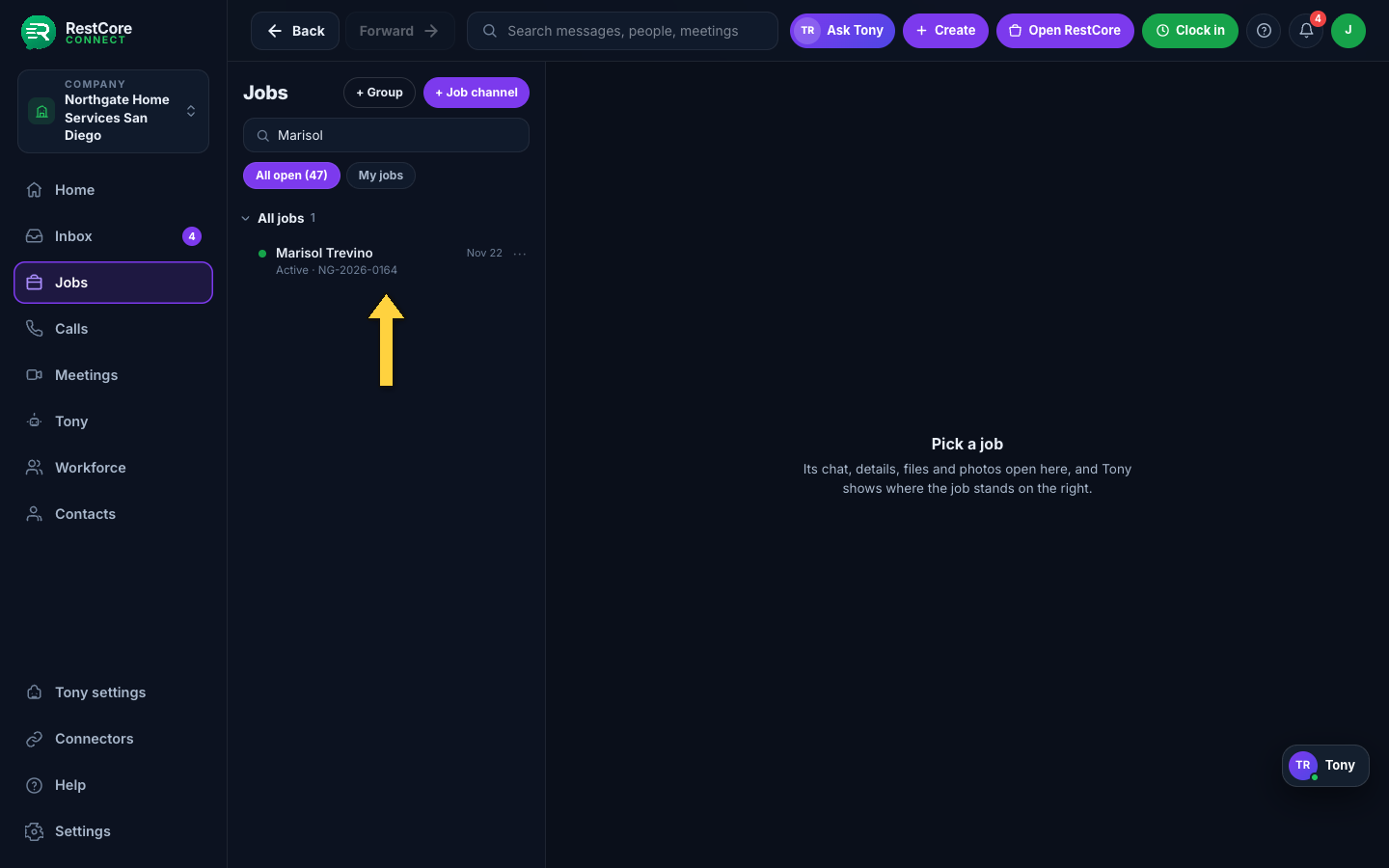
3Choose the matching job
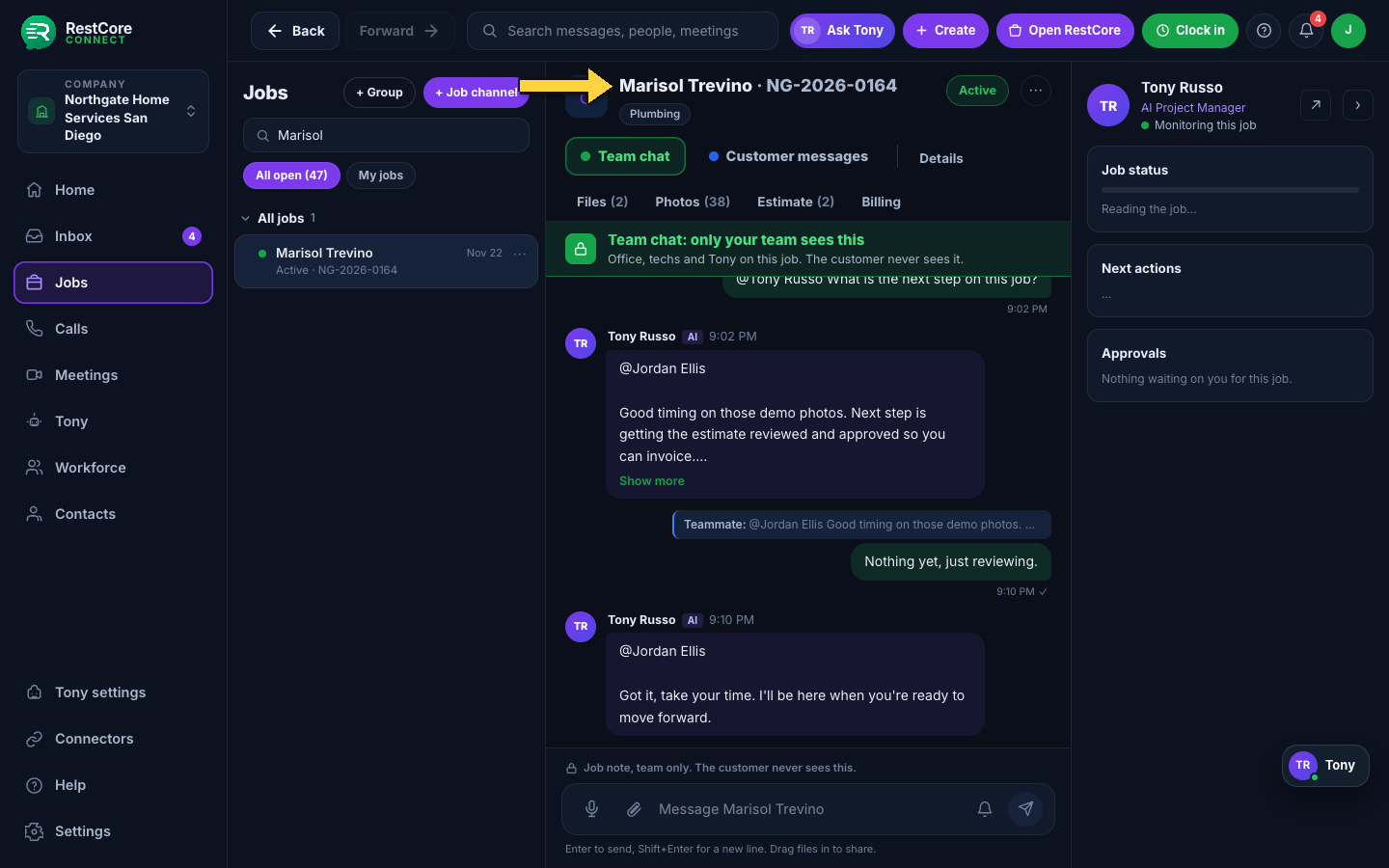
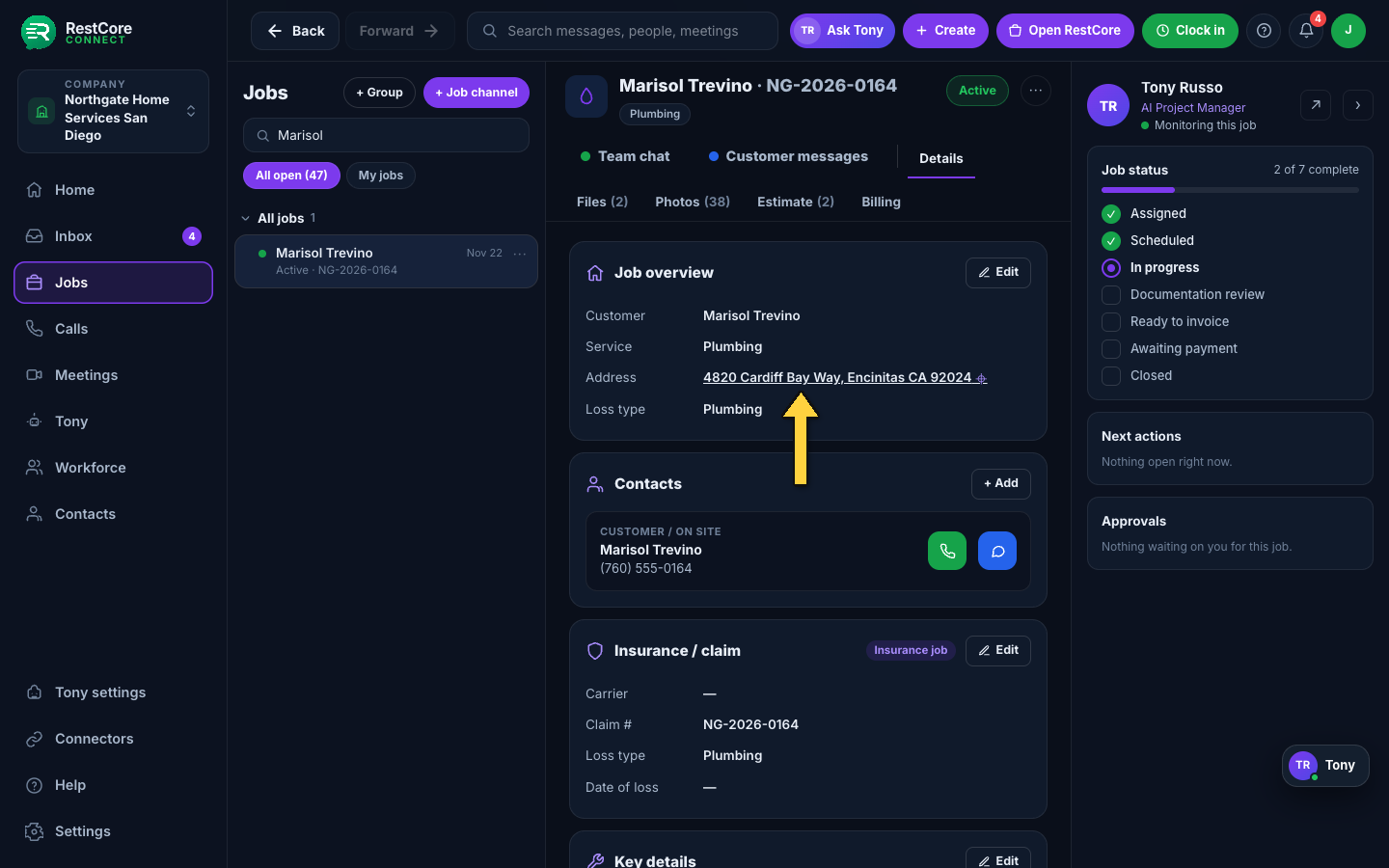
4Check the job details before you continue
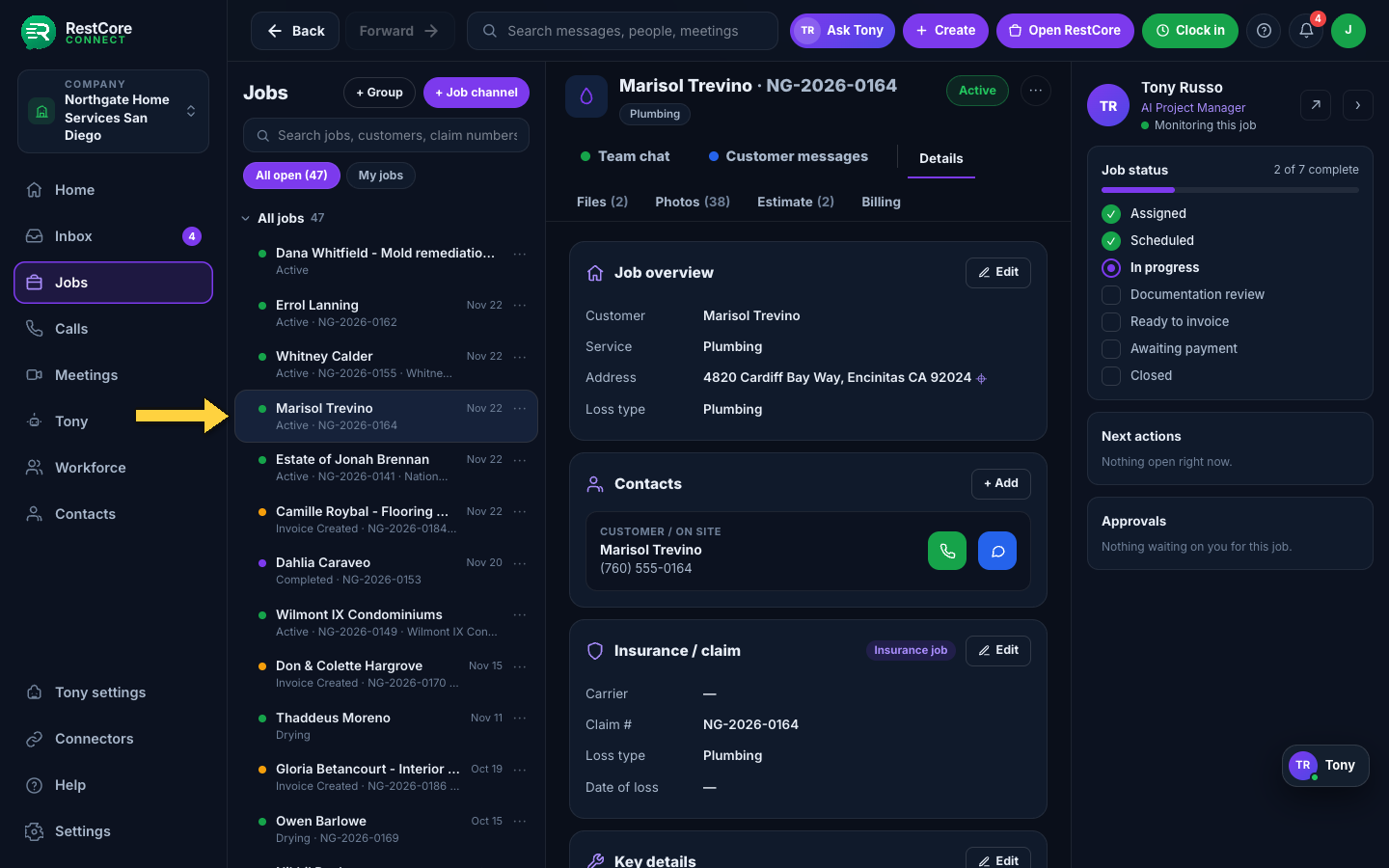
5Return to Jobs to choose another job
Was this helpful?