
Help Center › Tony Russo AI™
Ask Tony Russo AI™ about a job
Get a quick answer about any job, right in its team chat.
In this guide
- 1Open the job you want to ask about.
- 2Address Tony Russo AI™ in the job chat.
- 3Ask a clear question about this job.
- 4Send your question.
- 5Read his answer in the same job chat.
1Open the job you want to ask about
Go to Jobs and open the job. Tony answers from what is on that job, so start there.
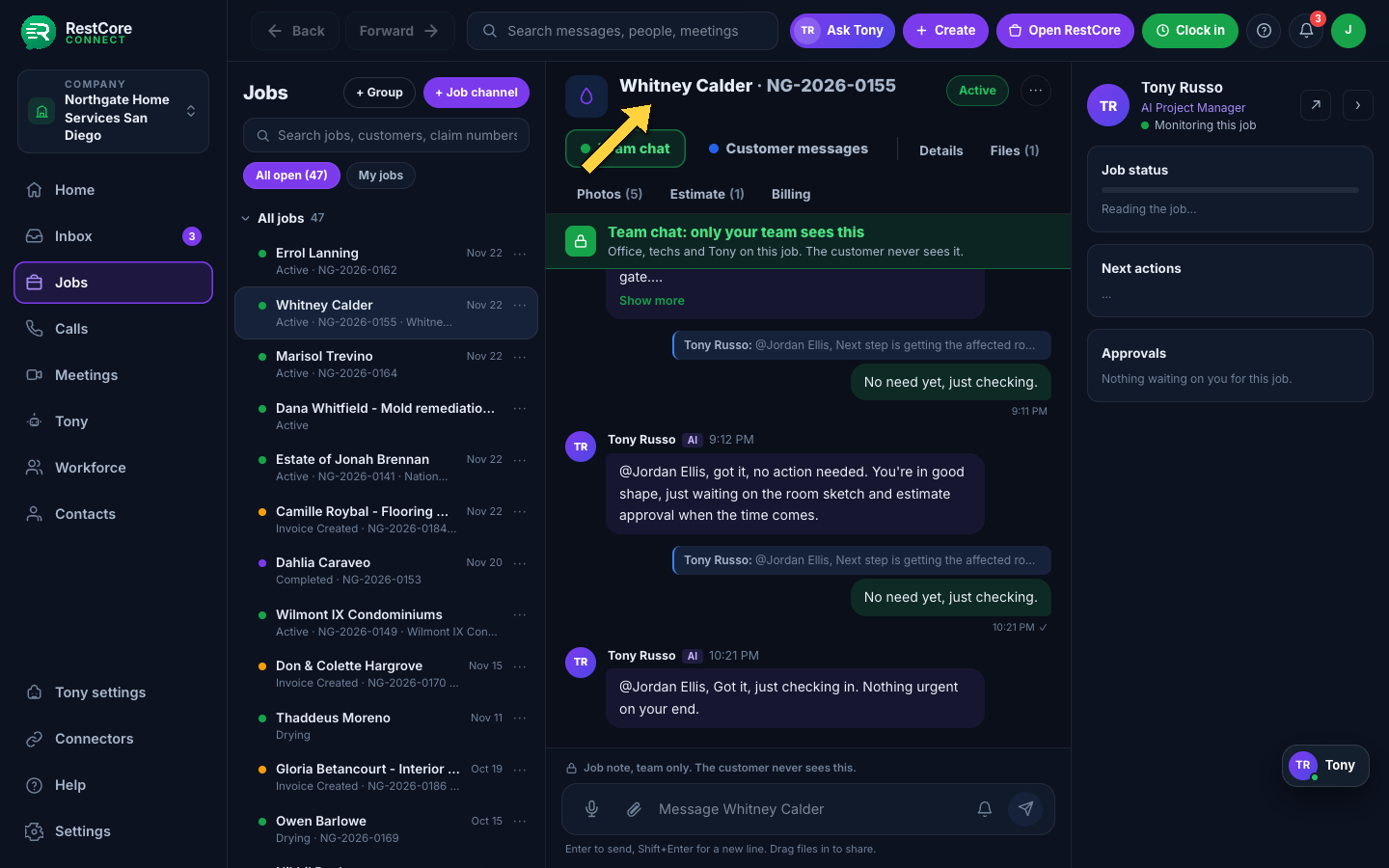
2Address Tony Russo AI™ in the job chat
In Team chat, type @Tony and pick Tony Russo from the list.
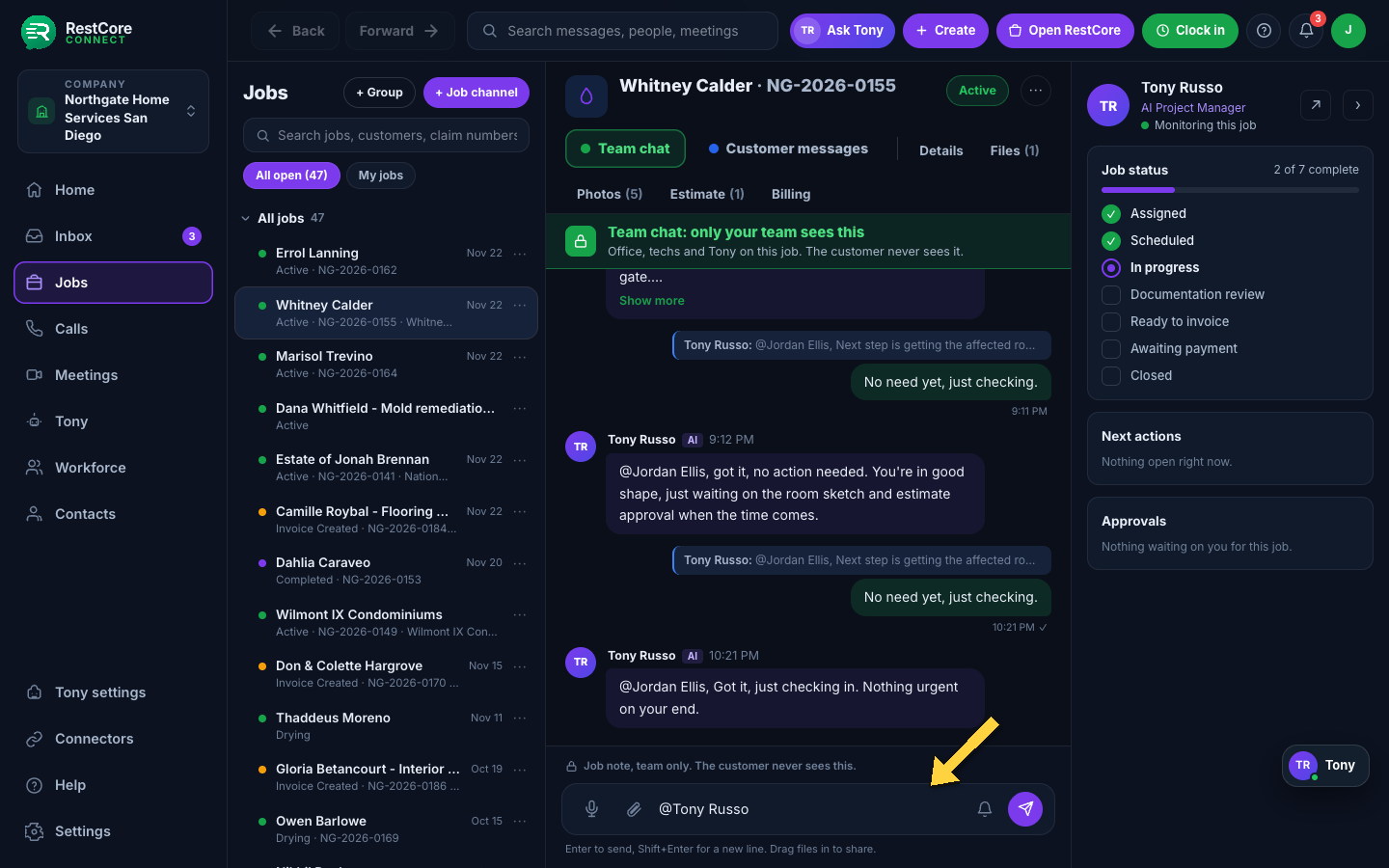
3Ask a clear question about this job
One question at a time works best. Name the room, the visit or the document you mean.
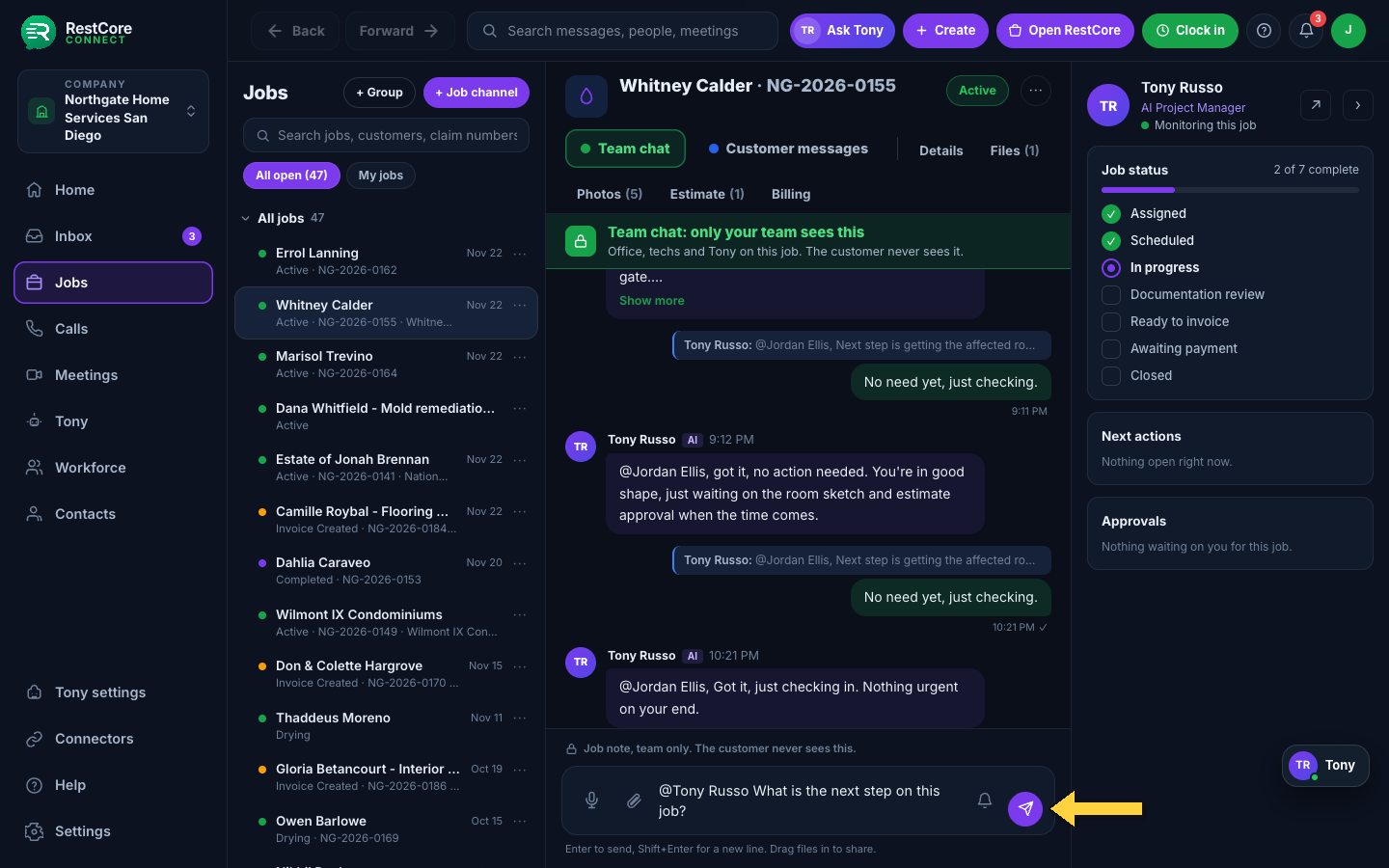
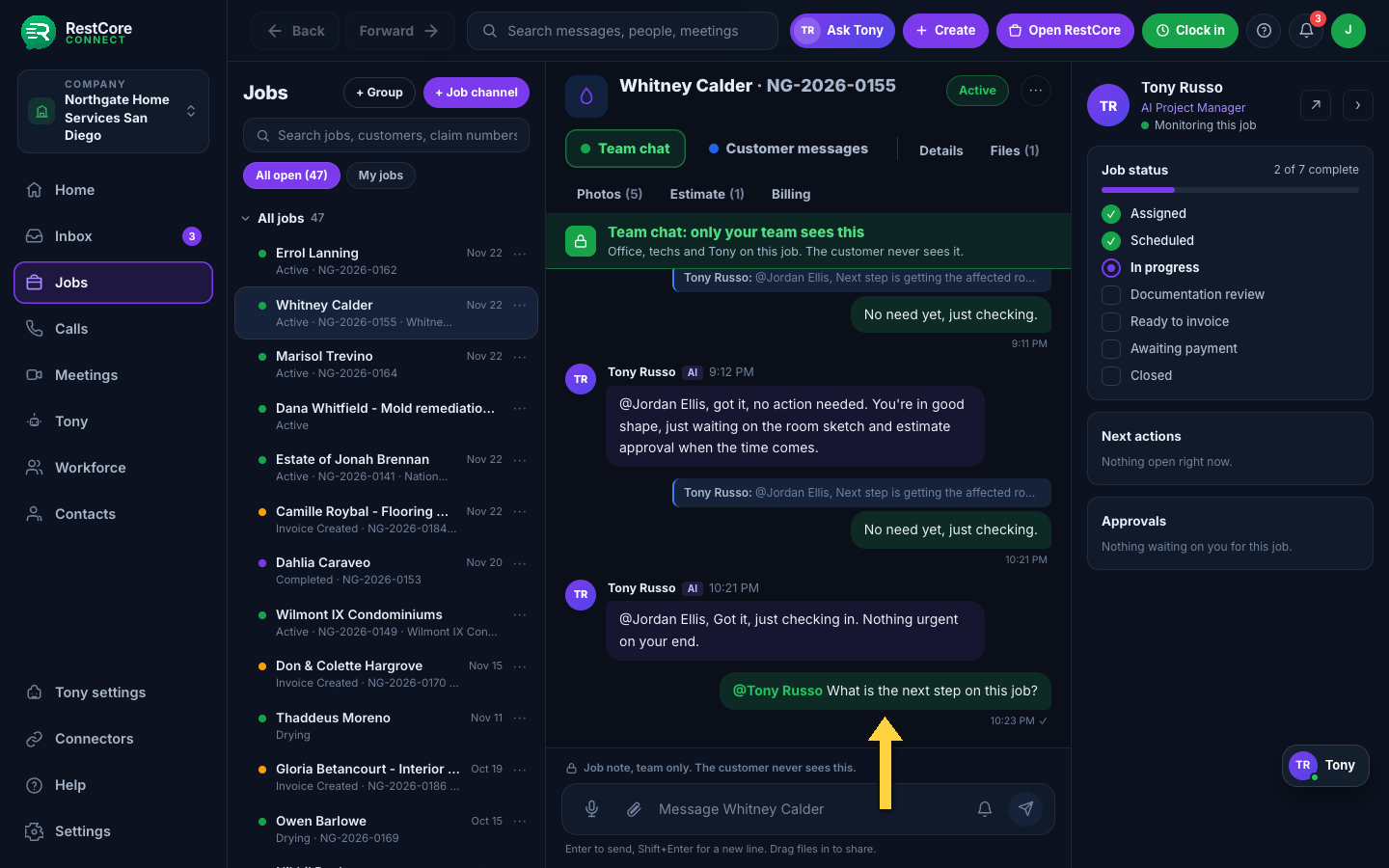
4Send your question
Press Send. You will see “Tony · Reading your message…” while he works.
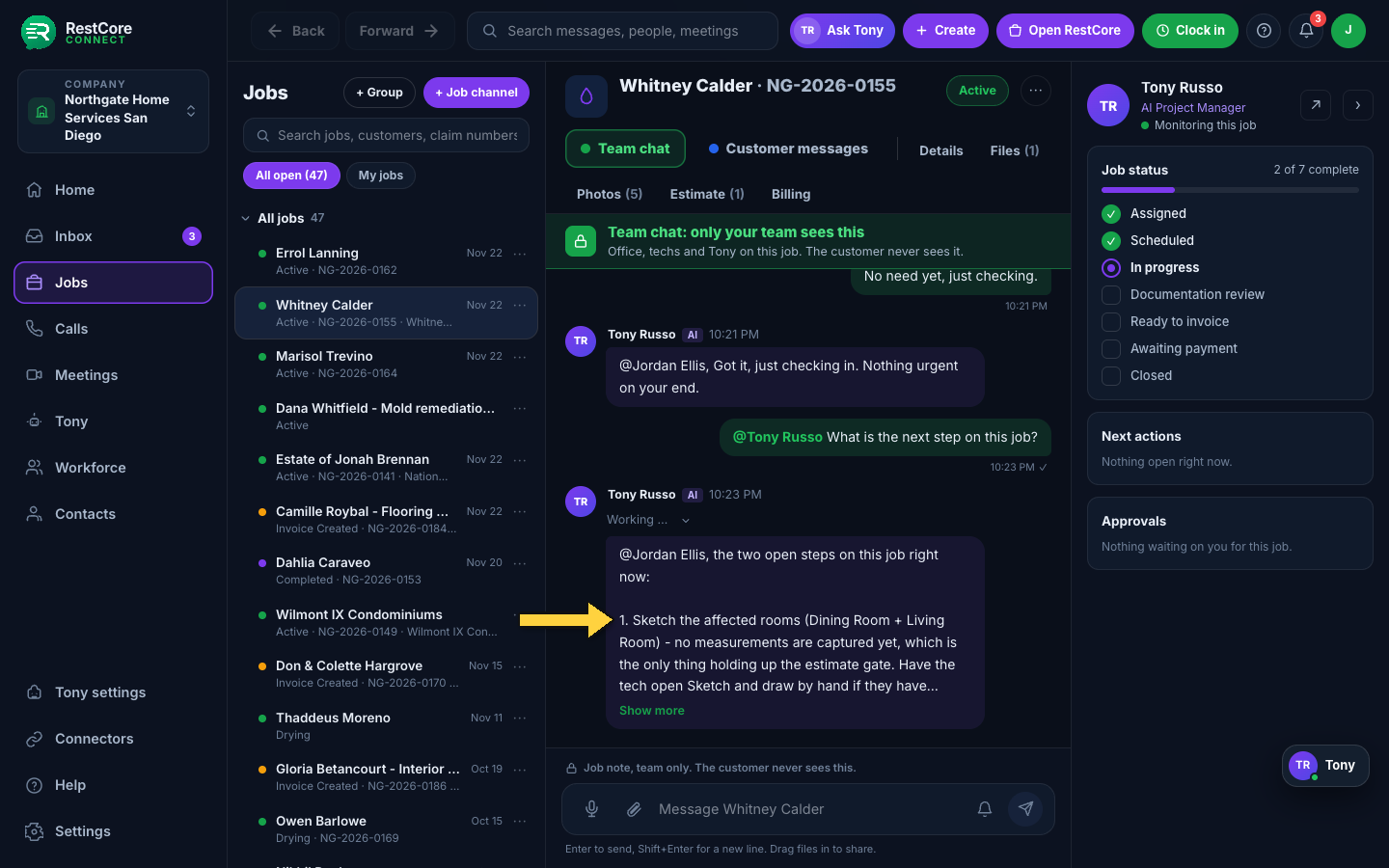
5Read his answer in the same job chat
His answer appears in the same Team chat, where your whole team can see it.
Was this helpful?