
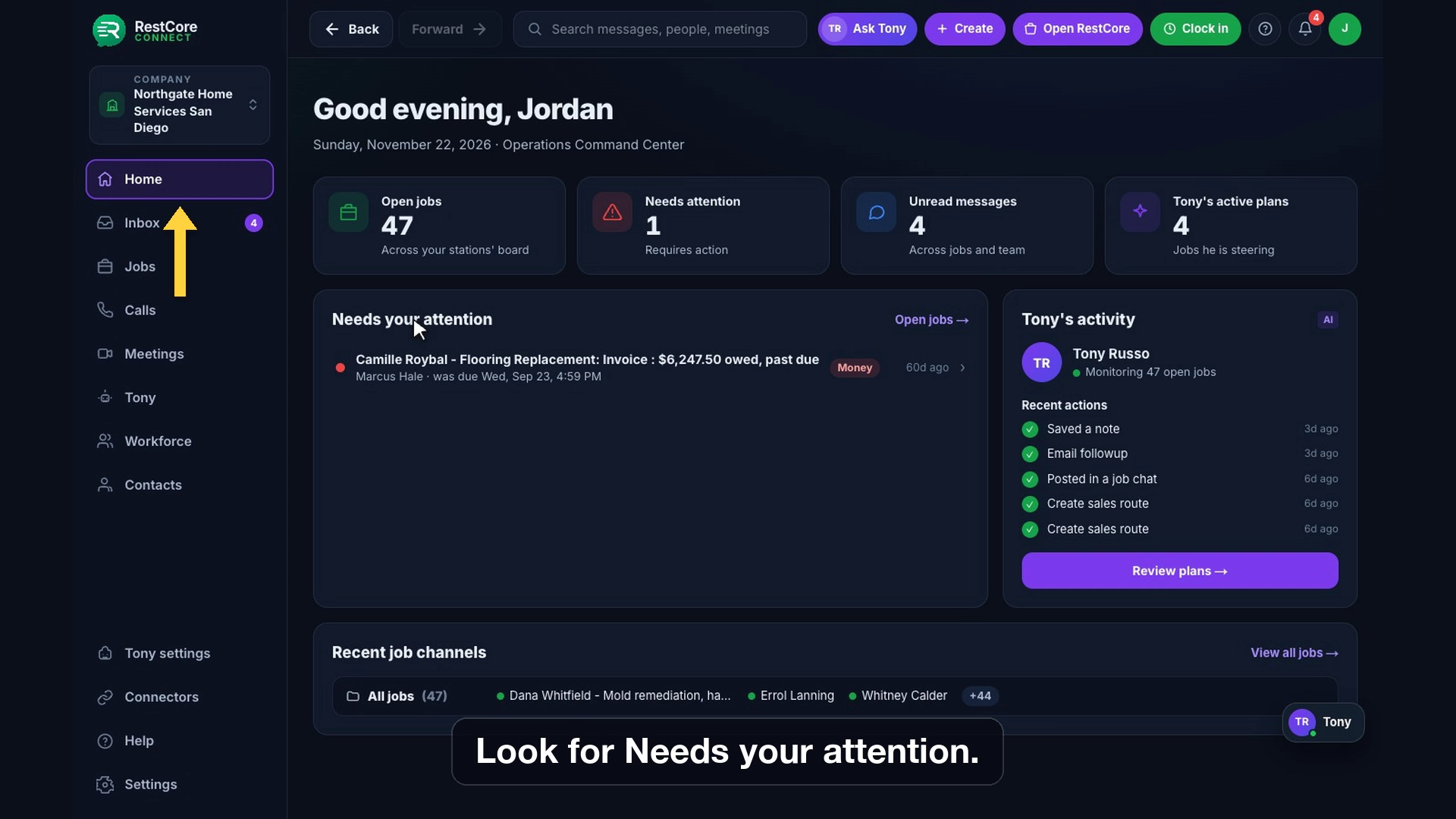
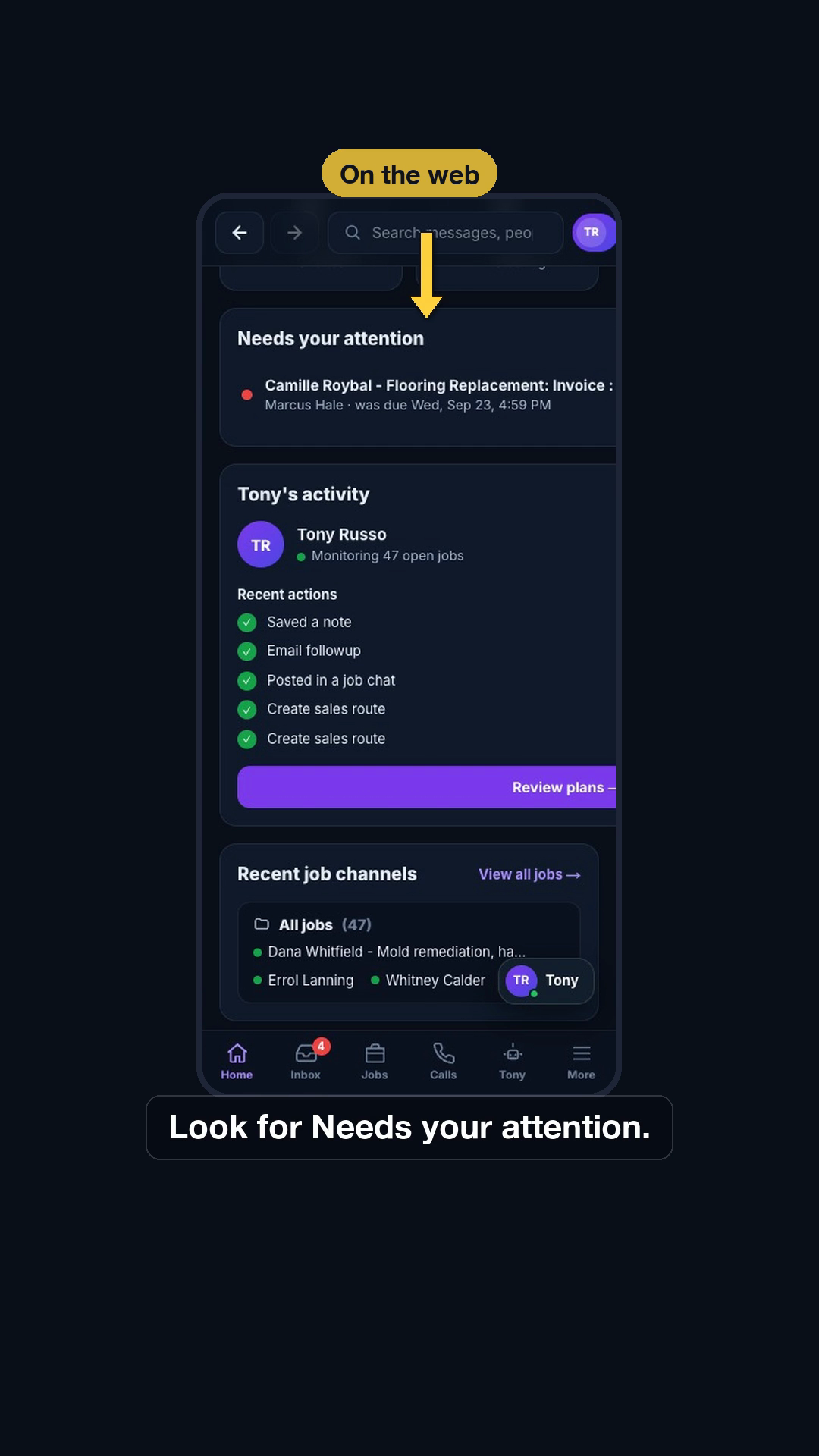
Help Center › Getting Started
Clock in and out on the web
A 30-second how-to with the steps and screenshots below.
In this guide
- 1On the web, find Clock In at the top.
- 2Clock in when your shift starts.
- 3Check that you are clocked in.
- 4Clock out when your shift ends.
- 5Check that you are clocked out.
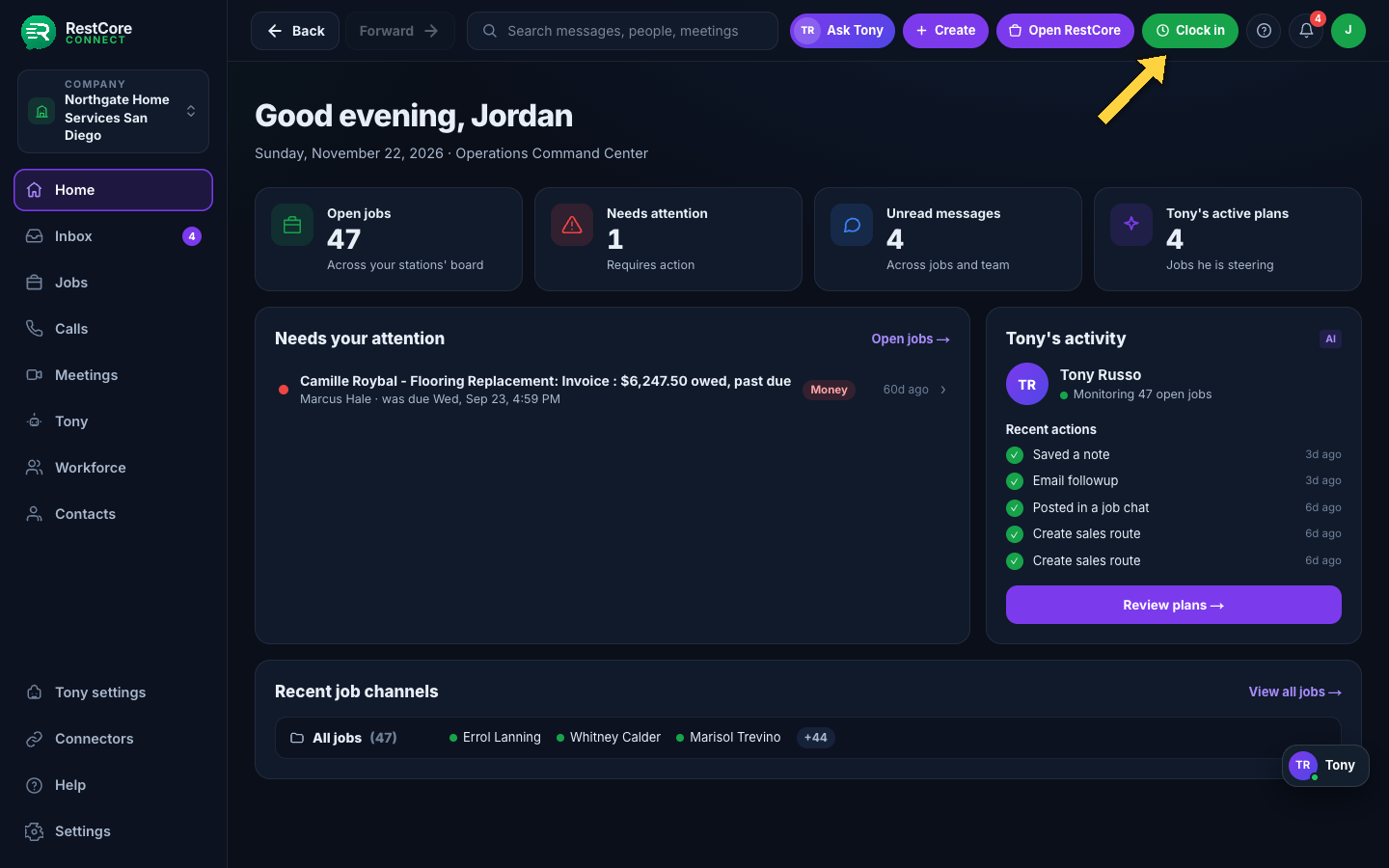
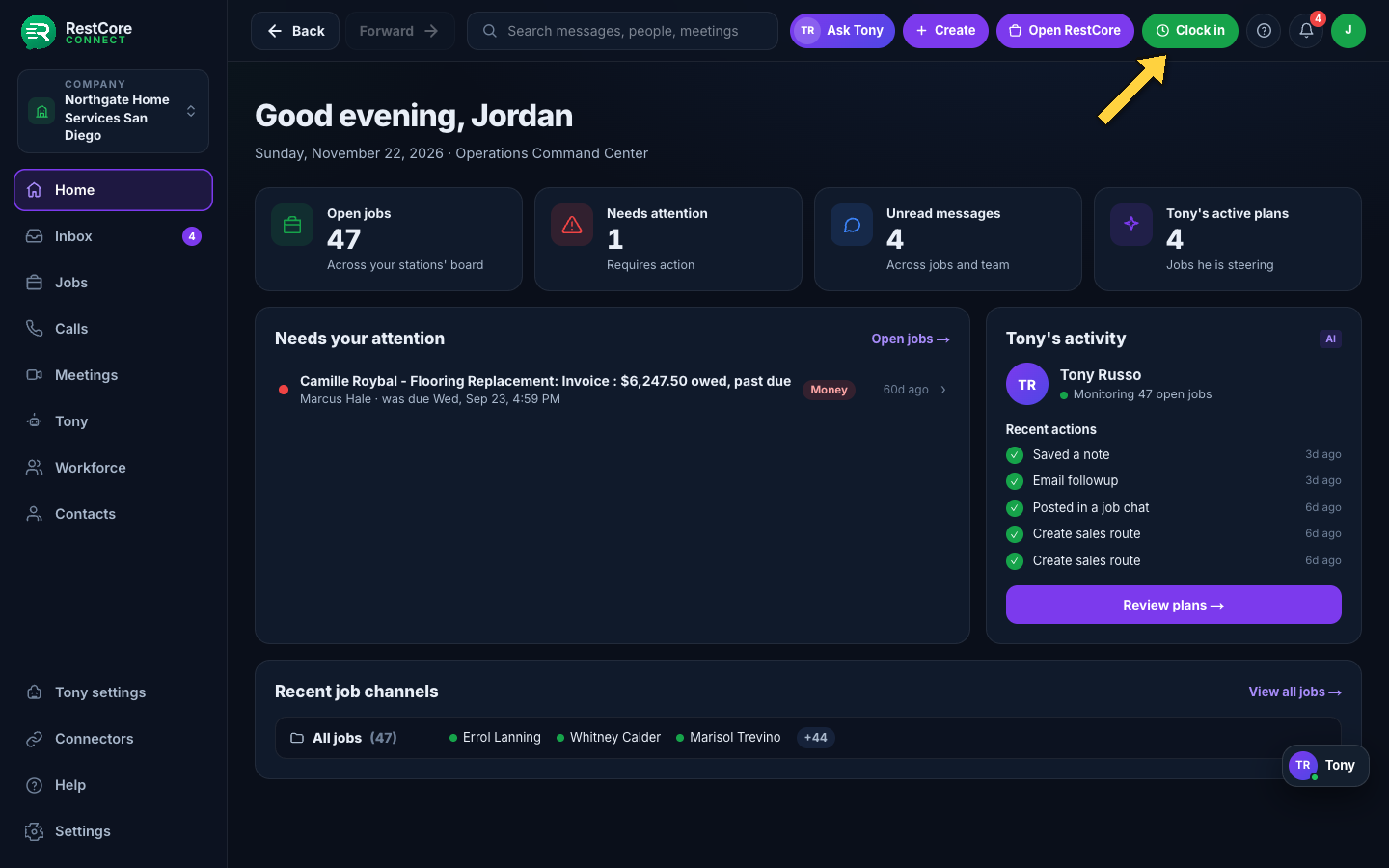
1On the web, find Clock In at the top
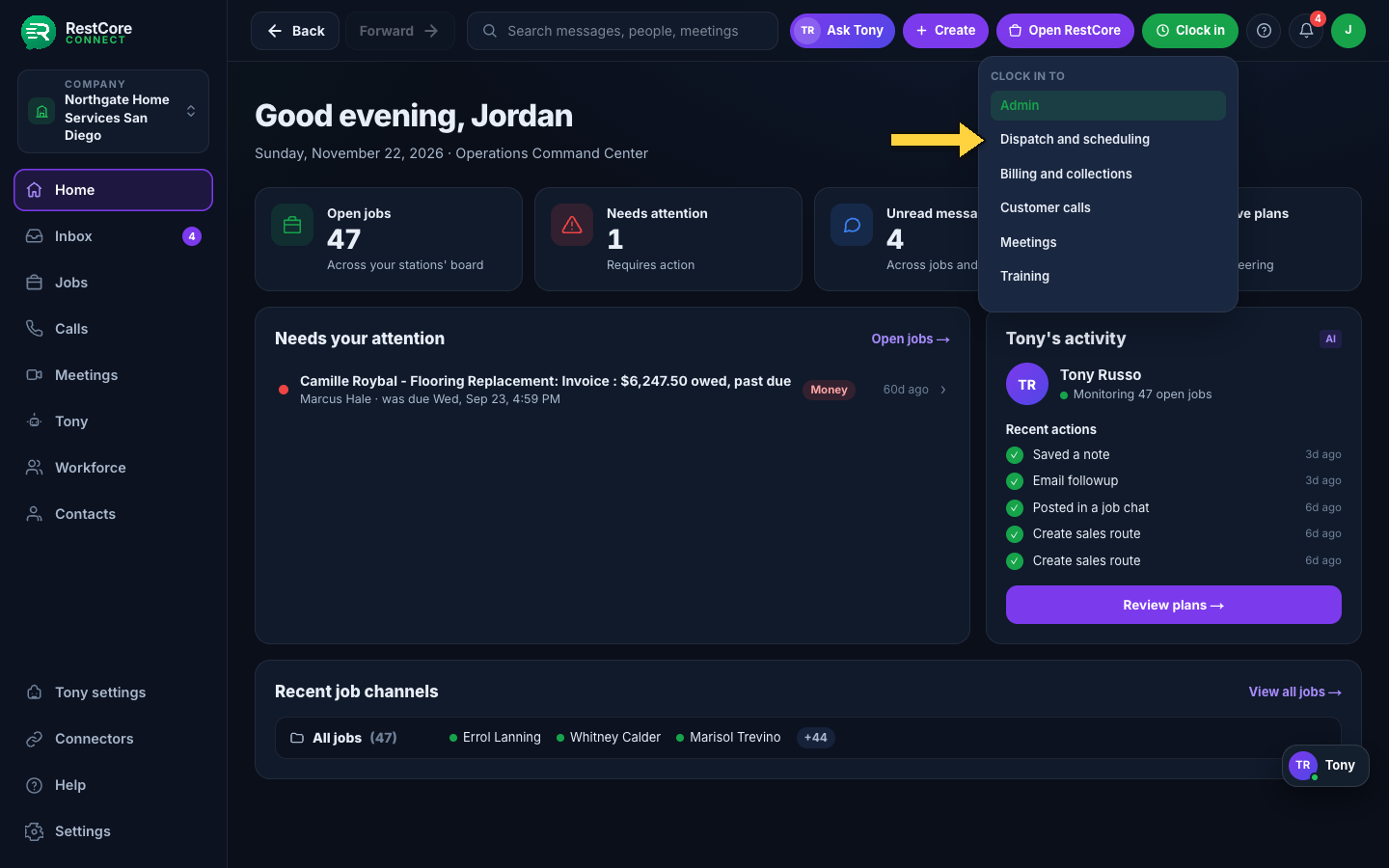
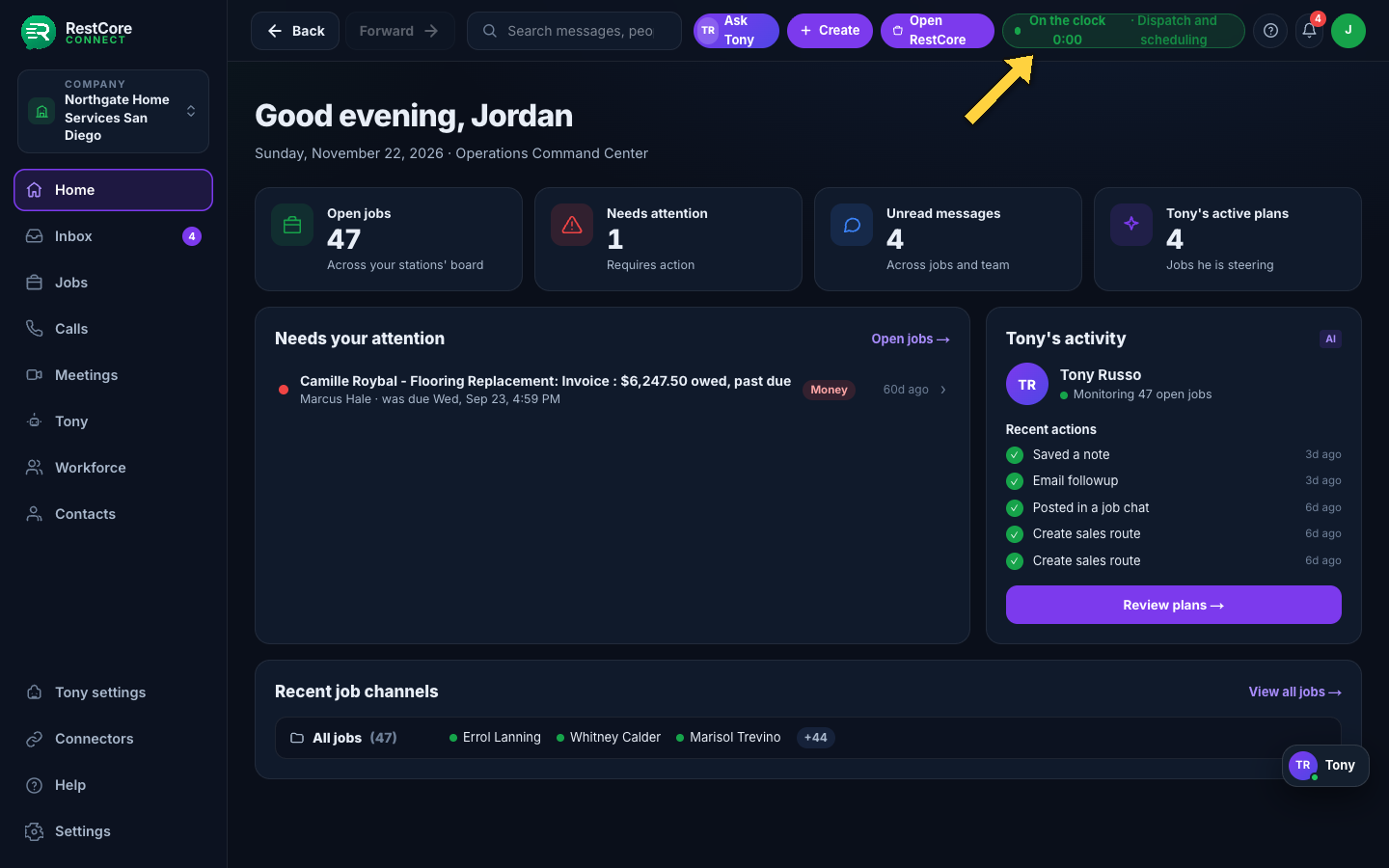
2Clock in when your shift starts
3Check that you are clocked in
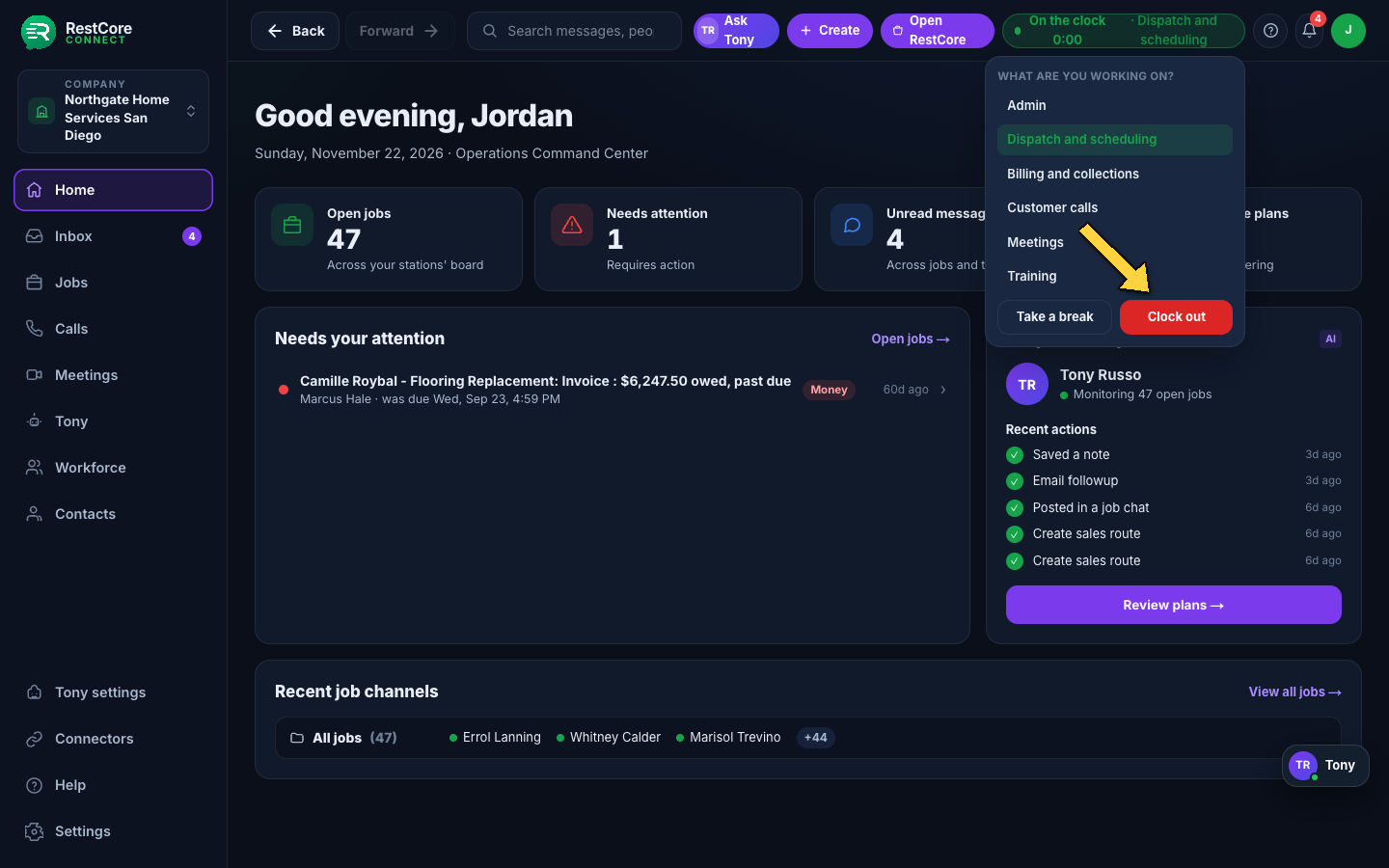
4Clock out when your shift ends
5Check that you are clocked out
Was this helpful?