Help Center › Integrations
Find your connected tools (Connectors)
A 30-second how-to with the steps and screenshots below.
In this guide
- 1Open Connectors in RestCore™ Connect.
- 2Your tools appear in Connectors.
- 3Find the tool you already connected.
- 4Check its actual connection status.
- 5Return Home when you are finished.
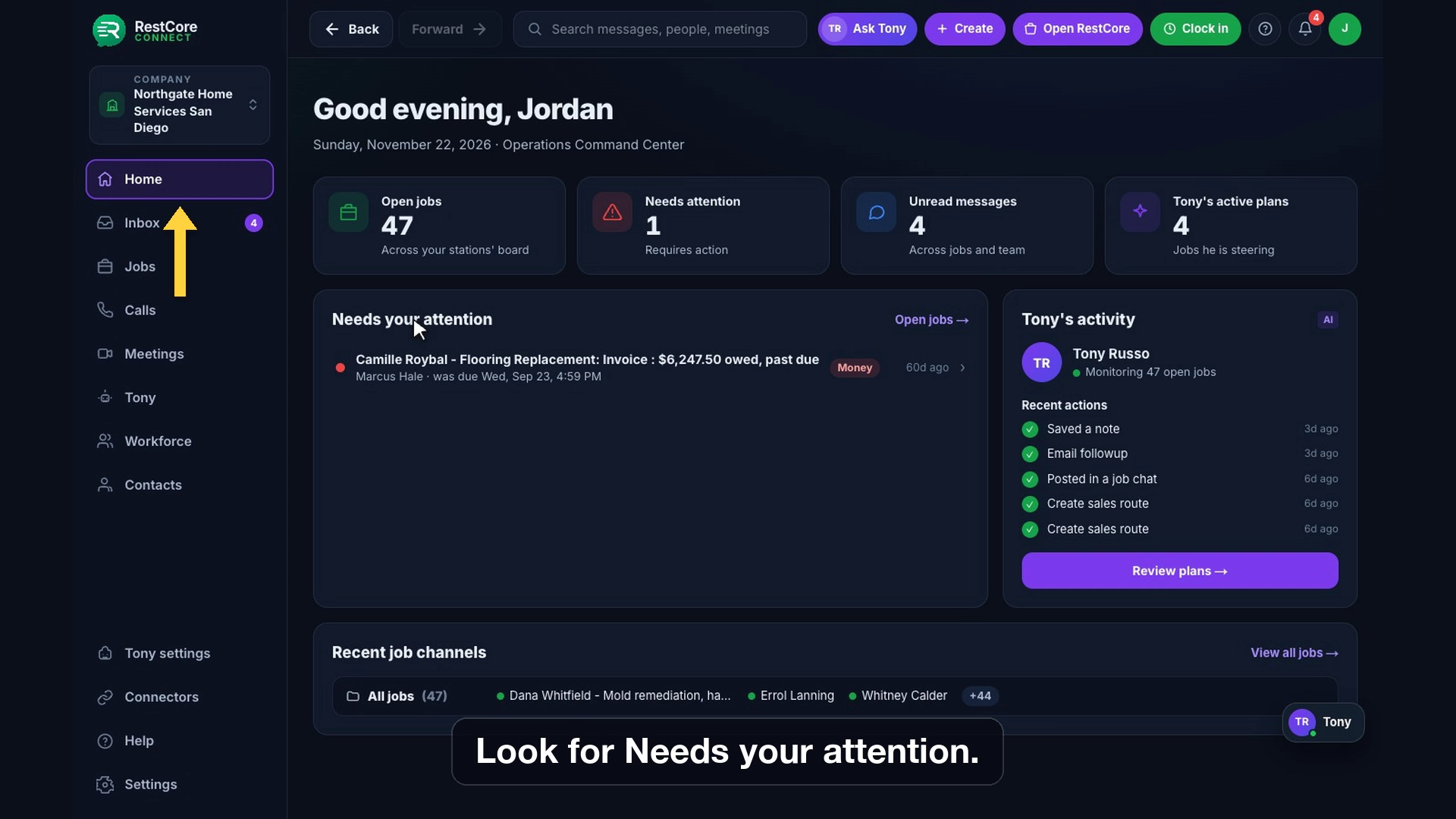
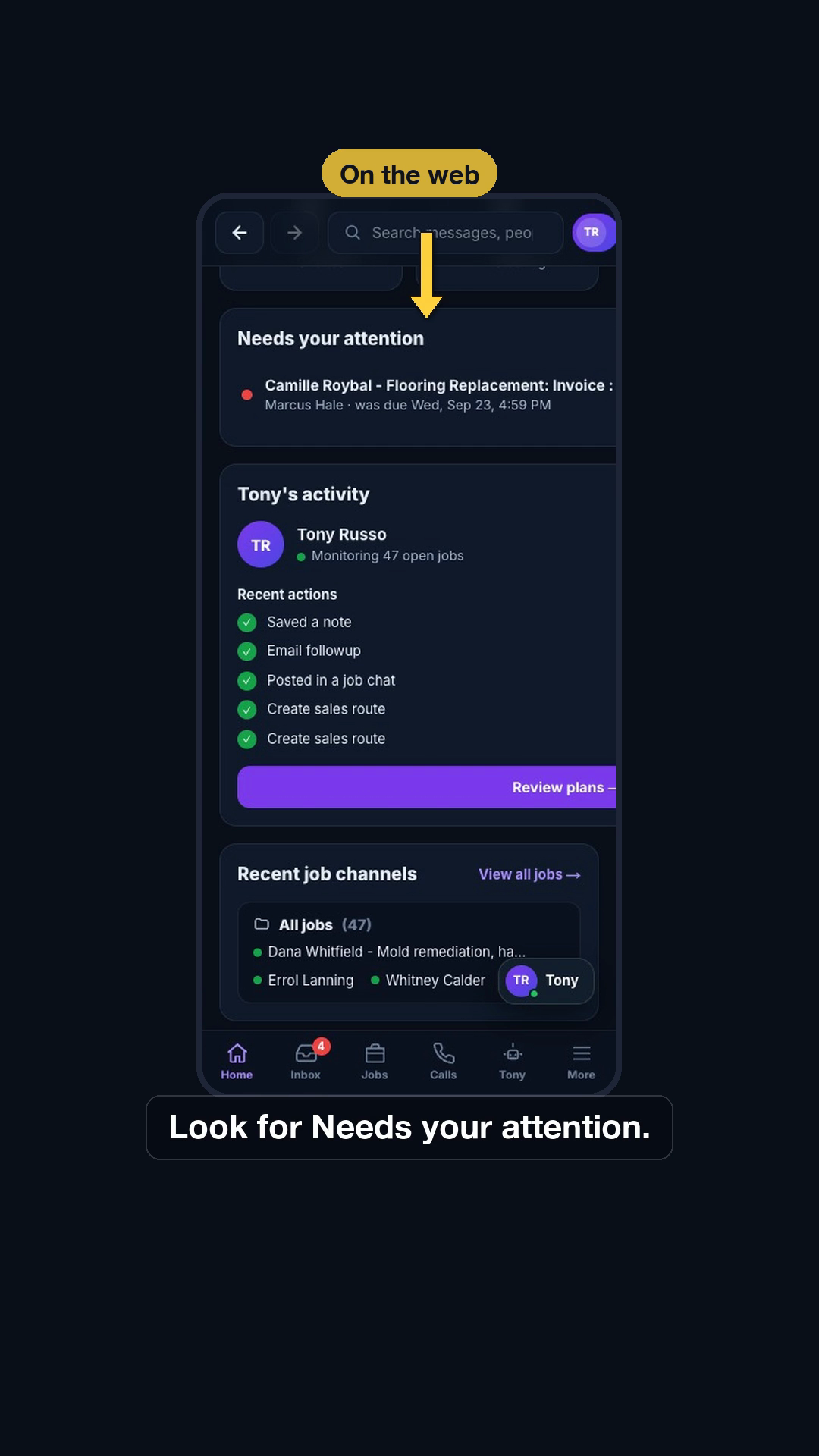
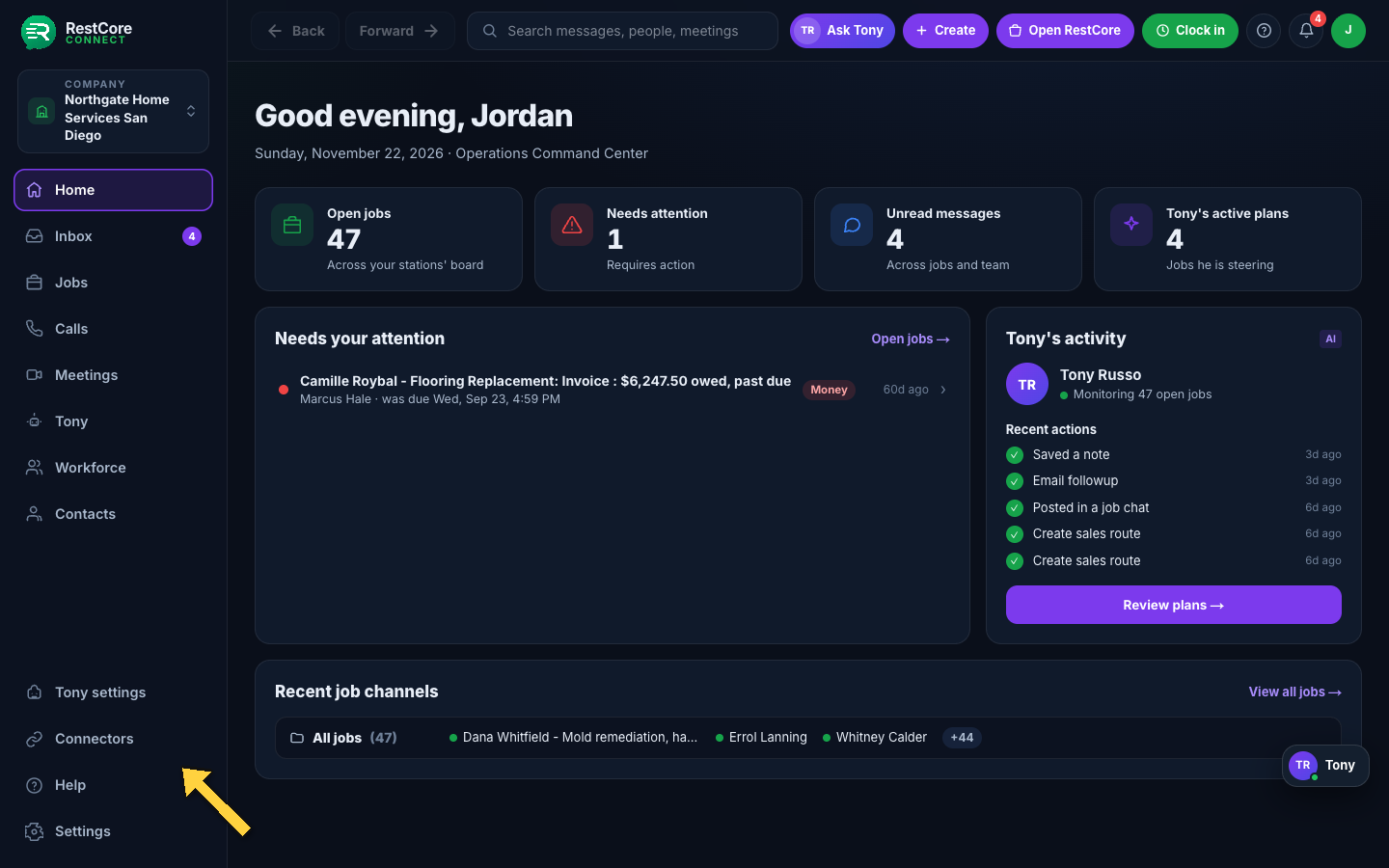
1Open Connectors in RestCore™ Connect
2Your tools appear in Connectors
3Find the tool you already connected
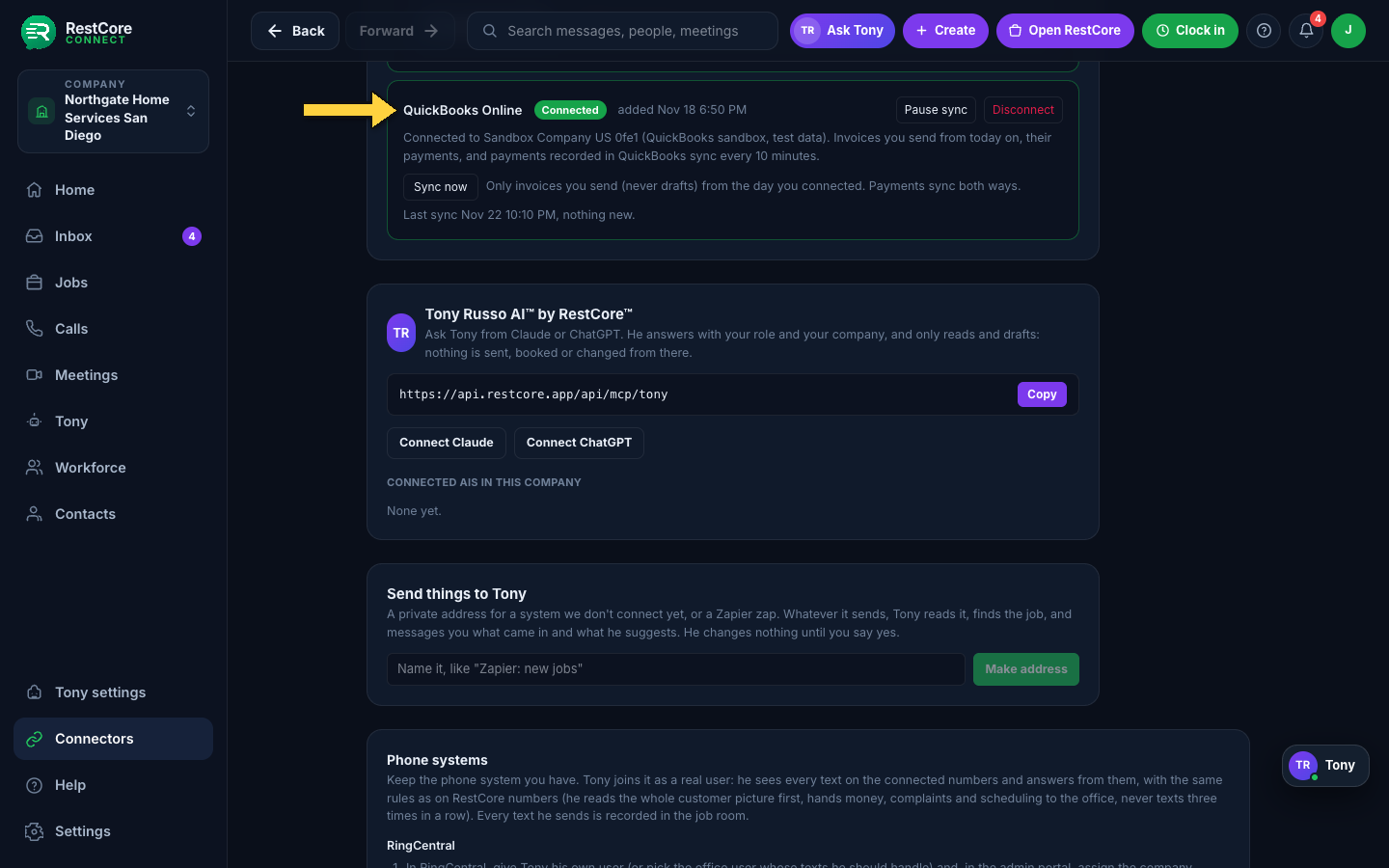
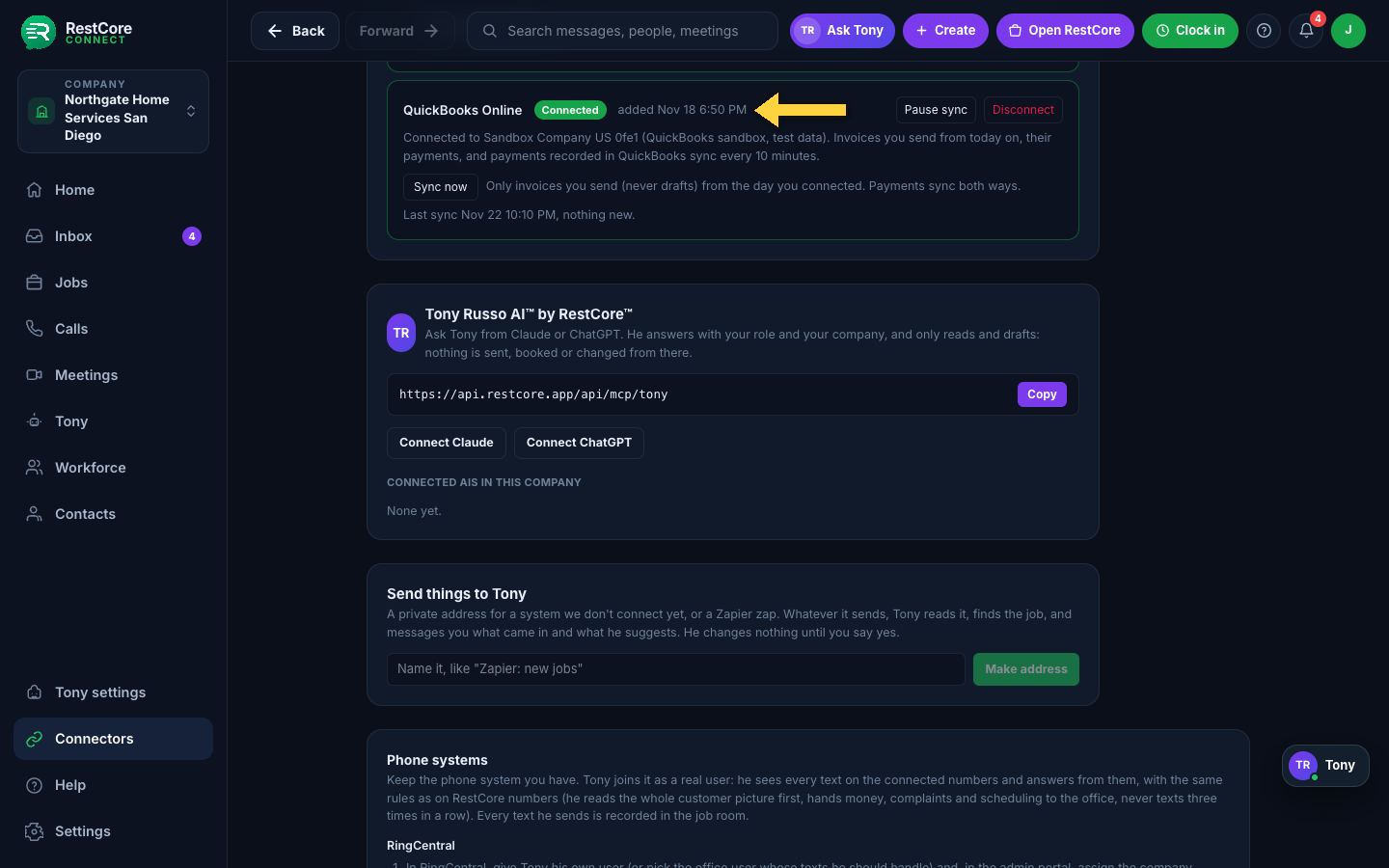
4Check its actual connection status
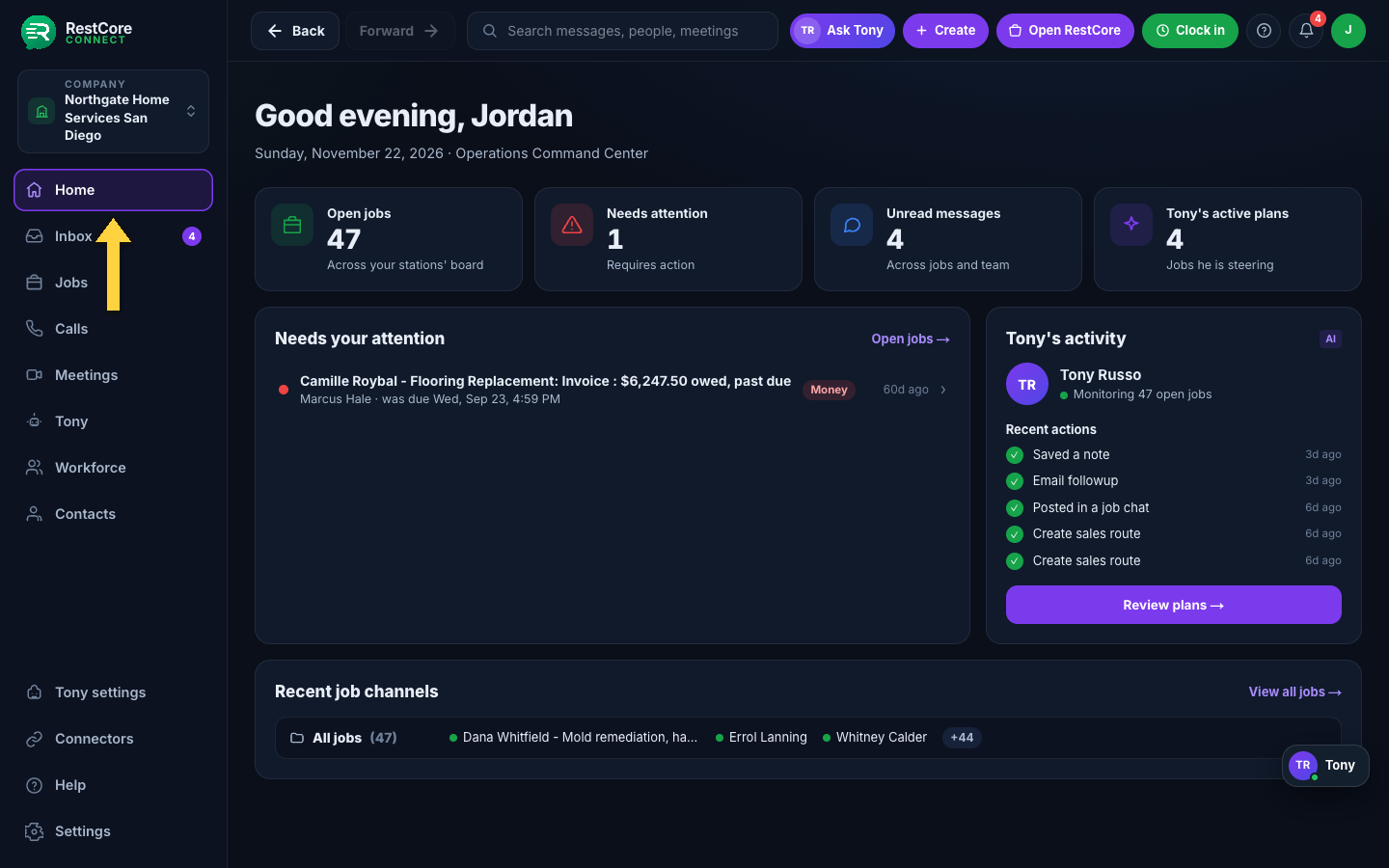
5Return Home when you are finished
Was this helpful?