
Restoration
Water loss → one record
Walkthrough · Scope · Completion
An overnight water loss, from the phone walkthrough to Tony's draft Scope of Work, the reviewed estimate, and the completion record.
RestCore™ keeps the walkthrough, photos, readings, scope, completion record, invoice, and next step on one job, so the field and the office never have to rebuild the story. Built for restoration, and ready for plumbing, HVAC, and construction teams too.
One App. One AI. One Operating System.
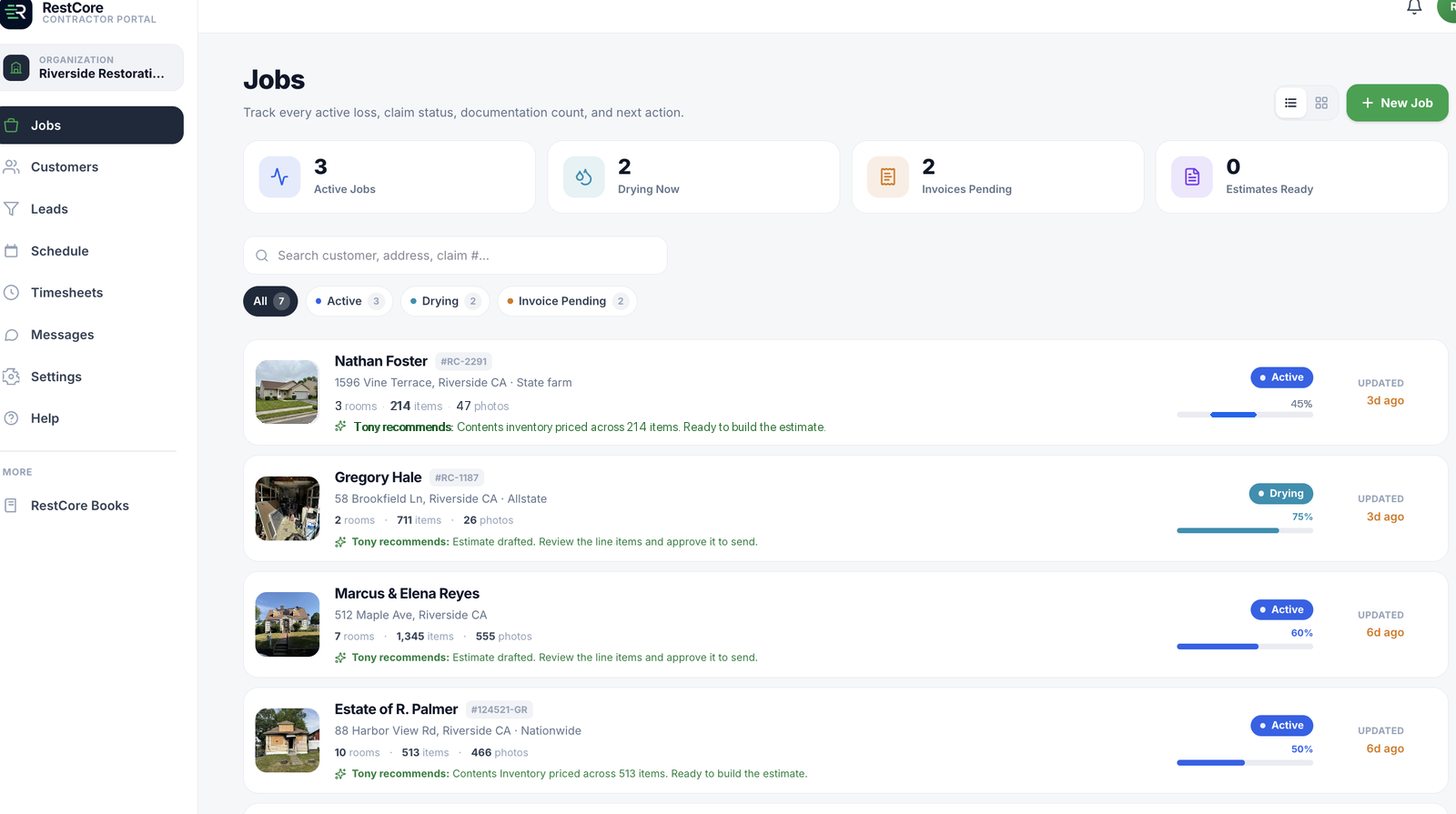
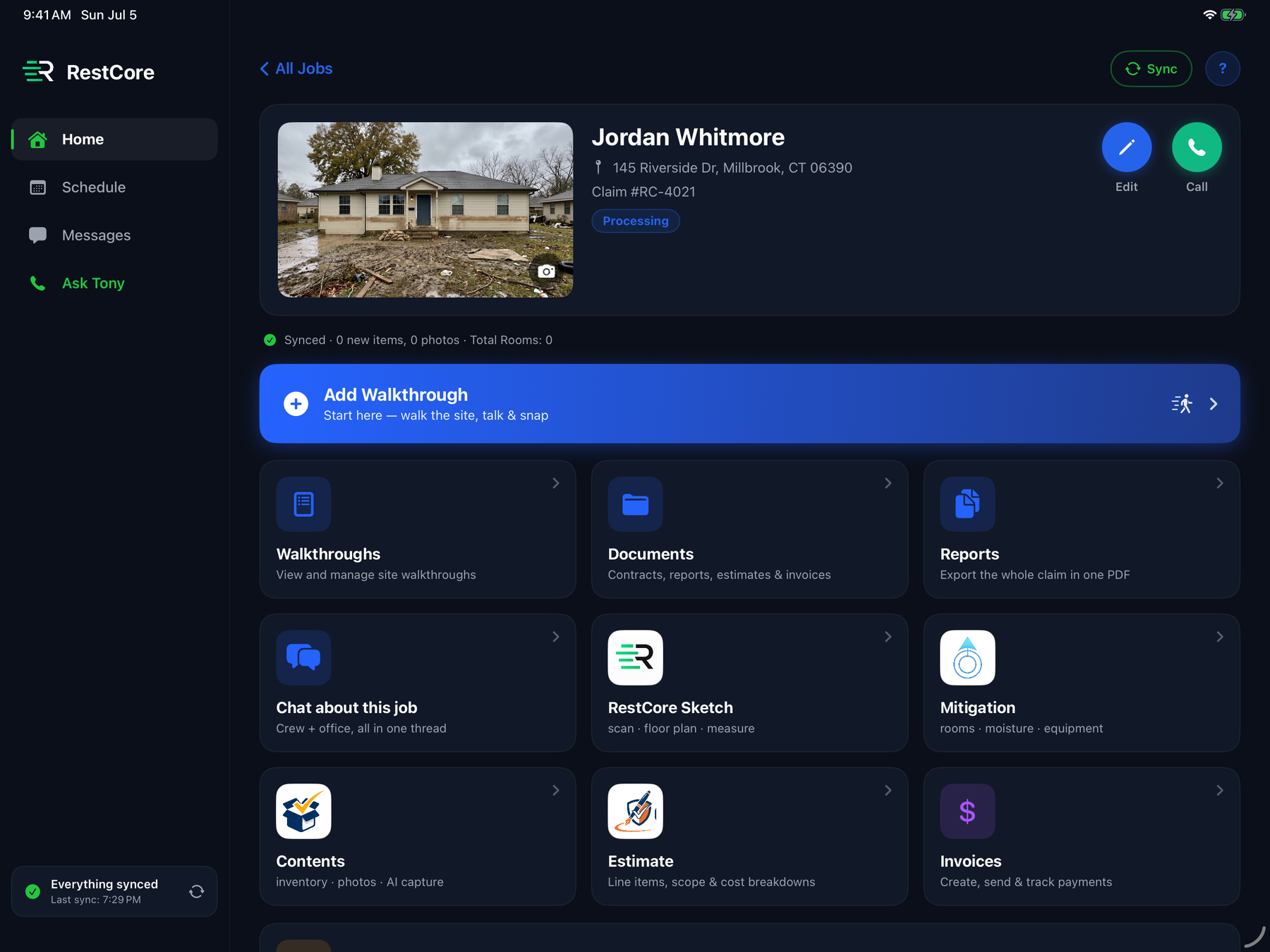
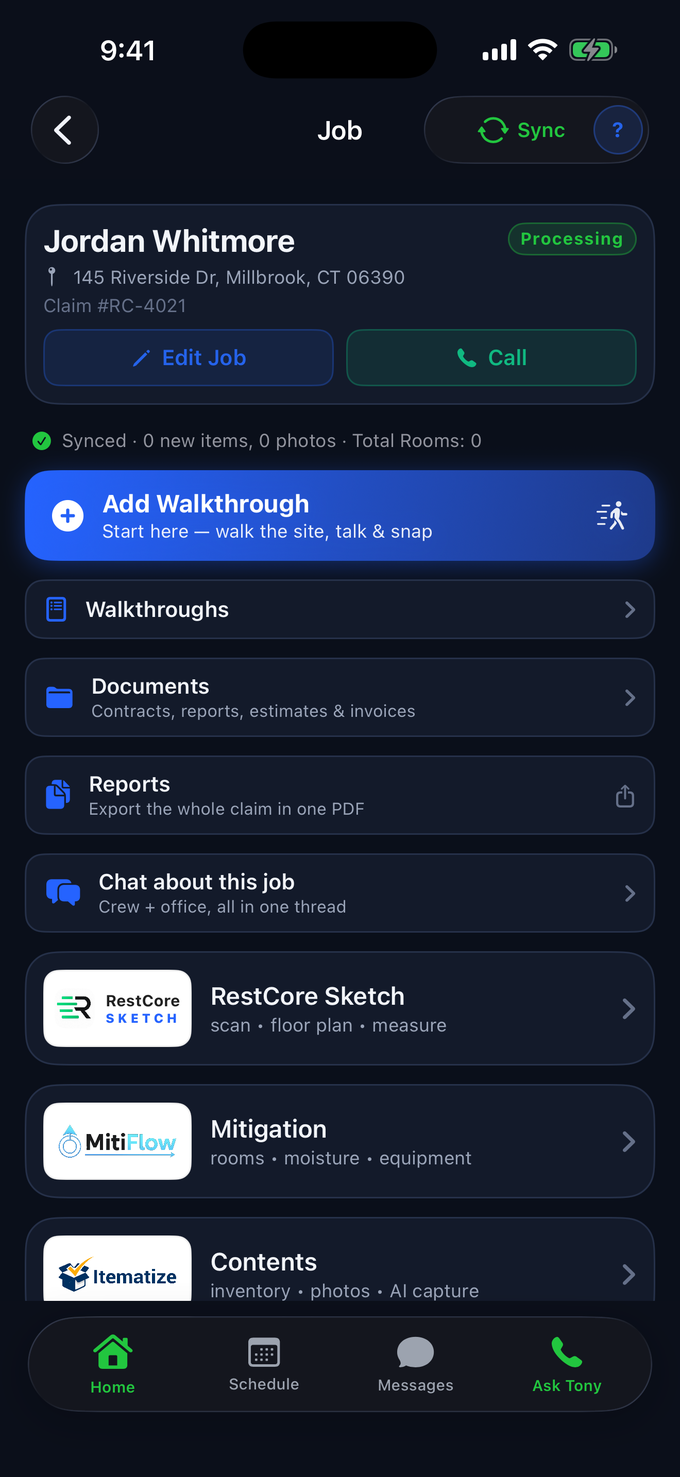
The field captures the work. The office needs the paperwork. The owner needs to see what moves next. RestCore™ keeps the job, customer, photos, documents, scope, estimate, invoice, communication, and next actions connected in one place.
Photos, walkthroughs, readings, equipment, and documents stay on the job while the work happens, not in a camera roll.
The scope, documents, and next steps start from what the field captured, not from a phone call.
Completion, invoice, payment options, and the audit trail stay connected to the work that was done.
Start with the work your team captures. Keep each next step connected to the same job record.
Create the job, capture photos and notes, document the walkthrough, and give the office the field record while the details are still fresh.
Build the scope from the job context, review the estimate, send e-sign documents where appropriate, and keep the supporting evidence with the work.
Create and send the invoice from the job, track payments and payment plans, and see what remains open without losing the underlying job record.
RestCore™ goes deepest in restoration: walkthroughs, mitigation, contents, Scope of Work, work-completion documentation, estimates, invoices, and AR stay connected from the field to the office.
Tony Russo
AI Production & Project Assistant
Tony Russo works inside the same job record and job conversation your team uses. Ask him to prepare the next step from the walkthrough, photos, documents, and notes already on the file. He spots what's missing, builds checklists, drafts the paperwork, and keeps the handoff moving.
Tony Russo
Live demo · AI assistant
Choose your trade
Choose the job
Sanitized sample data. Don't enter customer names, addresses, claim numbers or payment details.
Ask Tony to draft a Scope of Work, create a note from a walkthrough, organize the job context, or prepare the next document for review.
Ask what photos, documents, or follow-up details are missing before the office, customer, or next crew member needs the job.
Ask for job-specific checklists and guidance. Tony can send timely reminders when the job record shows a likely gap that needs attention.
Tony drafts, your team decides. His drafts land where your team can review and edit them, and real actions wait for your confirmation.
RestCore™ gives every team member the right view for the way they work, across iPhone, iPad, and the web portal.
Capture photos, walkthroughs, mitigation readings, contents, notes, documents, and job updates from the field.
Review job progress, modules, photos, documents, notes, and reports on a larger screen built for PMs, owners, and senior techs.
Manage jobs, templates, invoices, payments, documents, reports, users, pricing, and RestCore™ Books from the office.
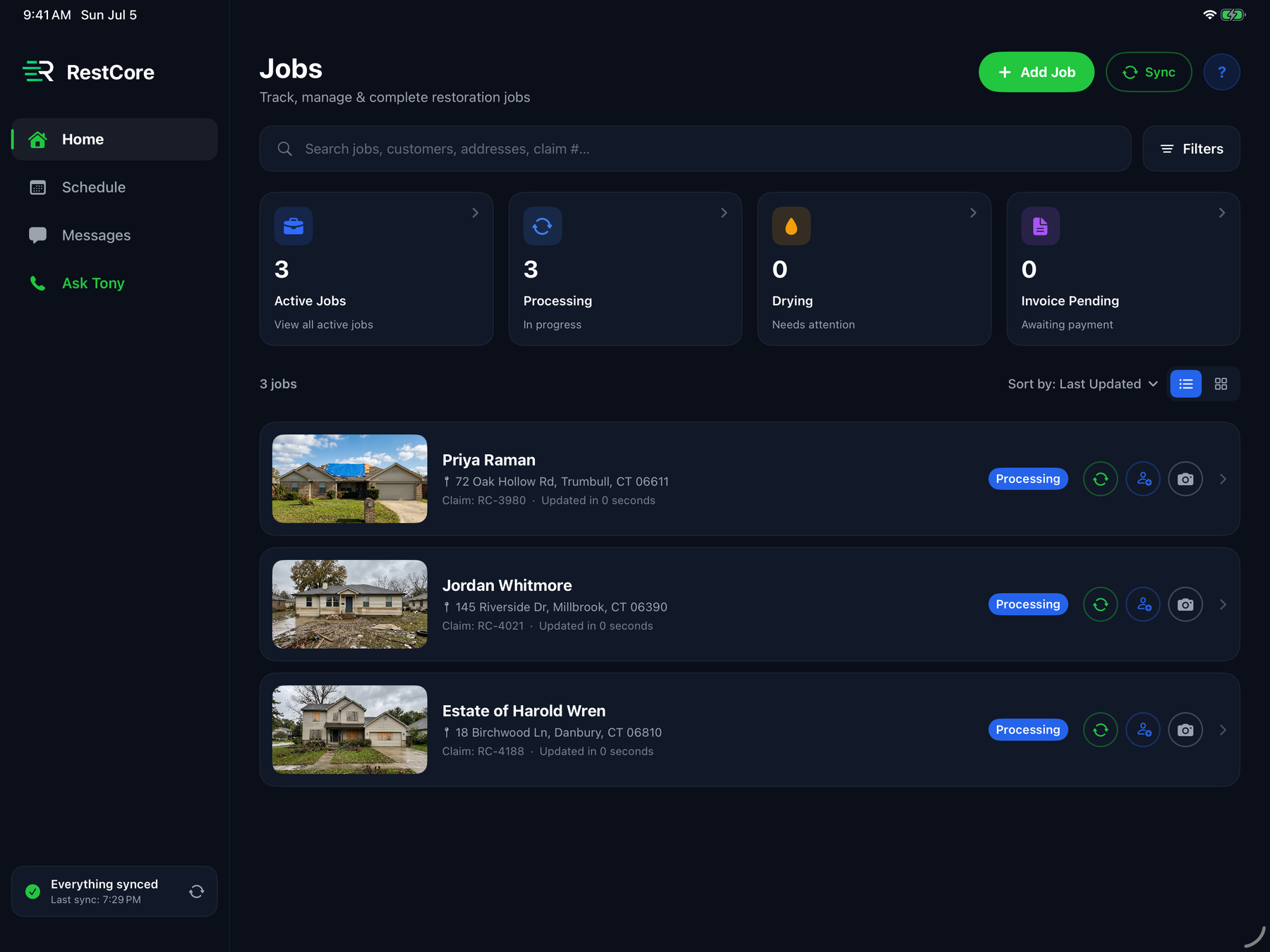
RestCore™ on iPad gives teams a larger view of jobs, modules, photos, reports, notes, and job progress, perfect for reviewing work in the field or managing multiple jobs from the truck, office, or job site.
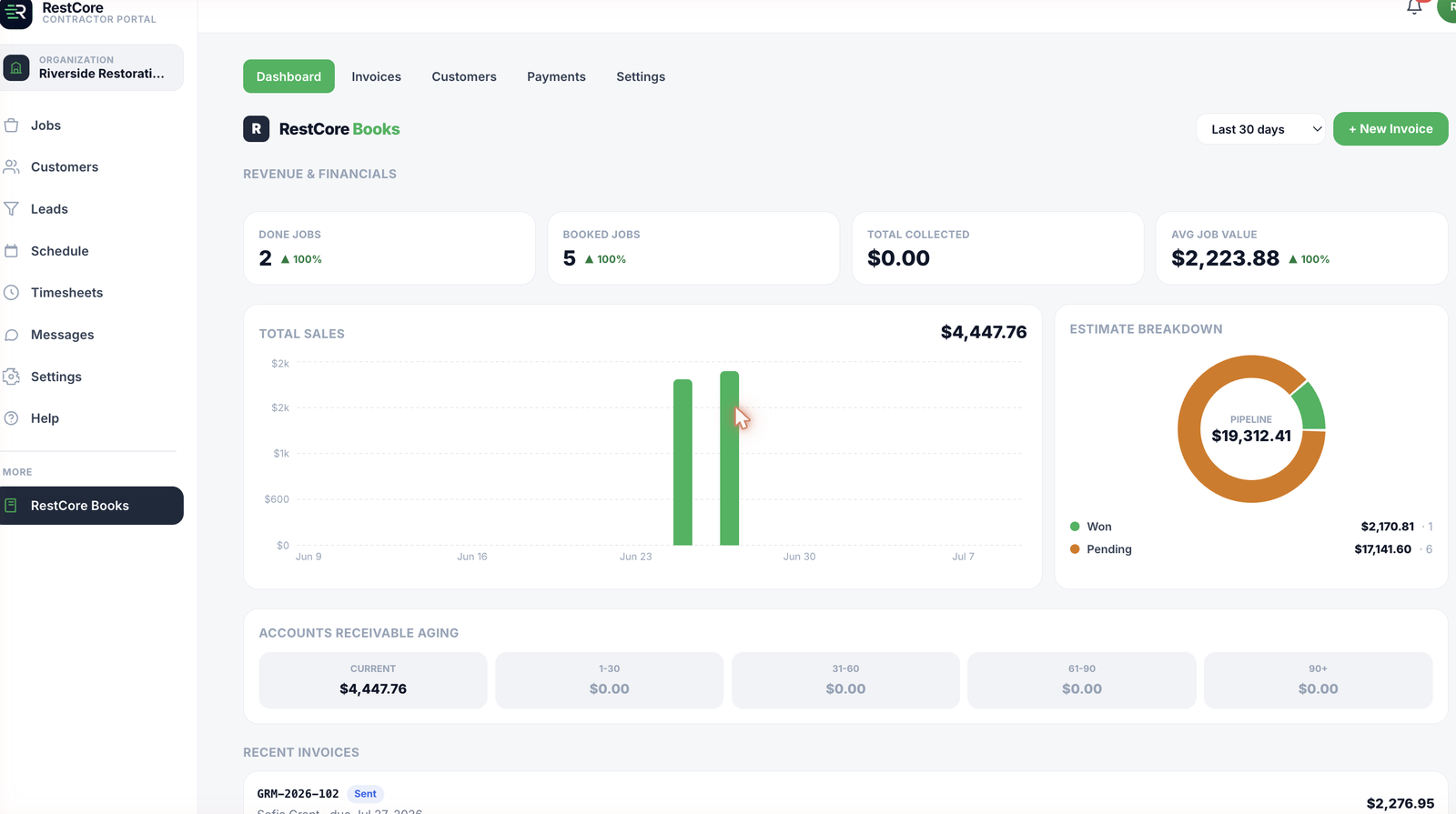
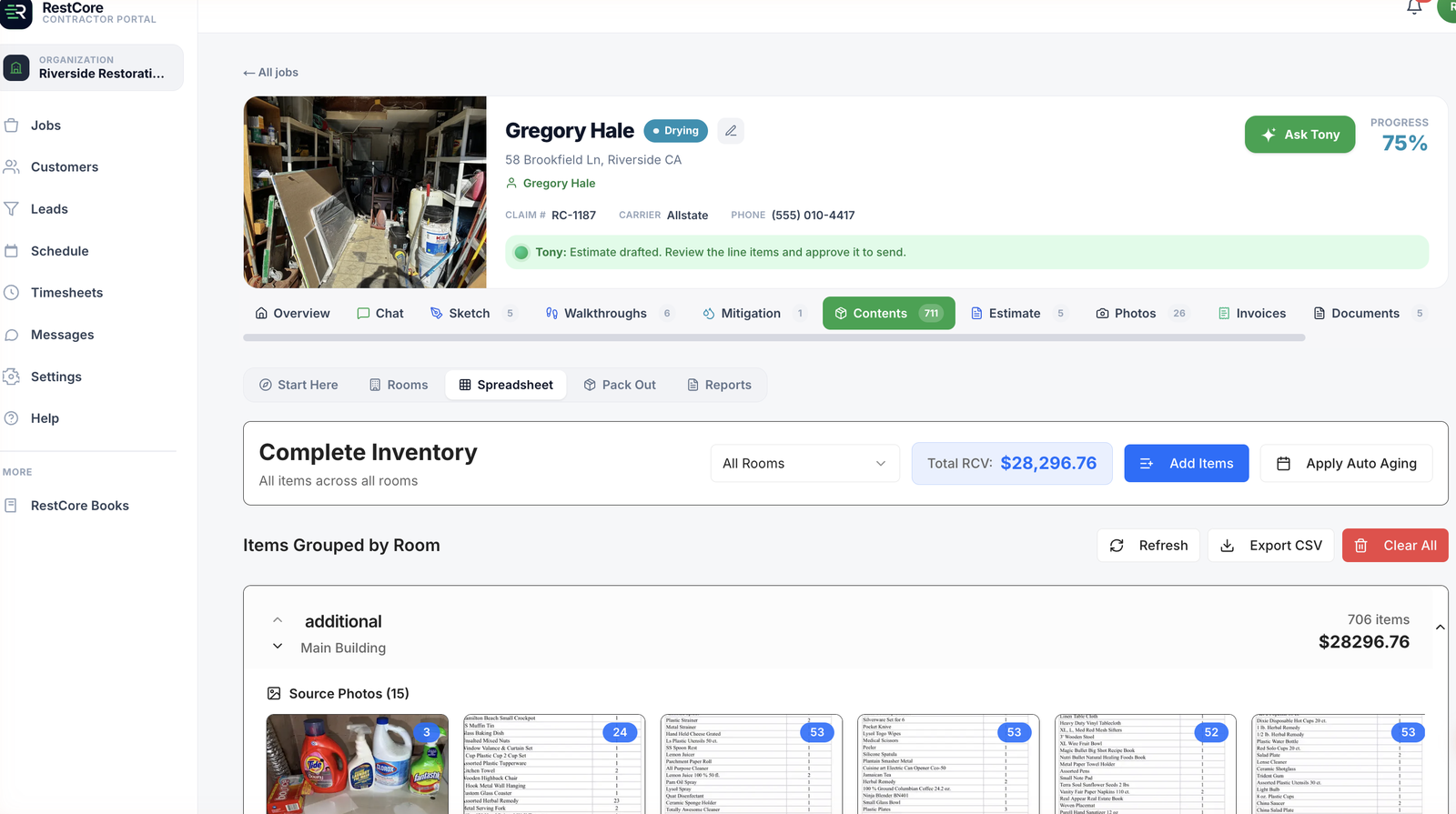
From the web portal, teams can manage jobs, documents, contracts, templates, photos, reports, invoices, payments, users, and RestCore™ Books.
Track active jobs, documentation, outstanding invoices, and next actions.
Open a job and access all modules from one connected workspace.
View invoices, payment plans, payments, accounts receivable, and audit controls.
Create and publish contract templates without waiting on support.
The connected job platform for your whole team. Plans are based on annual job volume. Every plan includes 200 AI Inventory line items a month, and line item packs cover the big losses. Choose the plan that matches how much work your company runs.
Owner-operators and small field-service teams.
Growing field-service crews.
Multi-crew field-service teams.
High-volume offices and franchises.
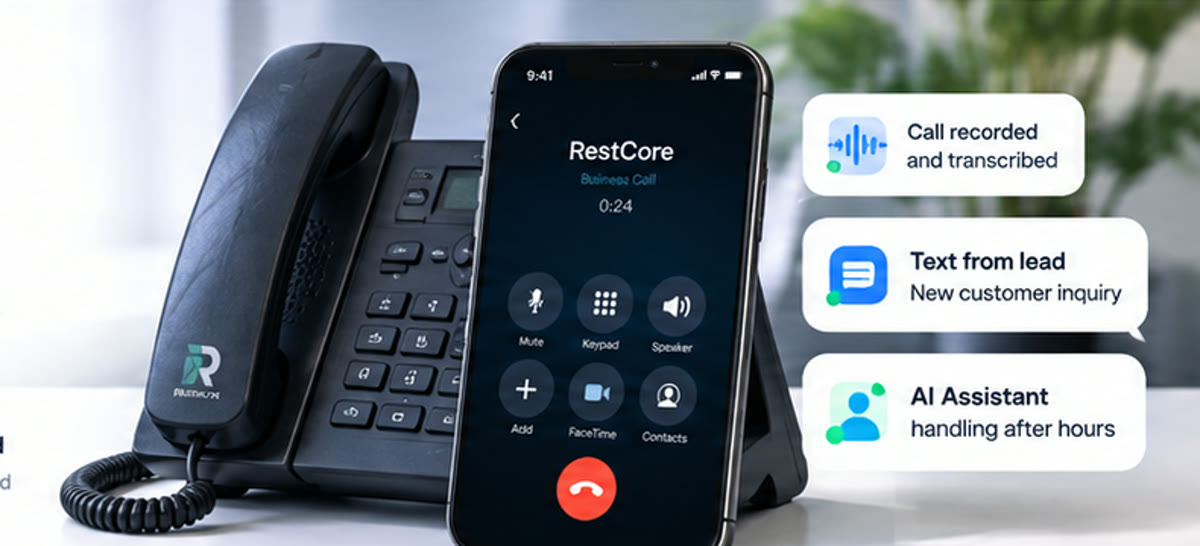
10 phone lines in your area code, 2,500 minutes and 2,500 texts pooled monthly, with texting registered with the carriers under your company name. Calls, texts, voicemail, and recordings live inside RestCore™ on every device. Tony's automated calls and texts are handled separately from your team's included phone usage.
Extra lines $10/mo each · one-time $199 setup (we handle the carrier registration) · 4¢/min and 2¢/text after the included pool · activate from Settings once you're in.
Photograph the room and Tony builds the inventory. Every line is typed, priced at replacement cost, and aged for depreciation. 200 line items are included every month; packs cover everything beyond that and never expire.
Your 200 monthly line items are used first. A job is counted once, however many times you price it, and analyzing photos is always free. Buy packs any time from Billing in the web portal.
Voice top-ups when you need more talk time: 100 min $79, 250 min $179, 500 min $299.
FaceTime and screen-share with Tony use voice minutes at 3x.
600+ jobs a year, with custom onboarding, support, and everything included. Let’s talk.
Annual billing saves about two months. Your workspace opens the moment checkout completes. Want to see it work first? Watch the full walkthrough, no scheduling.
RestCore™ was created by co-founders Rick Belmont and Marie Alice Belmont. Their experience combines field-service operations, product and technology strategy, brand strategy, and hands-on contractor workflows.
Built for restoration. Powerful for qualified plumbing and HVAC teams that want one job record from field capture to office follow-through.