
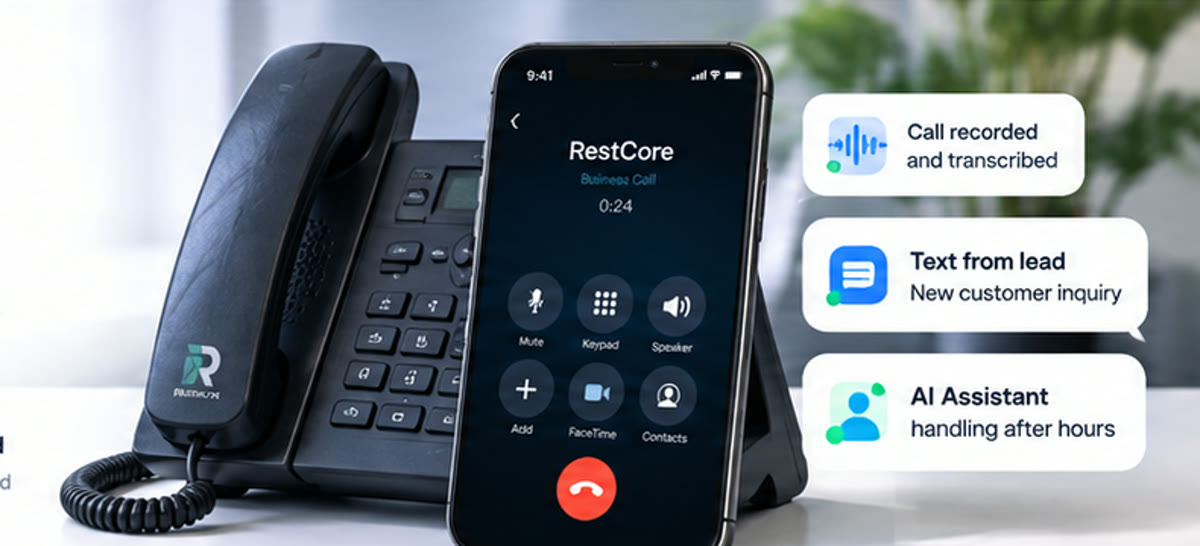
A water heater call at a rental home involves more people than the technician: a tenant, a property manager, the office, and whoever sends the invoice. This demo follows one plumbing job in RestCore™ from the service visit to a paid invoice, with the photos, notes, scope, estimate, authorization, and payment all on the same record.
This is a sanitized RestCore™ demo job. Names, addresses, claim numbers, and payment details belong to a fictional demo company. It shows how one connected job can be organized; it is not a customer case study, professional advice, or a promise of any outcome.
The scenario
A property manager reports a problem with the water heater at one of their rental homes. The unit sits in a closet under the stairway. The tenant has seen rusty water at the fixtures, and the tank has been serviced before.
The job is created in RestCore™ with the tenant, the property, the property manager, and the appointment attached. From there, everything the technician captures goes to that one job instead of a phone, an inbox, and a separate invoicing tool.
1. Capture the visit once
On site, the technician records a walkthrough of the water heater and takes photos: the tank, the data plate, the fittings on top, and the closet around it. The notes and photos save straight to the job, so nobody has to chase them later.
That gives the office the same job story the technician saw, which matters on a rental. When the property manager calls with a question, the answer is on the job, not in the technician's head.
2. Ask Tony for a draft scope
Back in the job, the technician asks Tony for a Scope of Work. Tony reads the walkthrough and photos and drafts a repair scope: the equipment identified from the data plate, a summary of what was found, and the proposed repair, a tank flush and replacement of the corroded nipples at the top of the tank.
Tony shows the draft first. The team reads it, edits what needs editing, and decides what gets saved. The finished scope exports as a branded PDF with the company's name on it.
3. Research the code question, verify locally
Water heater work can raise code questions about venting, seismic strapping, relief valves, and what a local jurisdiction requires on a repair versus a replacement. When a job raises a question like that, Tony can research it and cite relevant sources for the job's location.
Tony does not sign off on code. Your licensed team still verifies the current local requirements, and the answer stays on the job with the sources, so the office is not guessing later.
4. Scope to estimate to invoice, on one record
The approved scope becomes the estimate, priced from the company's own price book. Tony's job summary sits at the top so whoever reviews the estimate reads the technician's findings in plain language.
An authorization to enter the property is generated from the job, already filled in with the company, the tenant, and the property. The invoice follows the estimate, and the payment, here an ACH transfer, is recorded against it, so the balance reads zero and the job is done.
5. The whole team sees the job
The technician, dispatcher, office, and owner all work from the same job across iPhone, iPad, and the web portal. Nobody rebuilds notes for the invoice, and nobody asks the technician to resend photos.
Frequently asked questions
- Is this a real customer job?
- No. It is a sanitized demo job in a fictional company. The screens are the real RestCore™ product; the tenant, property manager, address, and invoice are not real.
- Does Tony decide what repair is needed?
- No. Tony drafts a scope from what the technician captured. The technician and the office review it and decide what is saved and sent.
- Can Tony confirm a repair meets code?
- Tony can research and cite relevant sources for the job's location. Your licensed team verifies what applies locally. RestCore™ does not approve code compliance, permits, or inspections.
- Can the property manager be the one who pays?
- Yes. The job keeps the tenant, the property, and the property manager separate, so the estimate, authorization, and invoice go to the right party.
Video transcript
A plumbing job should not be scattered between a technician's phone, the office inbox, and a separate invoice system. Create the job, capture the visit, add photos and notes, and keep the customer, property, appointment, and field record together. That gives the office the same job story the technician saw in the field, without chasing photos or rebuilding notes later when questions come in. Ask me to prepare a draft Scope of Work from the information already on the job. I show the draft first, then your team decides what is saved. When a job raises a code question, I can research and cite relevant sources for the location. Your licensed team still verifies the current local requirements. Turn the approved scope into the next customer-facing step, then keep the estimate, authorization, invoice, and balance connected to the work. The technician, dispatcher, office, and owner can all work from the same connected job across iPhone, iPad, and the web. RestCore™ keeps the plumbing job moving from field capture to office follow-through. I'm Tony, and I ask before I act.
See the whole job, start to finish.
Watch Tony walk a complete job in RestCore™, then pick the plan that fits your team.