Skip to content

Help Center

RestCore™ Help Center

Step-by-step guides, short how-to videos, and answers to common questions.

Coming soon as their guides grow: RestCore Connect · Books · Workforce · Compliance Watch

Help Center › Getting Started

Find your next task in RestCore™ Connect

A 30-second how-to with the steps and screenshots below.

In this guide

  1. 1Start on RestCore™ Connect Home.
  2. 2Look for Needs your attention.
  3. 3Open the item you want to review.
  4. 4Check the job or conversation it belongs to.
  5. 5Return Home to choose your next item.

1Start on RestCore™ Connect Home
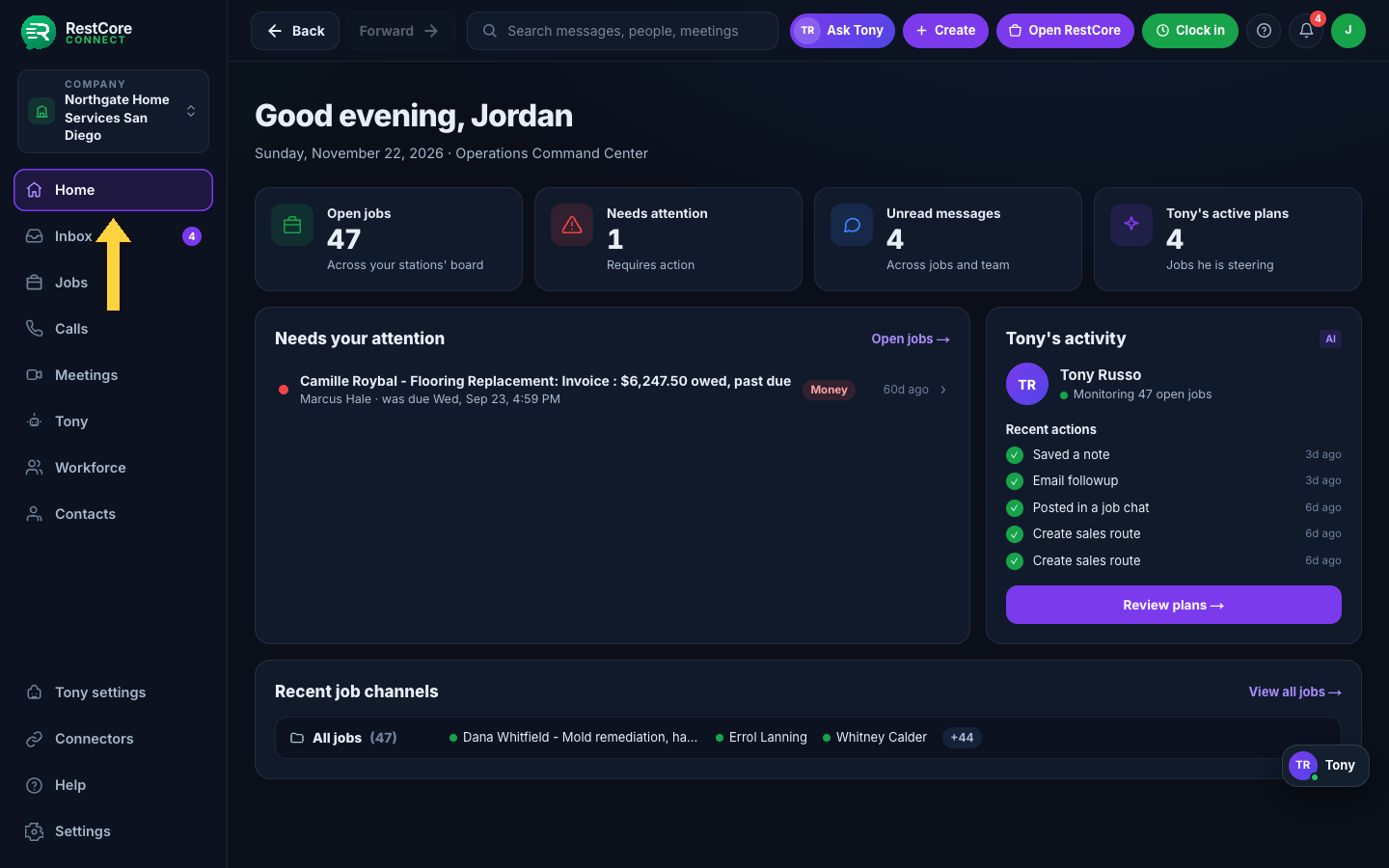
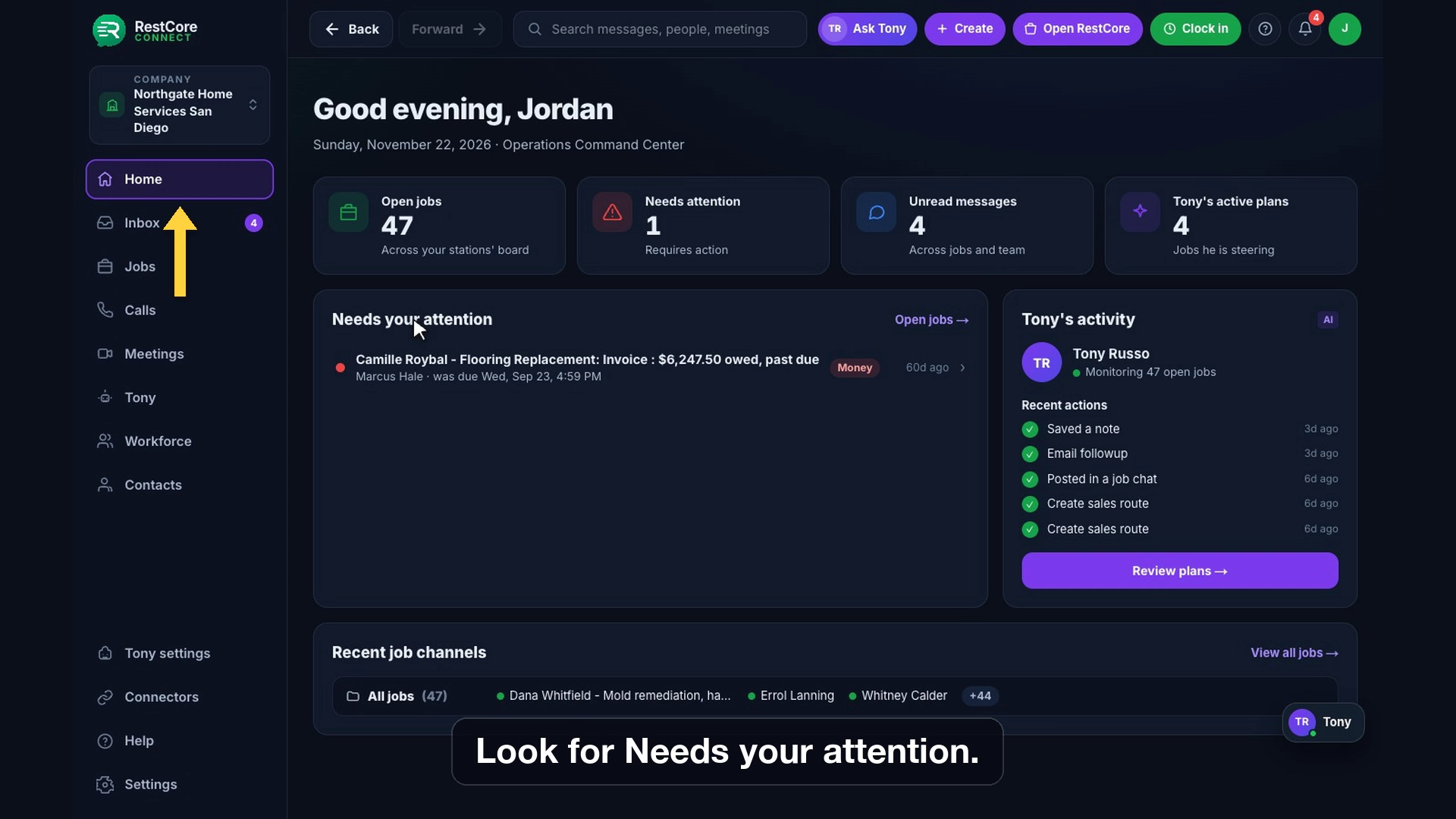
Step 1: Start on RestCore™ Connect Home.

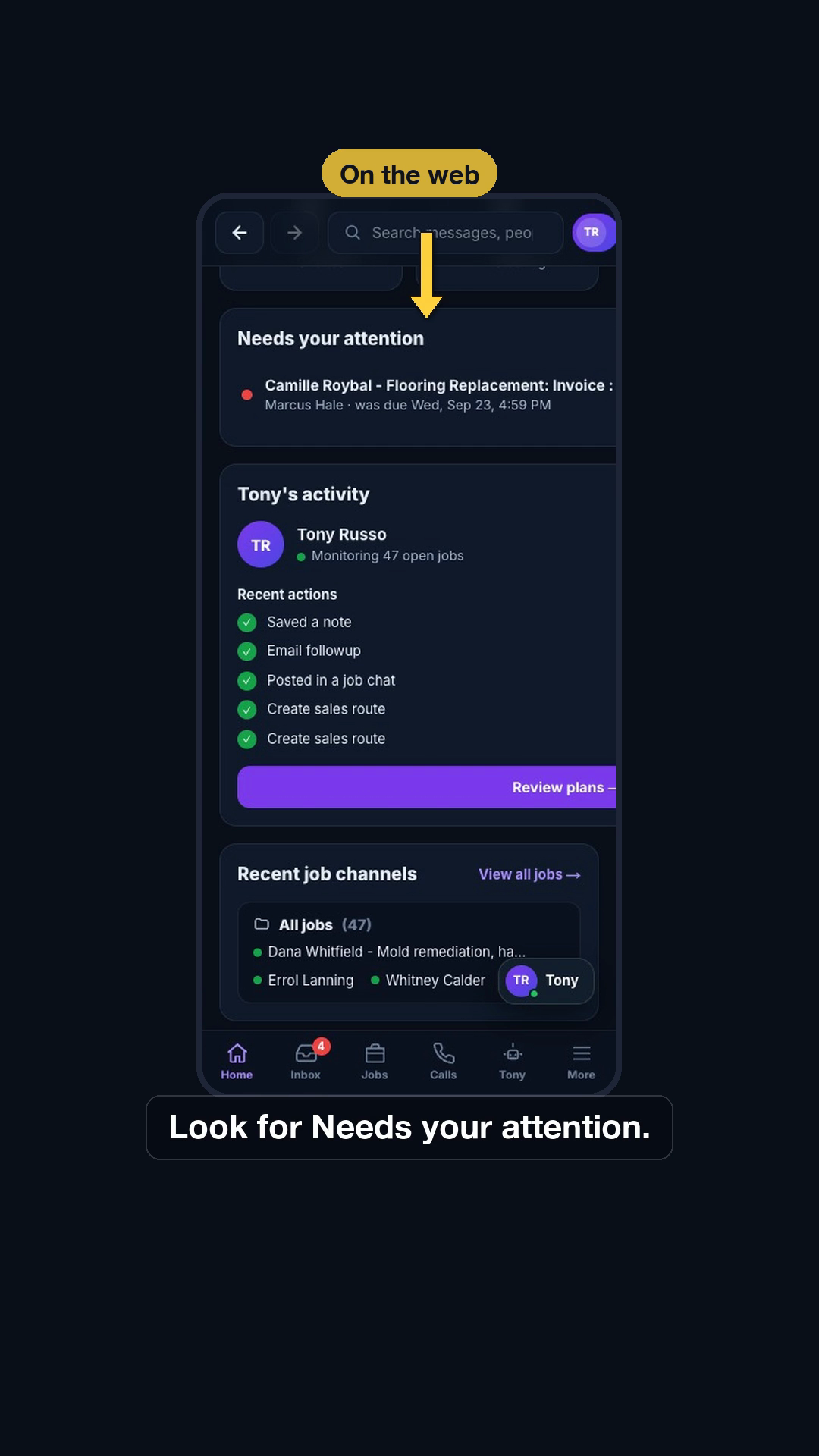
2Look for Needs your attention

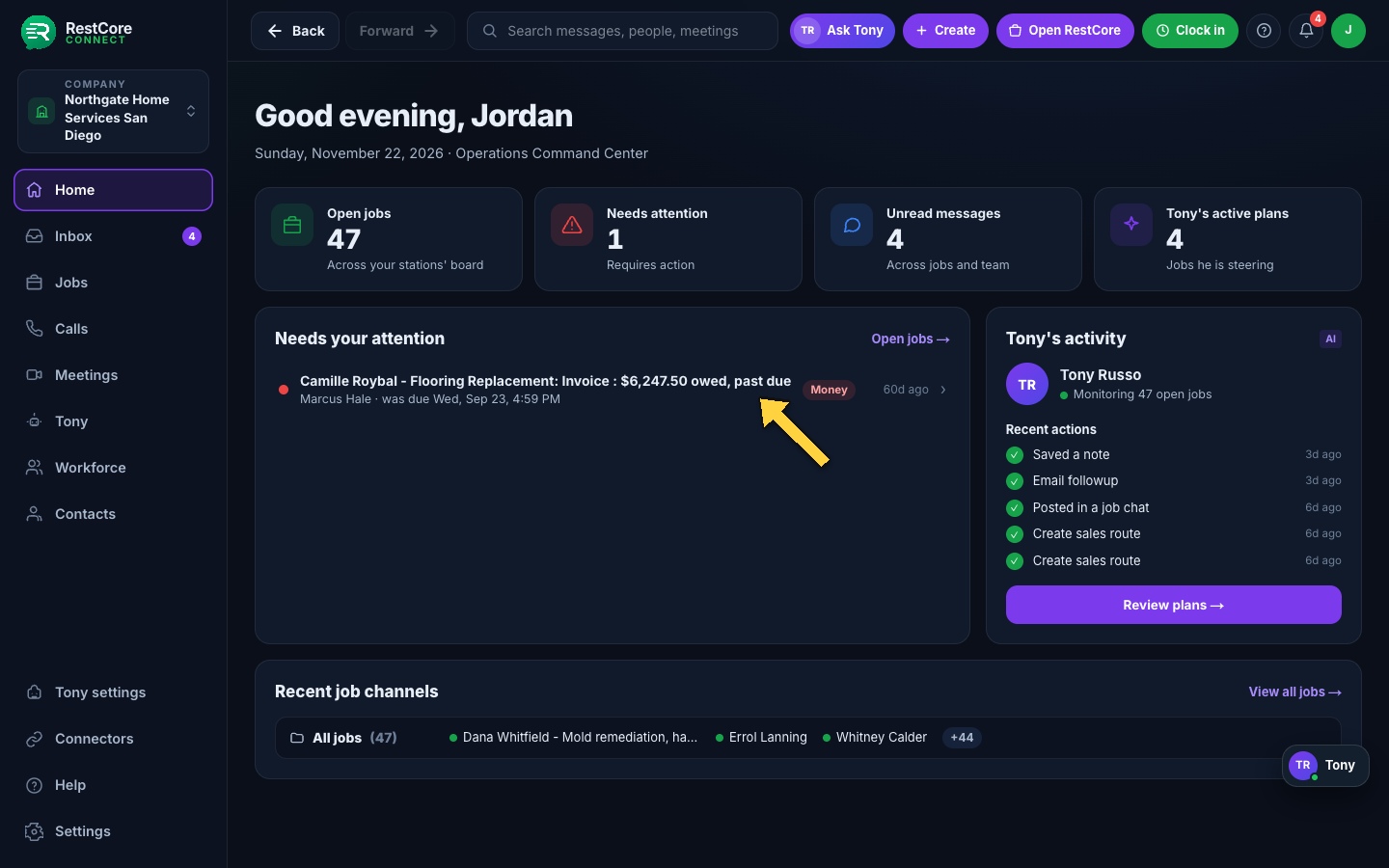
Step 2: Look for Needs your attention.

3Open the item you want to review

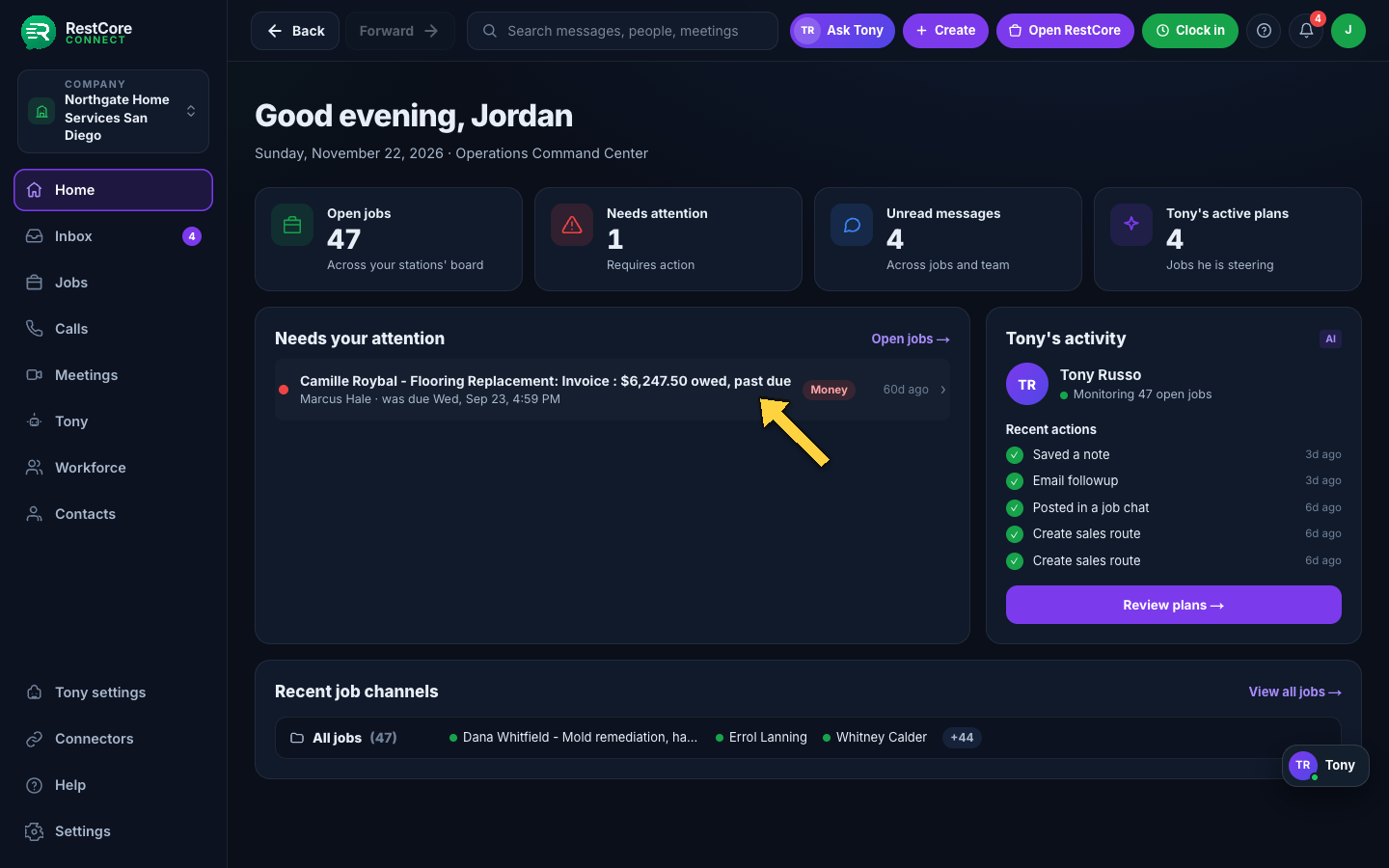
Step 3: Open the item you want to review.

4Check the job or conversation it belongs to
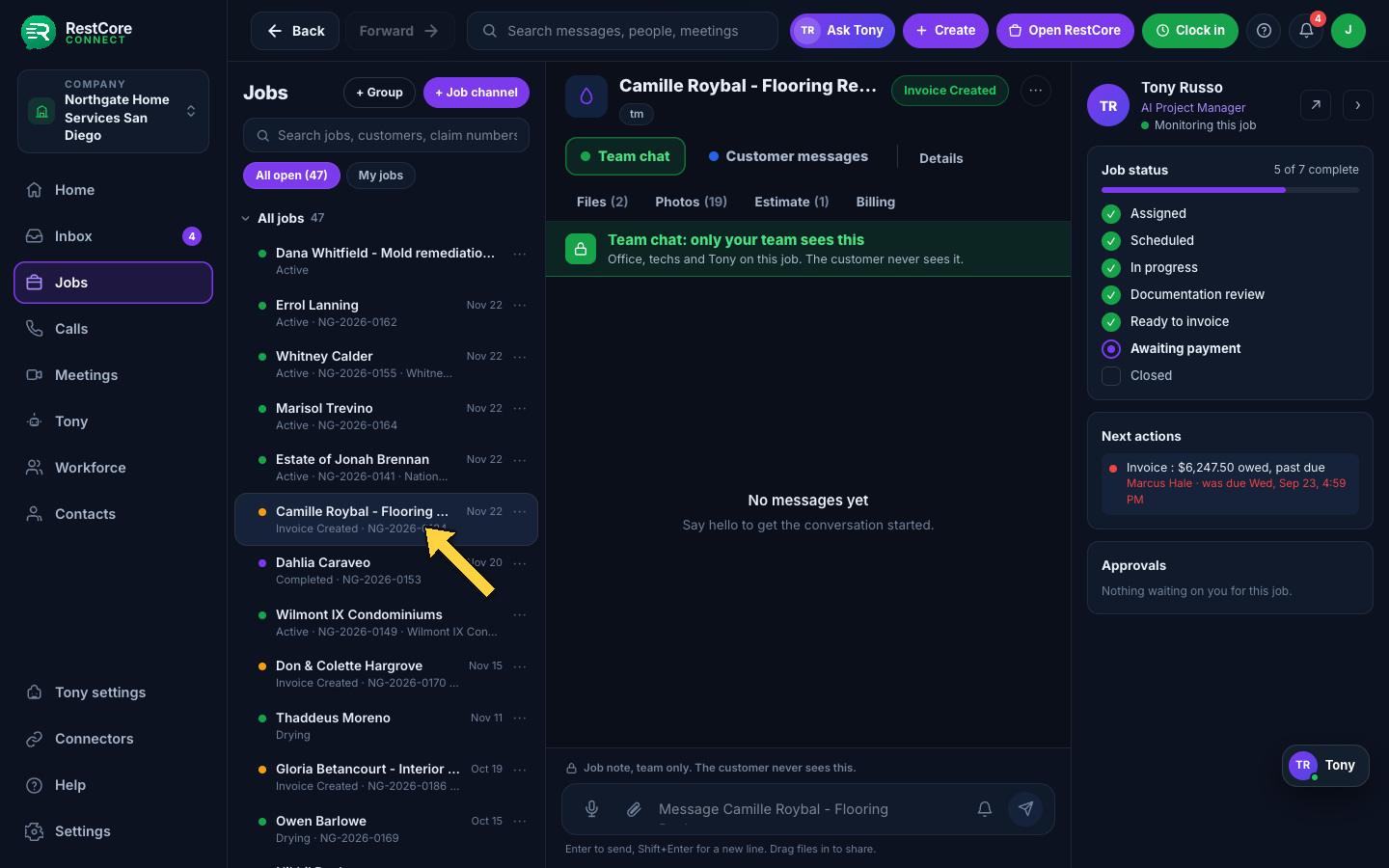
Step 4: Check the job or conversation it belongs to.

5Return Home to choose your next item
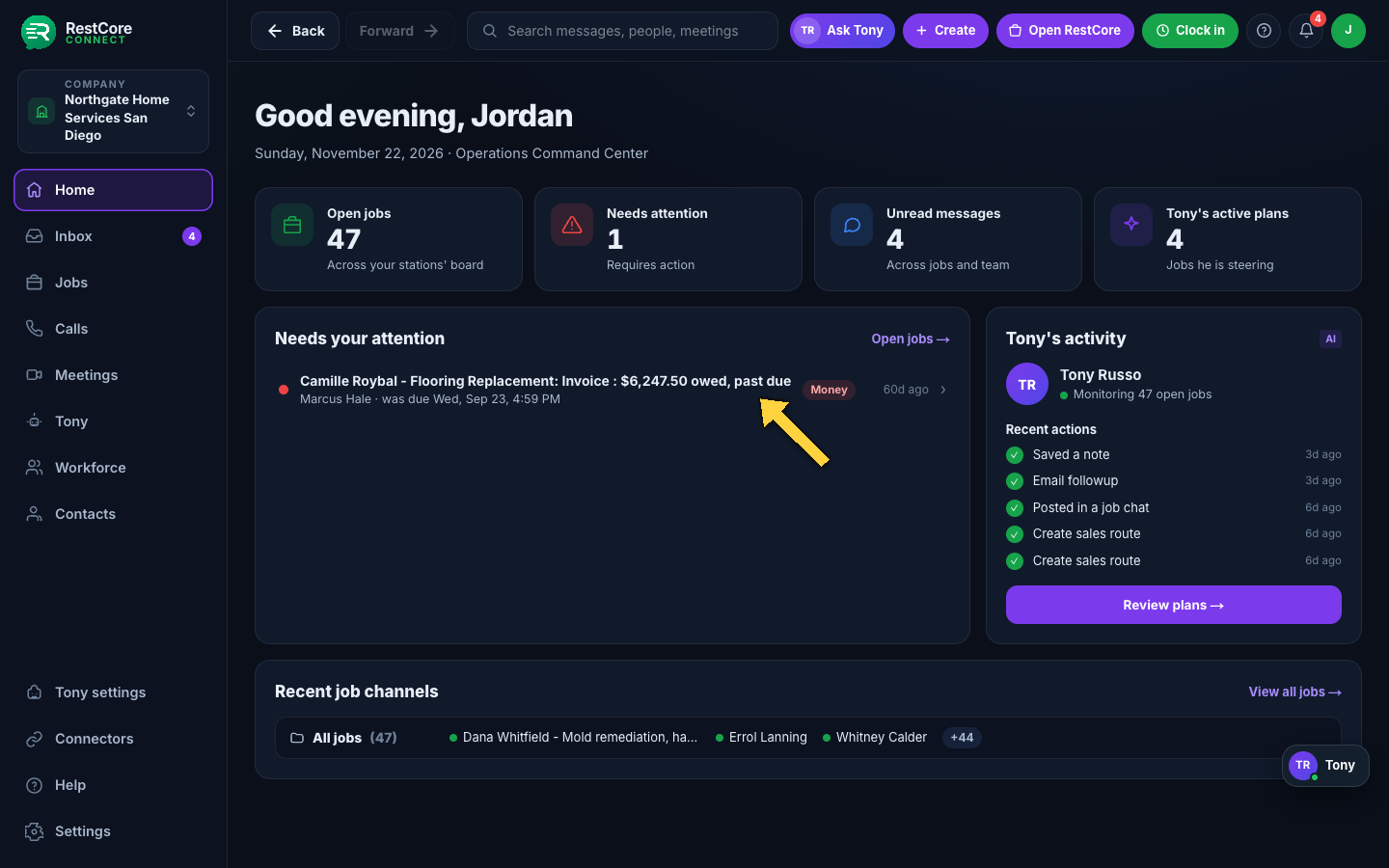
Step 5: Return Home to choose your next item.
Was this helpful?

Still stuck?

Ask Tony Russo AI™ in any job chat. He links the right guide. Or reach our team.

Contact support