
Help Center › Tony Russo AI™
Tony’s Dashboard explained
A 30-second how-to with the steps and screenshots below.
In this guide
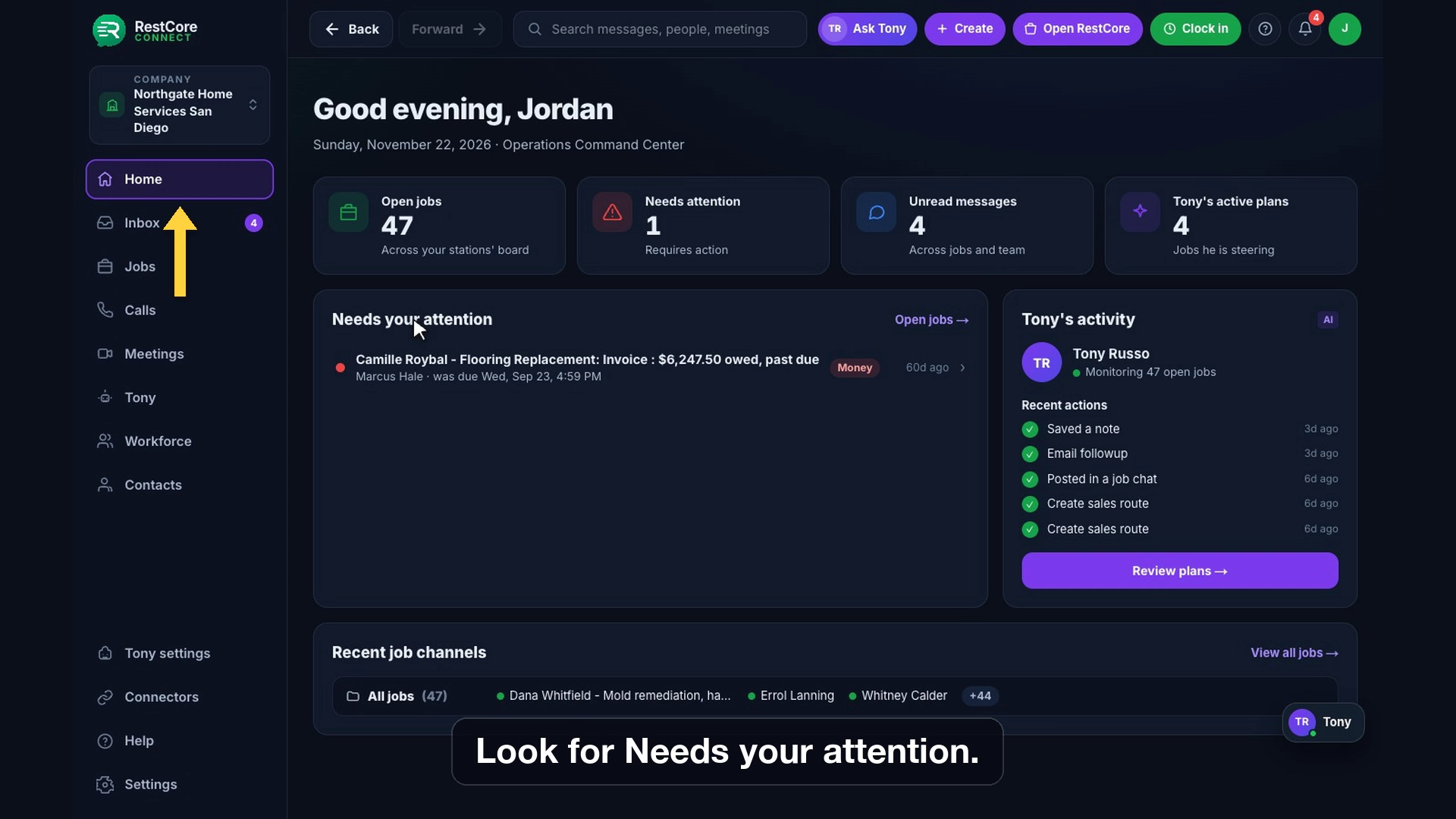
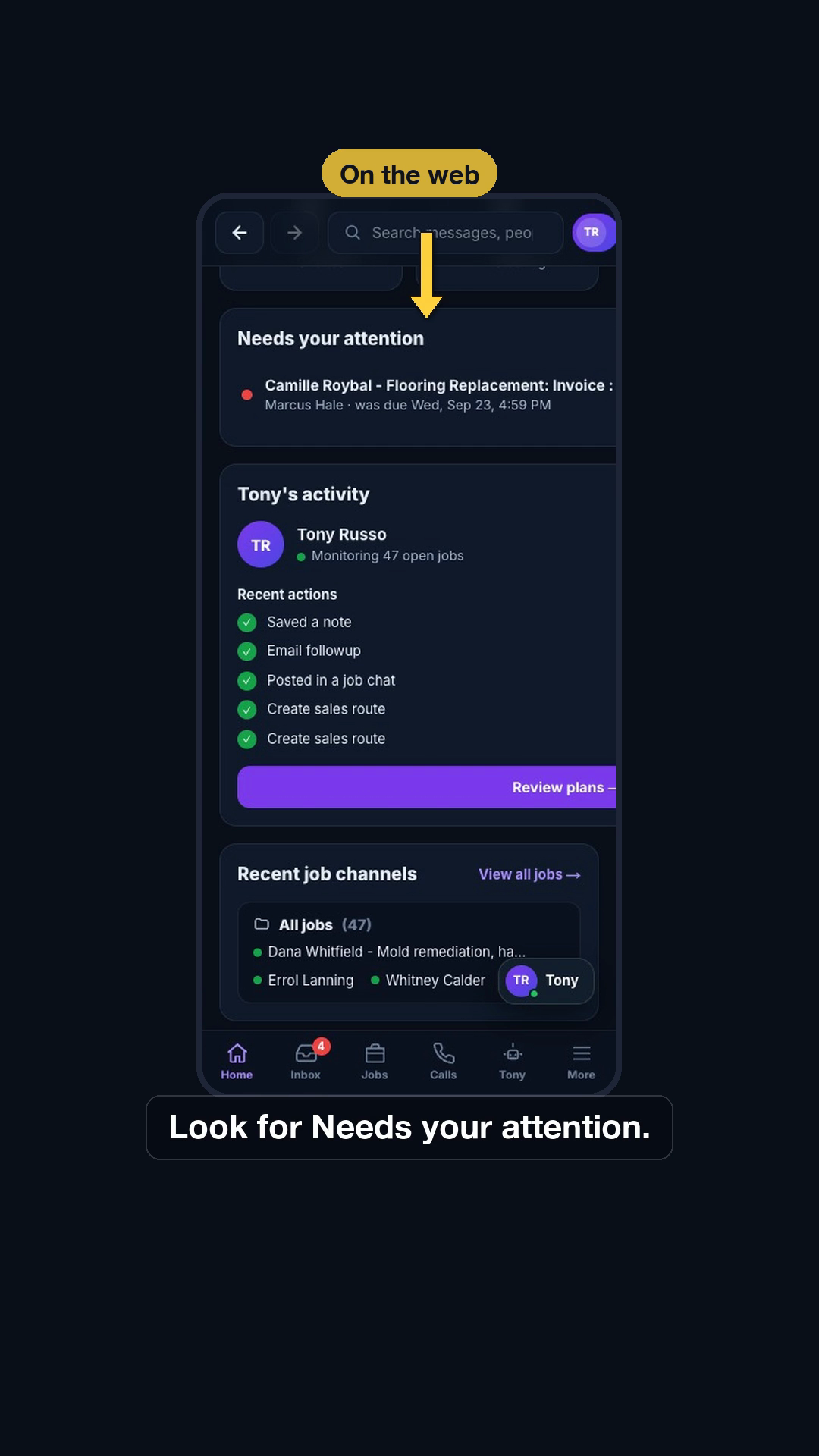
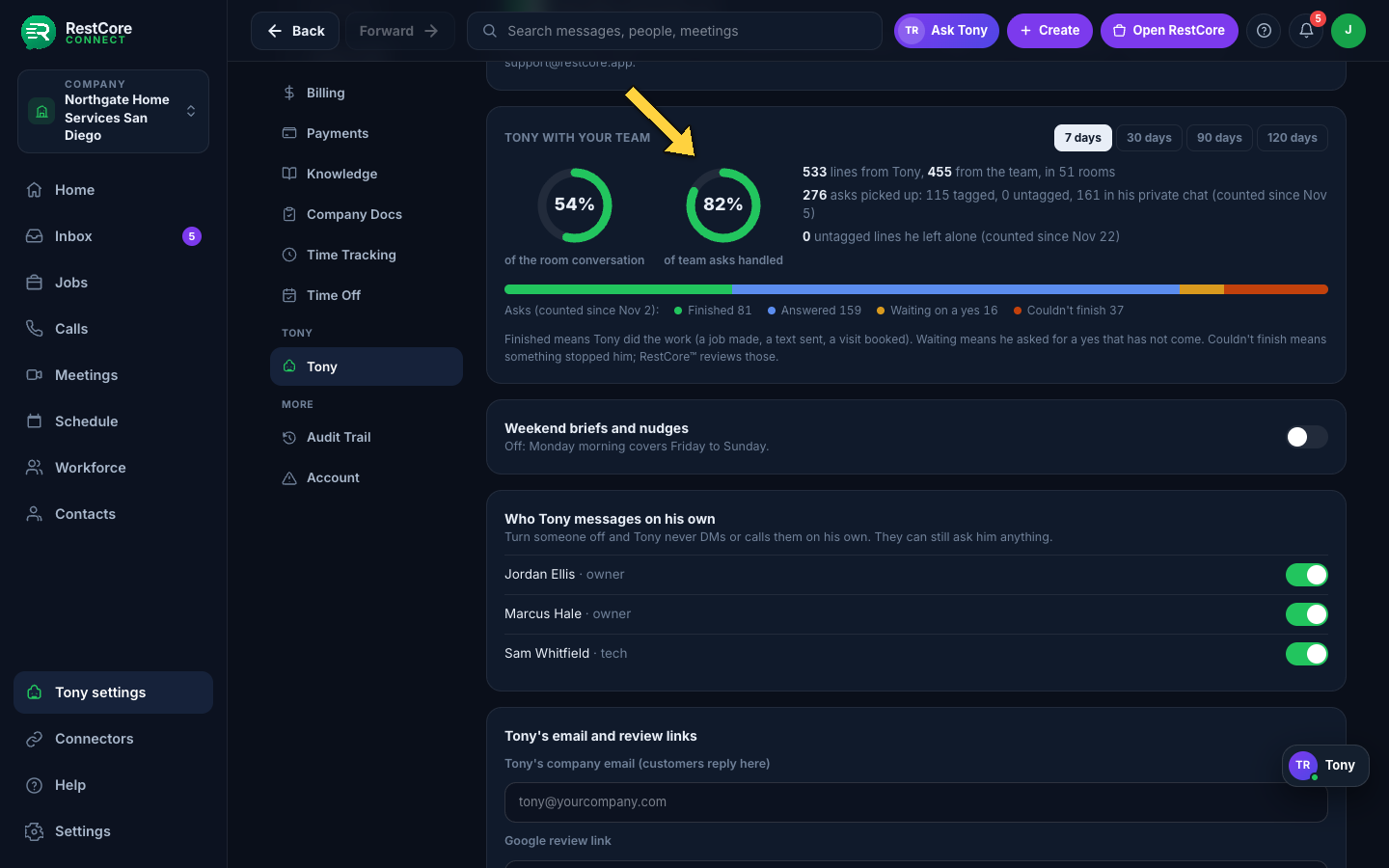
- 1Open Settings, then Tony, to see Tony with your team.
- 2The first ring is Tony’s share of the room conversation.
- 3The second ring is how many team asks he handled.
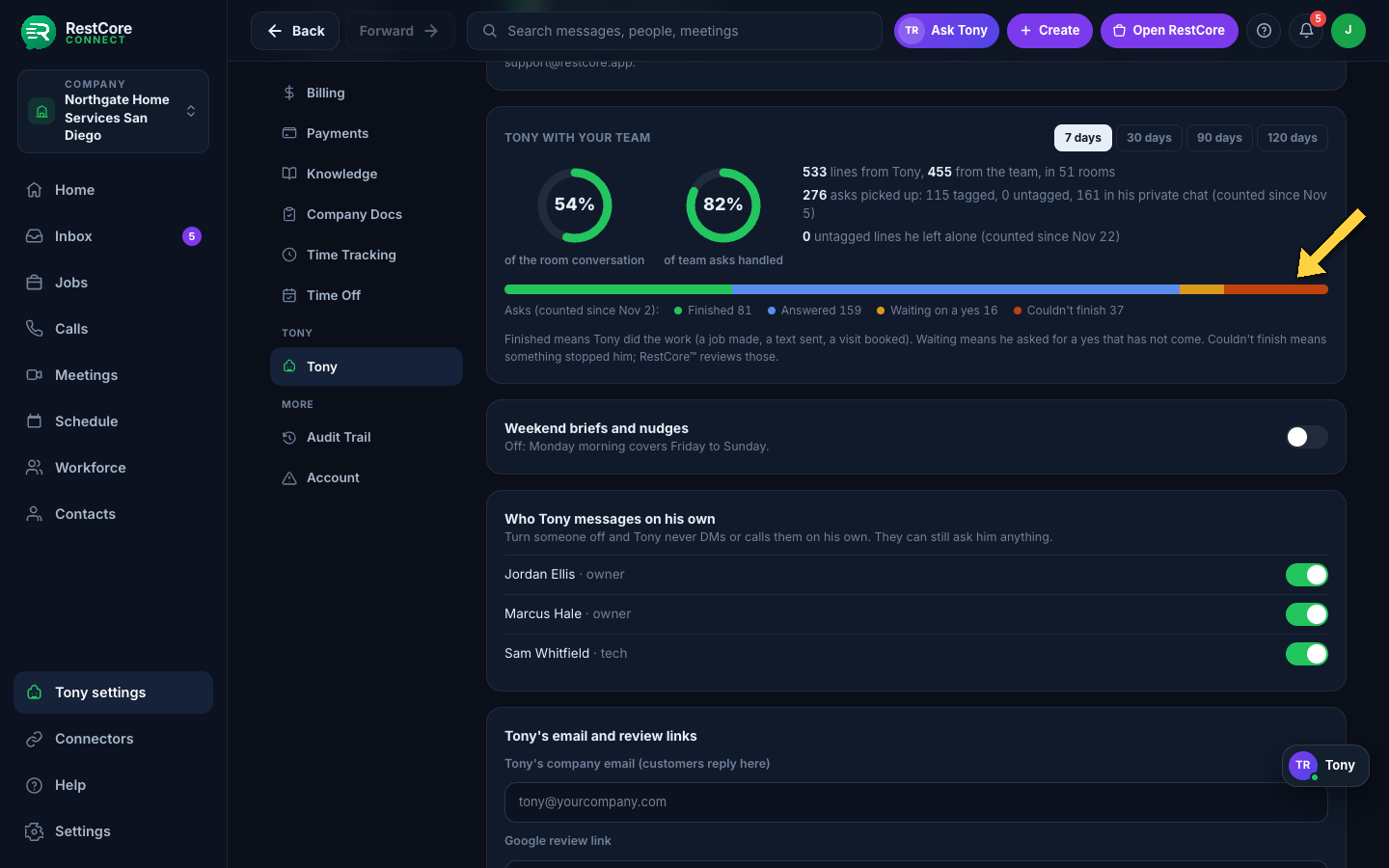
- 4The bar shows each ask: finished, answered, waiting, or couldn’t finish.
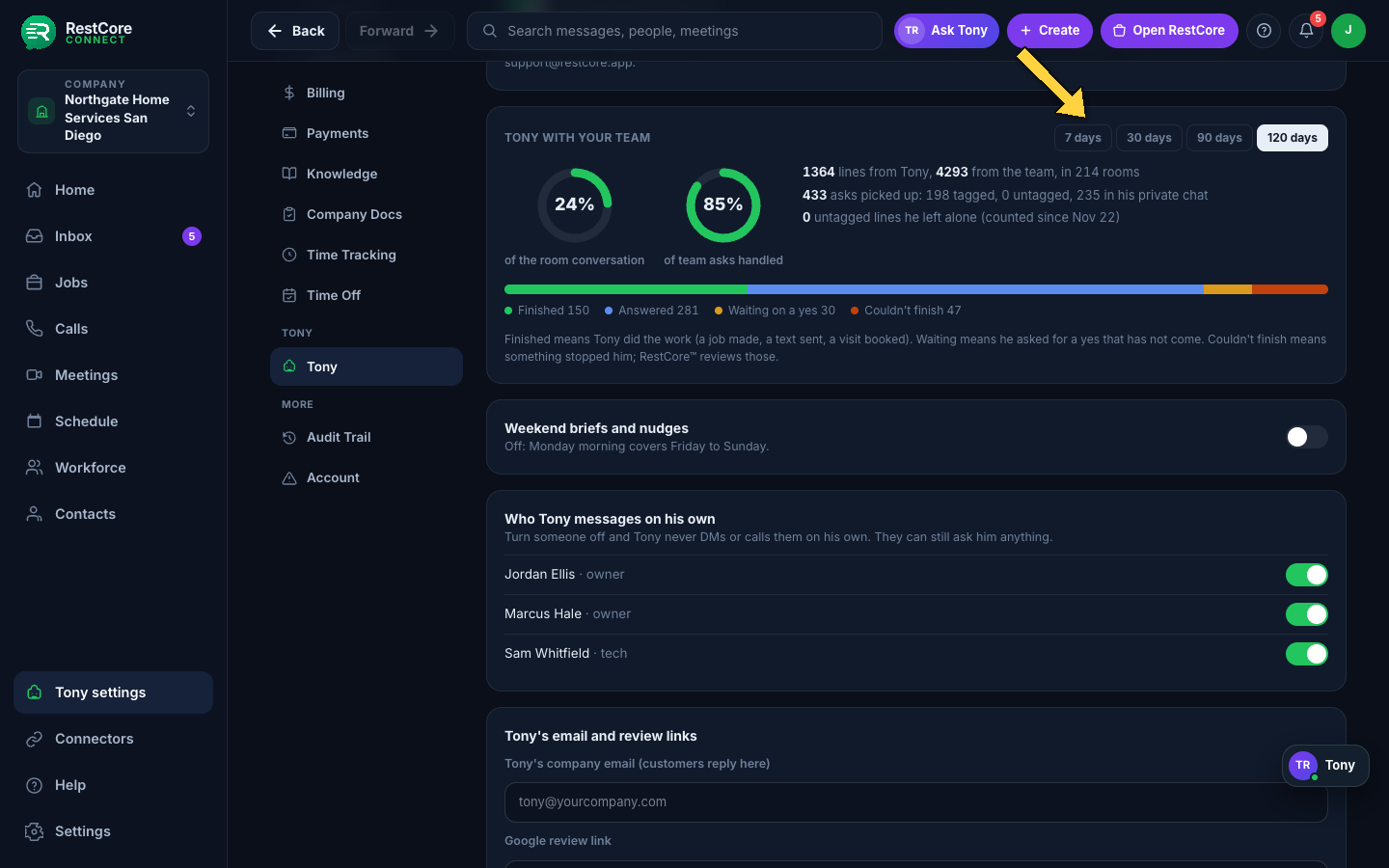
- 5Switch between 7, 30, 90 and 120 days.
1Open Settings, then Tony, to see Tony with your team
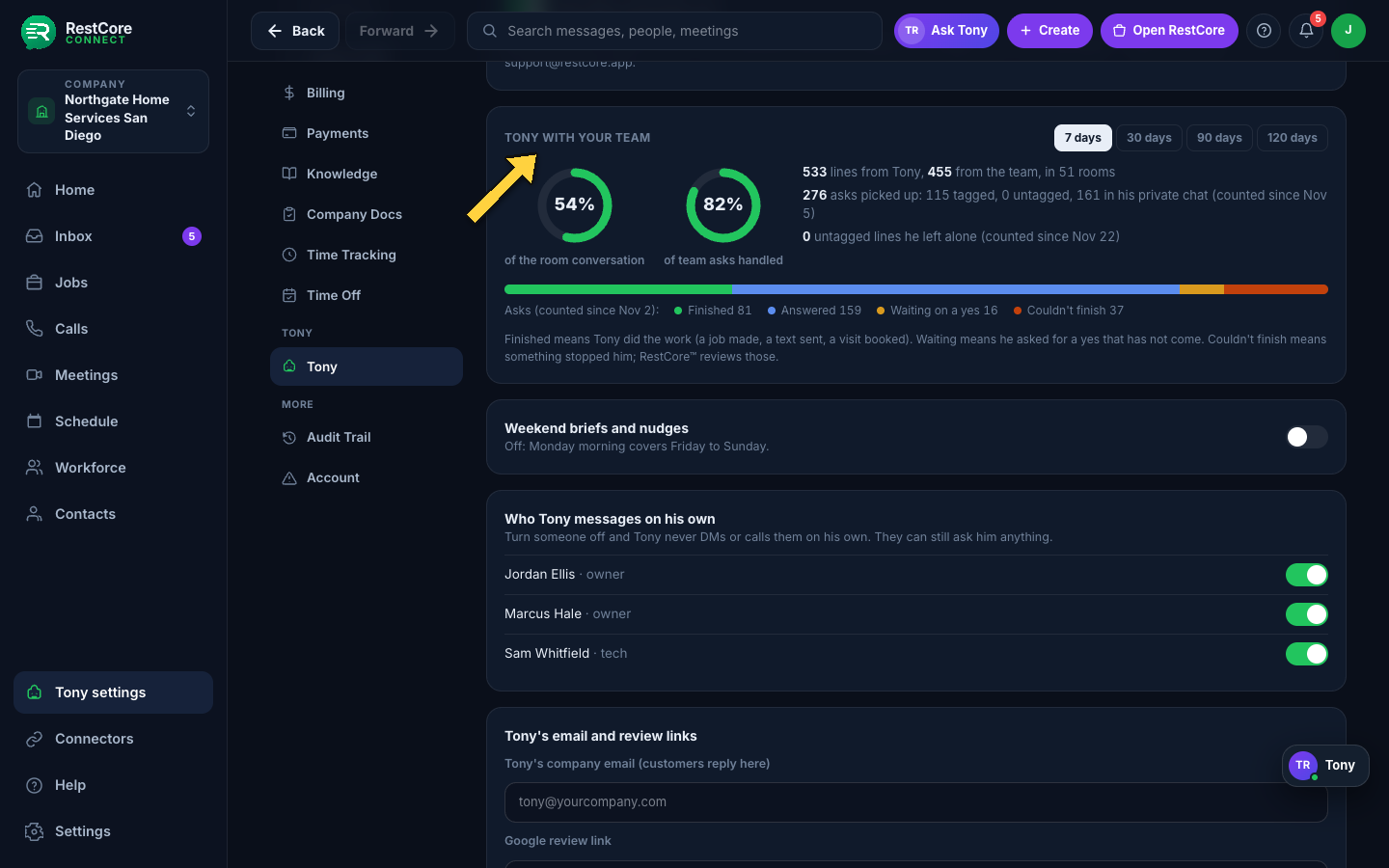
2The first ring is Tony’s share of the room conversation
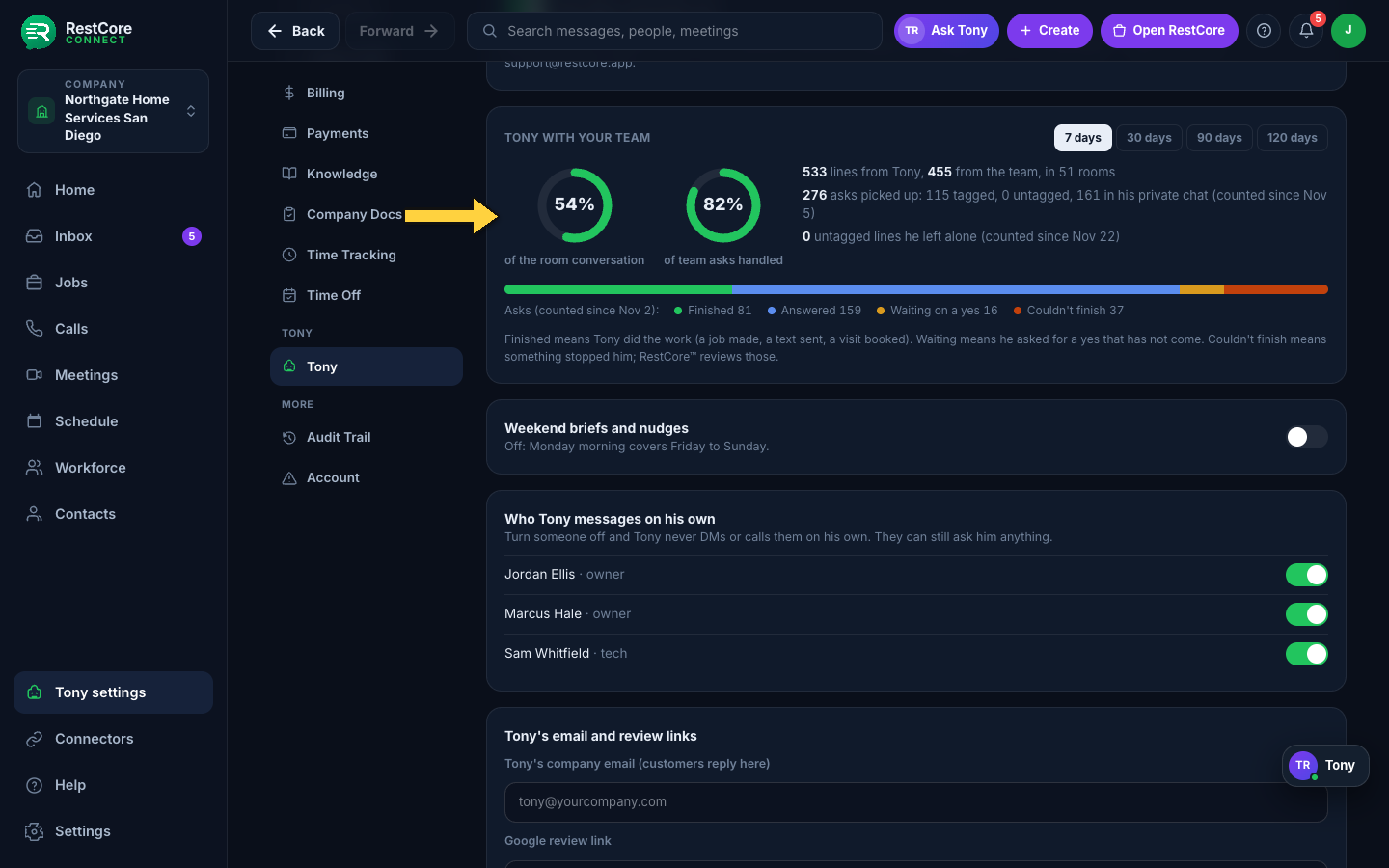
3The second ring is how many team asks he handled
4The bar shows each ask: finished, answered, waiting, or couldn’t finish
5Switch between 7, 30, 90 and 120 days
Was this helpful?