
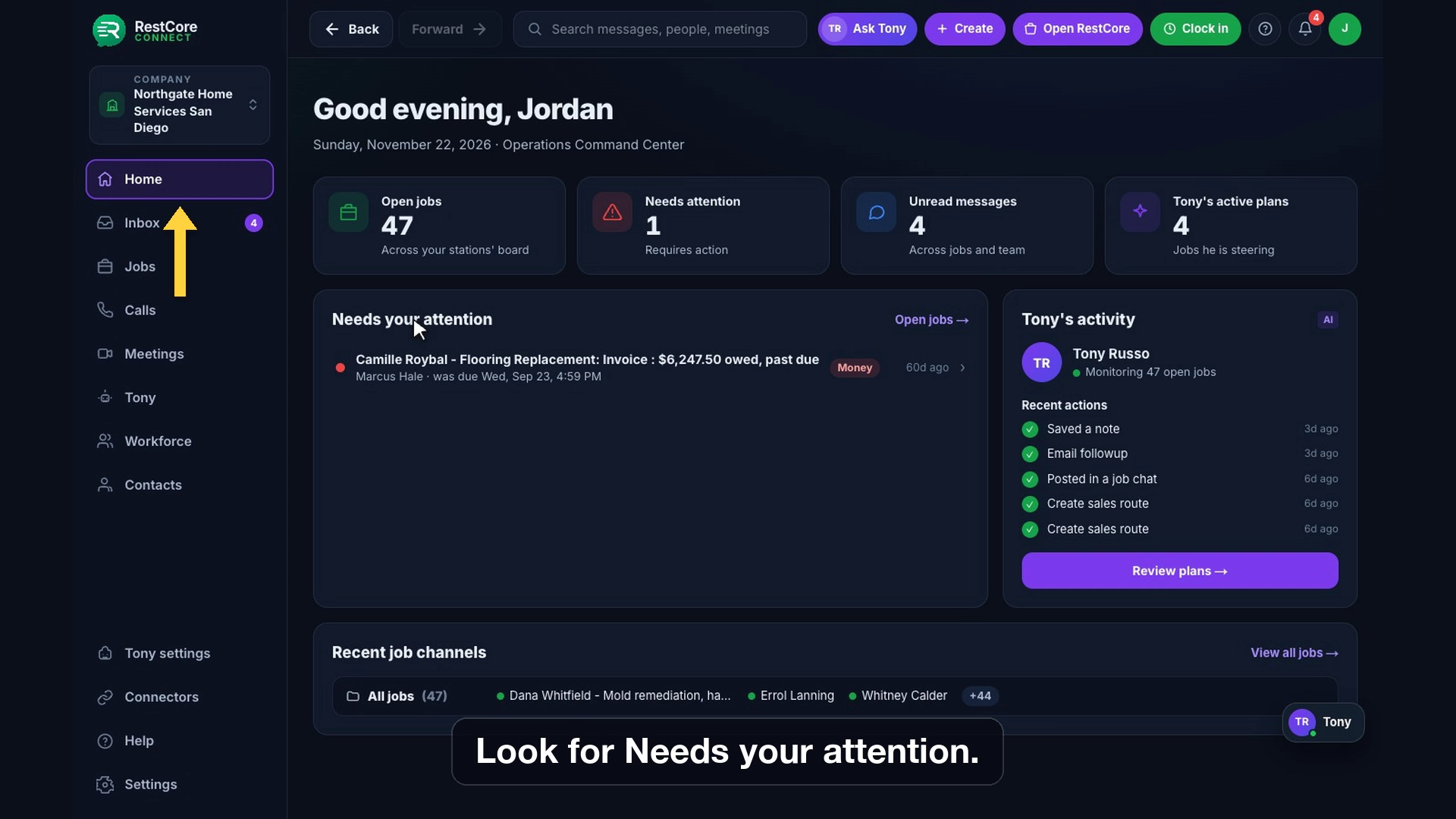
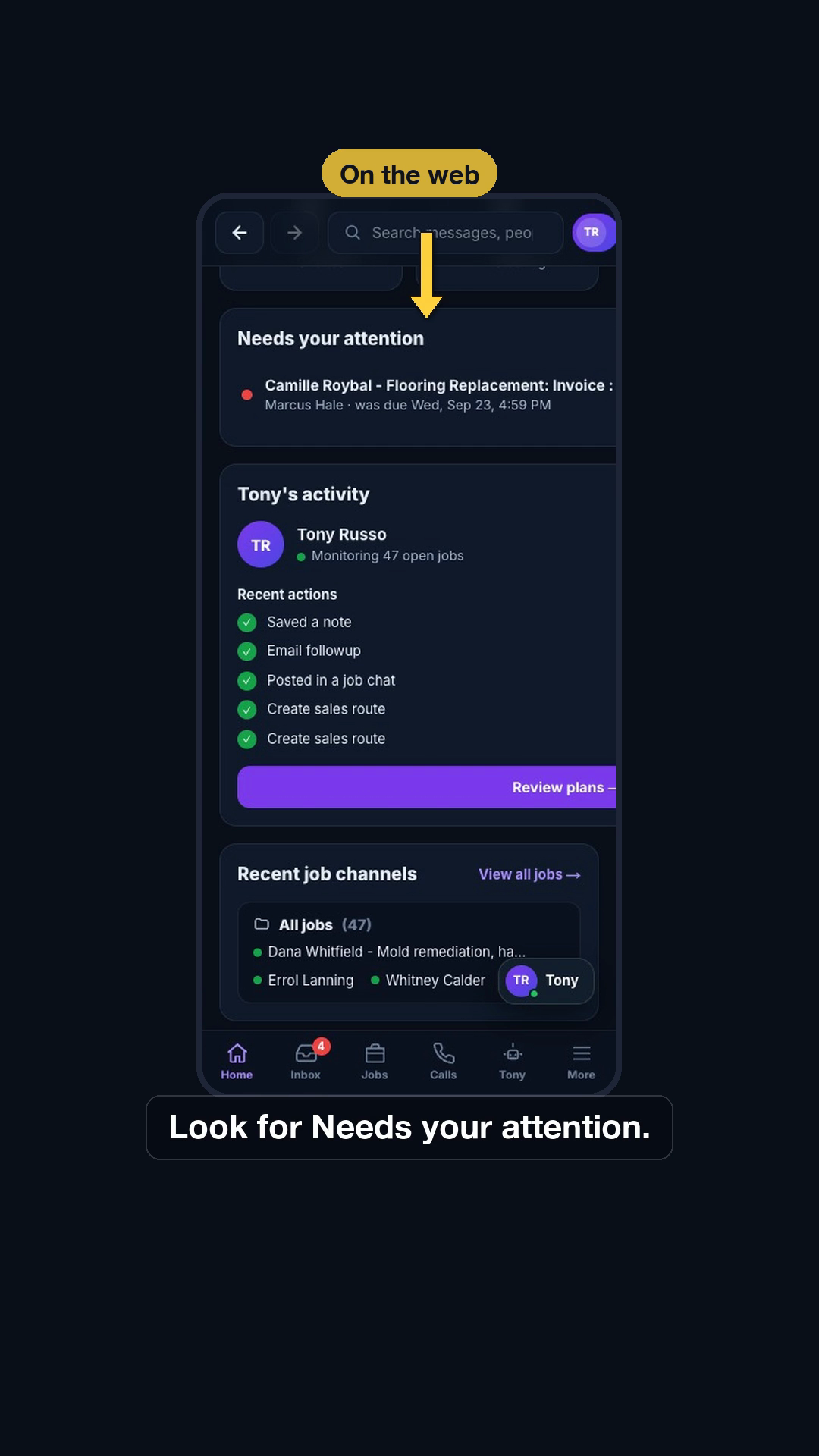
Help Center › Jobs & Projects
Send a customer message from a job
A 30-second how-to with the steps and screenshots below.
In this guide
- 1Open Customer messages on the job.
- 2Check the customer and the company line.
- 3Write your customer update.
- 4Send the text from the company line.
- 5Check the message and sending status.
1Open Customer messages on the job
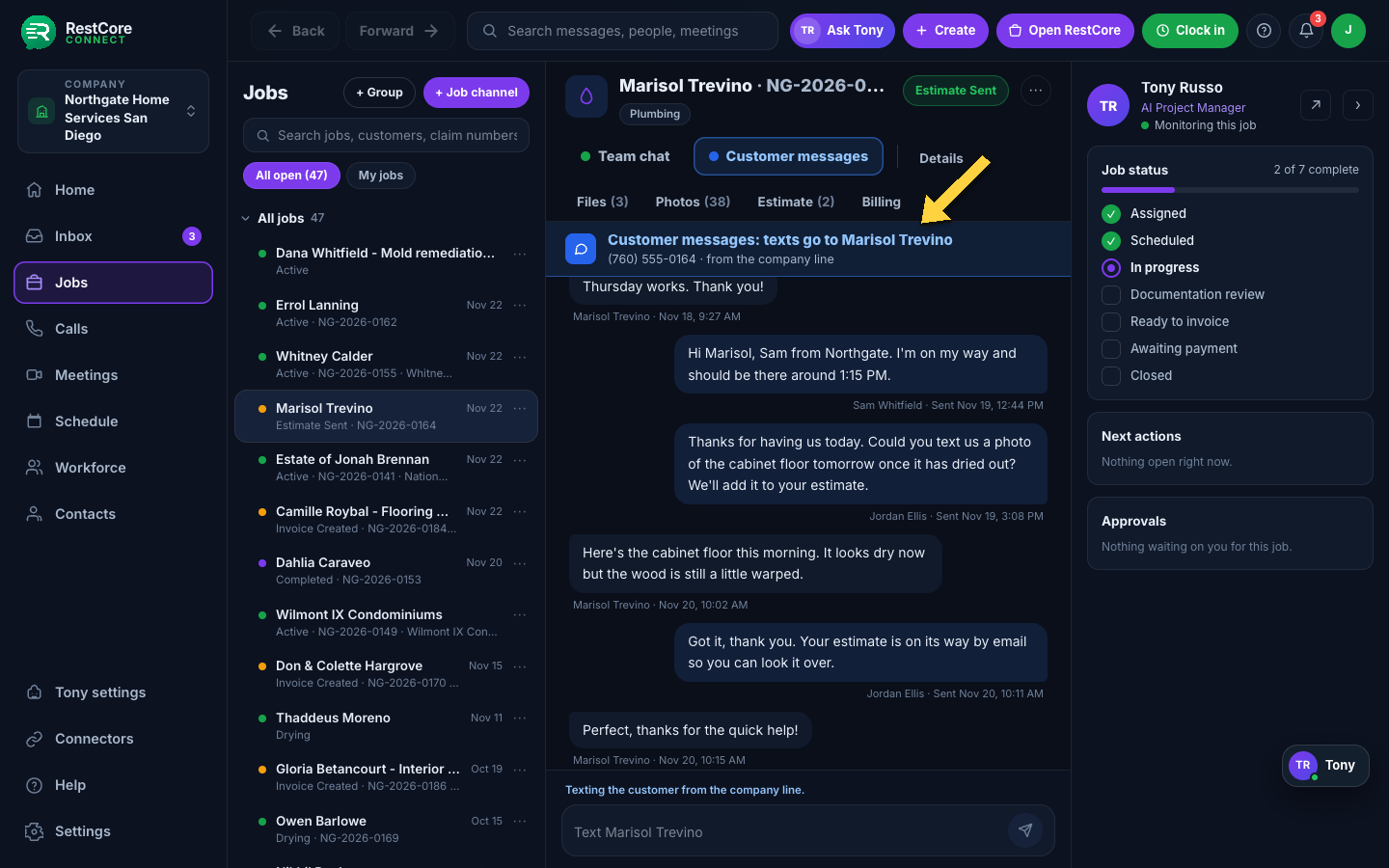
2Check the customer and the company line
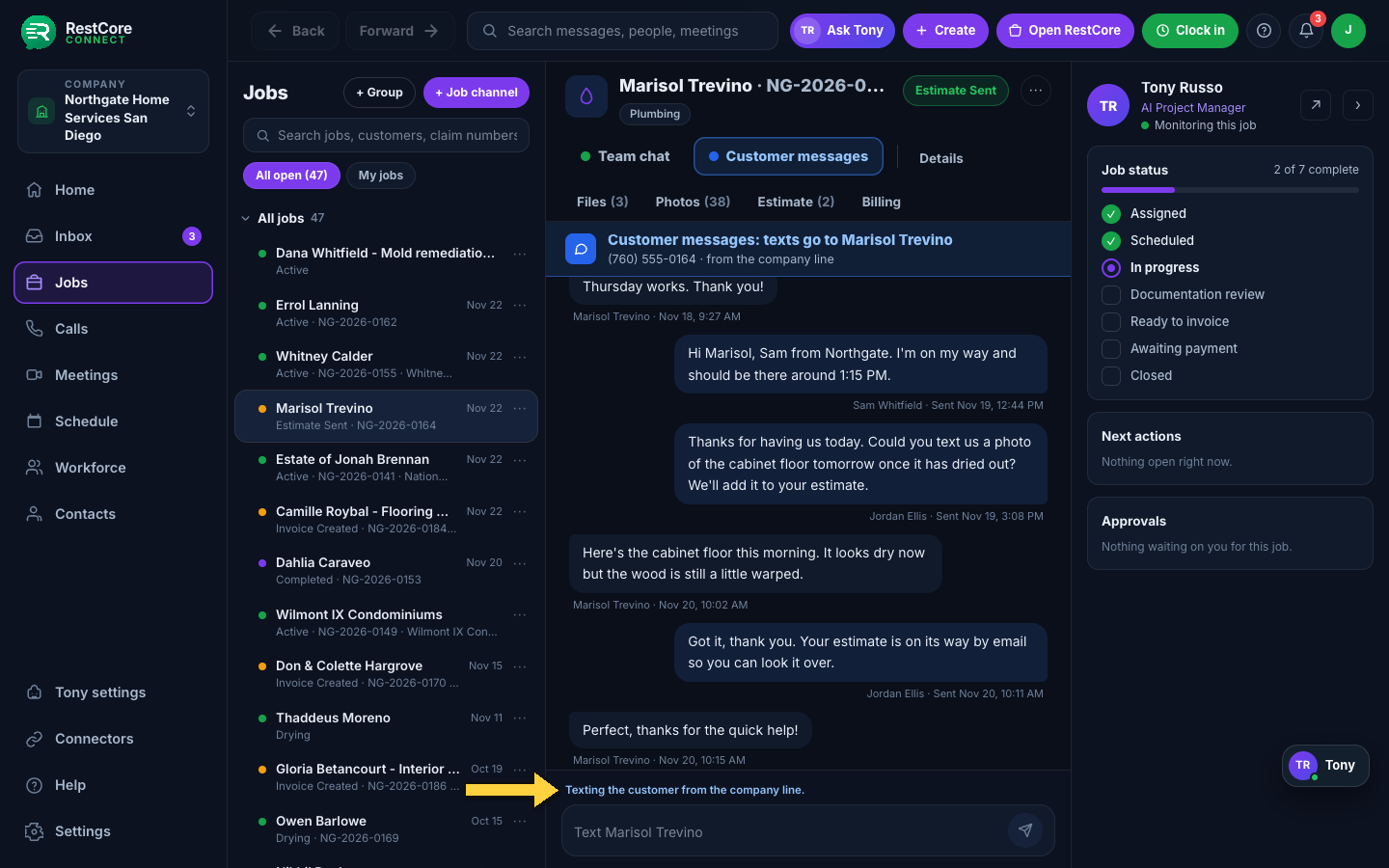
3Write your customer update
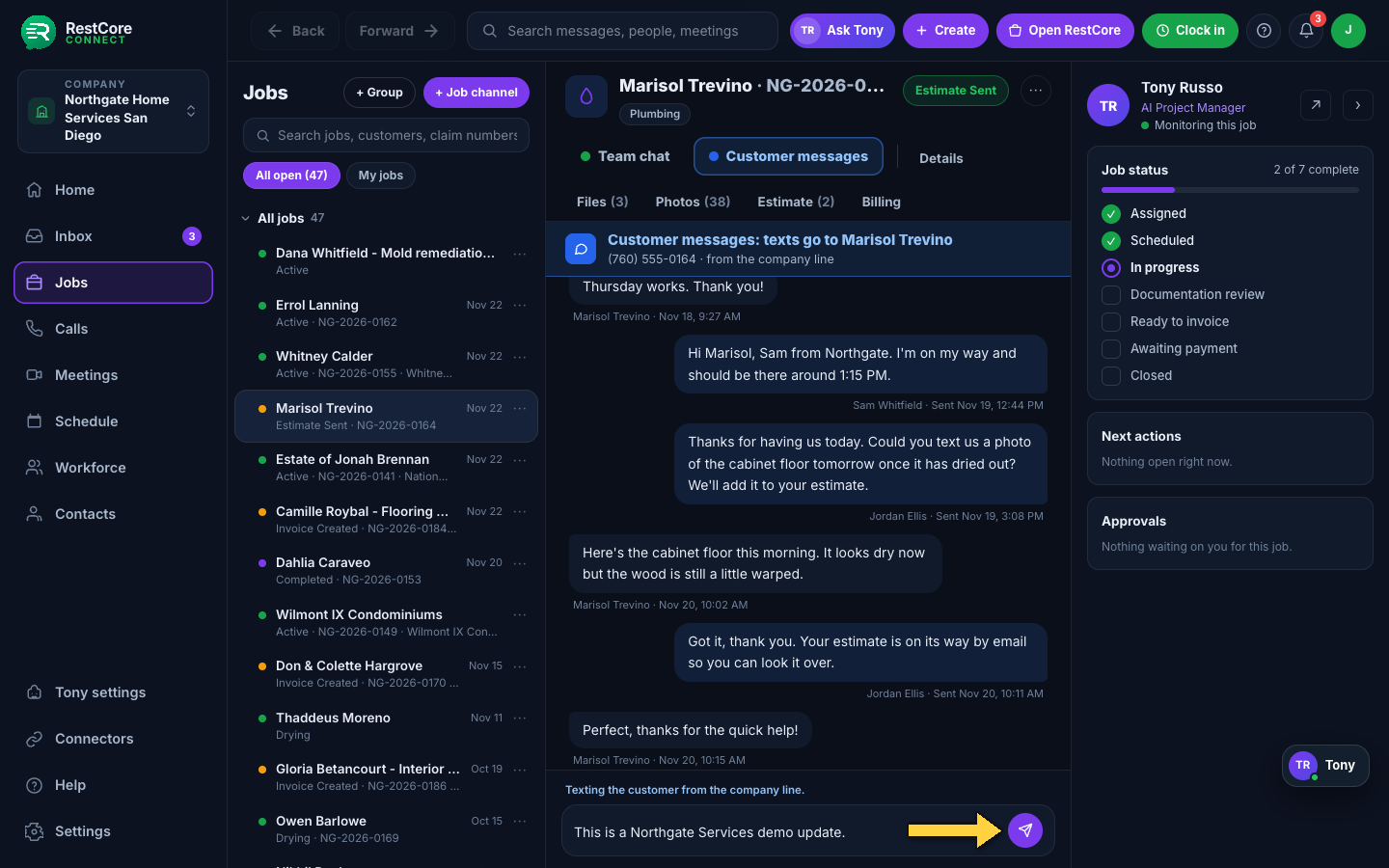
4Send the text from the company line
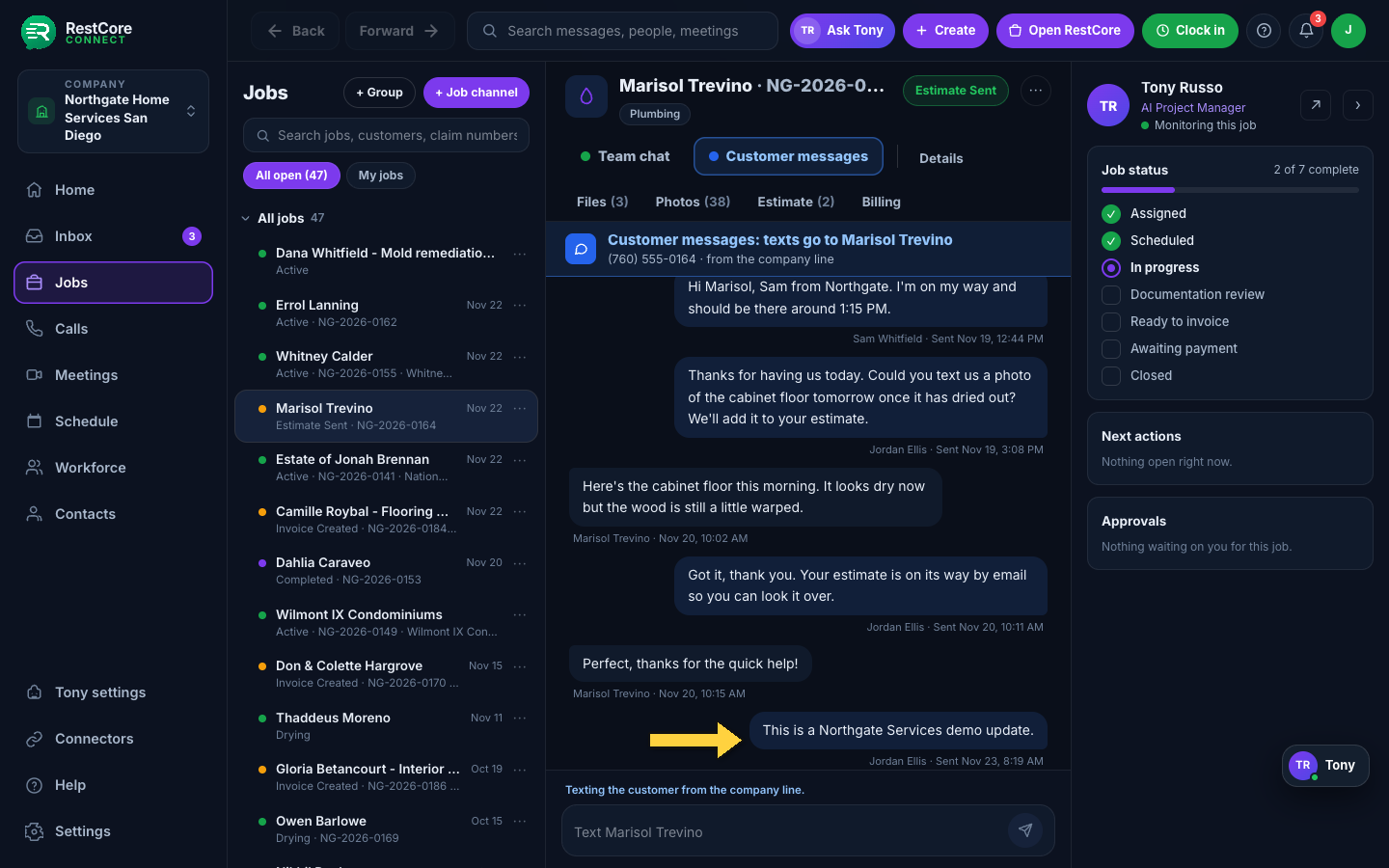
5Check the message and sending status
Was this helpful?